=
I used to call this the “Digital Sunday Scaries,” even though it technically happened on Monday. It felt like trying to cook a five-course meal in a kitchen that hadn’t been cleaned in three weeks. In my Austin apartment, I make it a point to reset my physical space every Sunday evening—wiping down the counters after a sourdough bake and clearing the mail from the entryway. But for years, I ignored my digital space, and I paid for it in brain fog and missed deadlines.
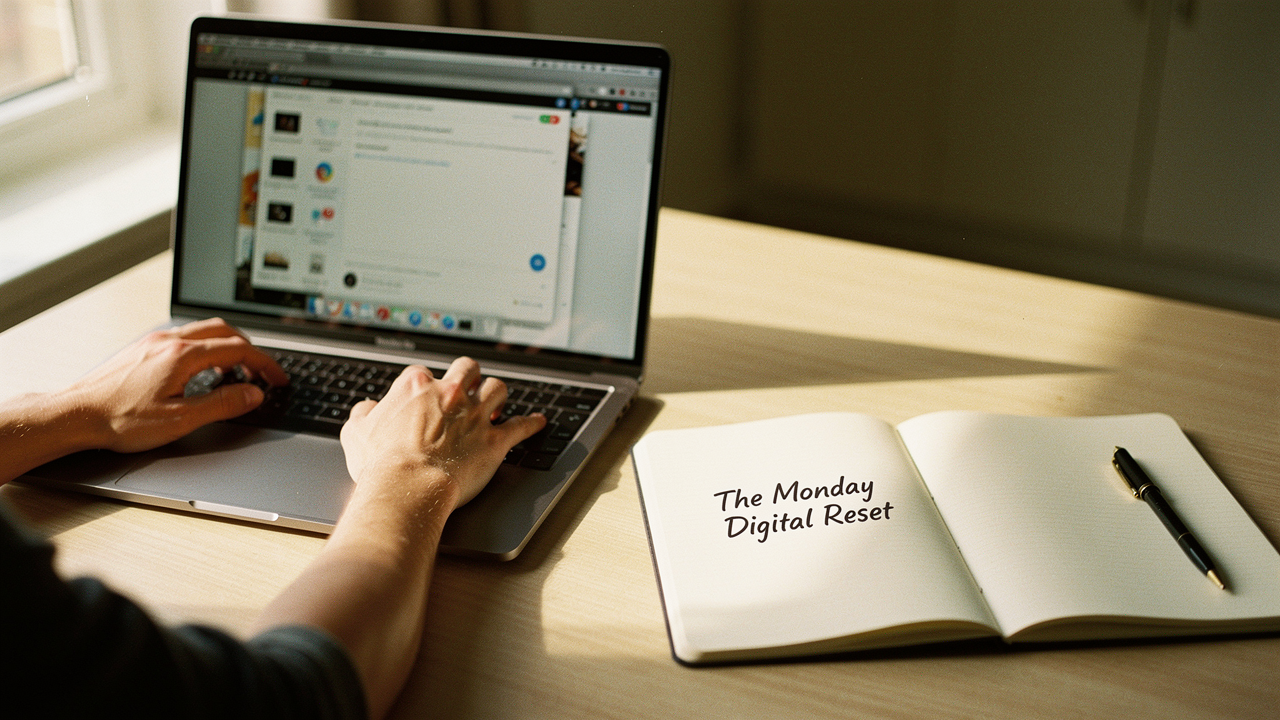
What I found was that digital clutter is a silent productivity killer. That’s why I developed the Monday Digital Reset. It’s a 20-minute, high-ROI ritual that treats your digital workspace with the same respect as your physical home. When your environment supports you, everything else flows better.
The Hidden Tax of Digital Clutter on Your Brain
Here’s the thing about digital clutter: just because you can’t trip over it in the hallway doesn’t mean it isn’t taking up space. Research from the Cleveland Clinic shows that digital clutter triggers the same stress and anxiety responses as physical mess, largely because it creates a sense of being “always on” and overwhelmed [1].
Every time you look at a disorganized desktop, your brain has to perform a micro-calculation to ignore the irrelevant files. It’s exhausting. According to Microsoft, 57% of office workers say that one of their top three frustrations is simply trying to find the files they need to do their jobs [2]. We aren’t just losing files; we’re losing our mental energy.
Decision Fatigue and the ‘Search’ Penalty
I’ll admit it—I was skeptical at first that a few stray downloads could hurt my focus. But what surprised me was the “search penalty.” Every minute you spend hunting for a “Final_Final_v2.docx” is a minute you aren’t in a flow state. This leads to decision fatigue before noon. When you start your week by wading through digital debris, you’re using up your best cognitive gold on maintenance rather than creation.
Introducing the Monday Digital Reset Method
The Monday Digital Reset isn’t a three-hour deep clean. It’s a time-boxed, 20-minute productivity method designed to clear the path for the week ahead. It’s the digital equivalent of sharpening your knives before you start chopping.
I drew inspiration from David Allen’s “Getting Things Done” (GTD) weekly review [3] and Tiago Forte’s PARA method (Projects, Areas, Resources, Archives). The goal is to move from chaos to a “High Lifestyle ROI” workspace where every tool has a purpose and every file has a home.
The 20-Minute Routine: Step-by-Step Instructions
I recommend setting a timer. Seriously. Use your phone or a kitchen timer and give yourself five minutes for each of these three phases.
Phase 1: The Visual Purge (Desktop & Downloads)
Think of your desktop and your downloads folder as the “landing strips” of your digital life. Things land there, but they shouldn’t live there.
- Delete: Be ruthless. If it’s a screenshot from last Tuesday that you no longer need, trash it.
- Archive: If you’re done with a project but need the records, move it to an “Archives” folder.
- File: Use a simple three-level hierarchy. For example: Work > Projects > [Project Name].
Phase 2: The Communication Triage (Inbox Zero-ish)
Let’s be real—Inbox Zero is a beautiful dream that often feels out of reach. In this phase, we aren’t trying to answer every email. We’re clearing the “notification clutter.”
- The Unsubscribe Sweep: Use the search term “unsubscribe” and get rid of at least three newsletters that no longer spark joy.
- Mass Archive: If an email is older than two weeks and you haven’t touched it, archive it. If it was truly important, they’ll follow up.
- Quick Wins: Spend the remaining two minutes replying to anything that takes less than 60 seconds.
Phase 3: The Tab & App Audit
I ignored this for years, but “tab hoarding” is a real thing. Every open tab is an “open loop” in your brain.
- Close All: Yes, all of them. If you’re afraid to lose something, use a bookmark tool.
- Quit Apps: Fully quit any applications that aren’t essential for your first task of the day.
- Update: If there’s a nagging “Update Available” notification, just do it now.
Tools to Automate Your Digital Hygiene
While the habit is what matters most, the right digital organization system can act as a force multiplier. I’ve tested dozens of tools over the last decade, and these are the two that genuinely help me maintain my calm.
I struggled for years with “digital scrap” syndrome—random ideas in my phone’s notes app, checklists on paper, and project plans in my head. It was a disjointed mess that made my Monday resets take an hour instead of twenty minutes. I eventually moved everything into a single, unified workspace that allows me to categorize my life using the PARA method effortlessly. This shift didn’t just organize my files; it organized my thoughts.
- The real win here: A single source of truth that turns digital noise into a structured library.
If you’re working in a hybrid or remote setting, the “where is that file?” game is the biggest time-sink of all. I used to keep everything on my local hard drive, which was fine until I needed to collaborate or my laptop decided to take a spontaneous “nap.” I found that moving my entire ecosystem to a cloud-based storage system with robust search operators changed everything. Now, my Monday Reset involves zero searching because the “search” function actually works across my docs, sheets, and emails.
- The game-changer: Seamless collaboration and a search function that actually finds what you’re looking for.
Tailoring Your Loadout: Who Benefits Most?
Different digital lives require different cleanup styles. Here is how I suggest segmenting your Monday Reset based on your “Digital Persona”:
The Minimalist Remote Worker (Small Spaces)
You work from a home office or a coffee shop and hate visual noise.
- Essential: A high-quality cloud storage system to keep local drives empty.
- Essential: A “Clean My Mac” or “CCleaner” tool to automate cache clearing.
- Pro Upgrade: A dedicated “To-Process” folder on your desktop for daily mid-day dumps.
The Power User (Multiple Projects)
You’re managing several clients or complex projects simultaneously.
- Essential: Use “Tab Groups” in your browser to separate project-specific research.
- Essential: A robust project management tool like Notion or Asana.
- Pro Upgrade: Automated email filters that sort newsletters into a “Read Later” folder.
Common Pitfalls (And How to Avoid Relapse)
The most common reason people fail at a digital organization system is that they treat it like a “Spring Cleaning”—a massive, once-a-year event. That approach is a recipe for burnout.
What finally clicked for me was the concept of Habit Stacking. I do my Monday Digital Reset while my first cup of coffee is brewing. By the time the coffee is ready, my screen is clear. It’s an “implementation intention” that makes the routine feel like a treat rather than a chore.
If you miss a Monday, don’t beat yourself up. Just do a “Mini Reset” on Tuesday. The goal is consistency, not perfection.
Frequently Asked Questions
How long should a Monday digital cleanup take?
For a sustainable habit, keep it to 20 minutes. If you have years of backlog, don’t try to fix it all in one Monday. Do your 20 minutes of maintenance, then schedule one separate hour on a Saturday for the deep archive work.
What’s the difference between digital decluttering and digital hoarding?
Digital decluttering is the active process of curation—keeping what serves you and removing the rest. Digital hoarding is the compulsive accumulation of data (emails, photos, files) to the point where it causes distress or impairs your ability to work [4]. If you feel a genuine “fear” at the thought of deleting a blurry photo from three years ago, you might be leaning toward hoarding.
Disclaimers: This post contains affiliate links for productivity tools I personally use and love to keep my digital life in check. Using these links helps support “Best Goods for Good Life” at no extra cost to you.
References
- Cleveland Clinic. (2024). Clearing Out Digital Clutter for Mental Health. https://newsroom.clevelandclinic.org/2024/01/24/clearing-out-digital-clutter
- Microsoft 365. (2023). 11 Ideas for How to Organize Digital Files. https://www.microsoft.com/en-us/microsoft-365/business-insights-ideas/resources/11-ideas-for-how-to-organize-digital-files
- Asana. (2024). The Weekly Work Plan: How to Plan Your Week Successfully. https://asana.com/resources/weekly-work-plan
- Wikipedia. (2024). Digital Hoarding: Psychological Perspectives and Research. https://en.wikipedia.org/wiki/Digital_hoarding