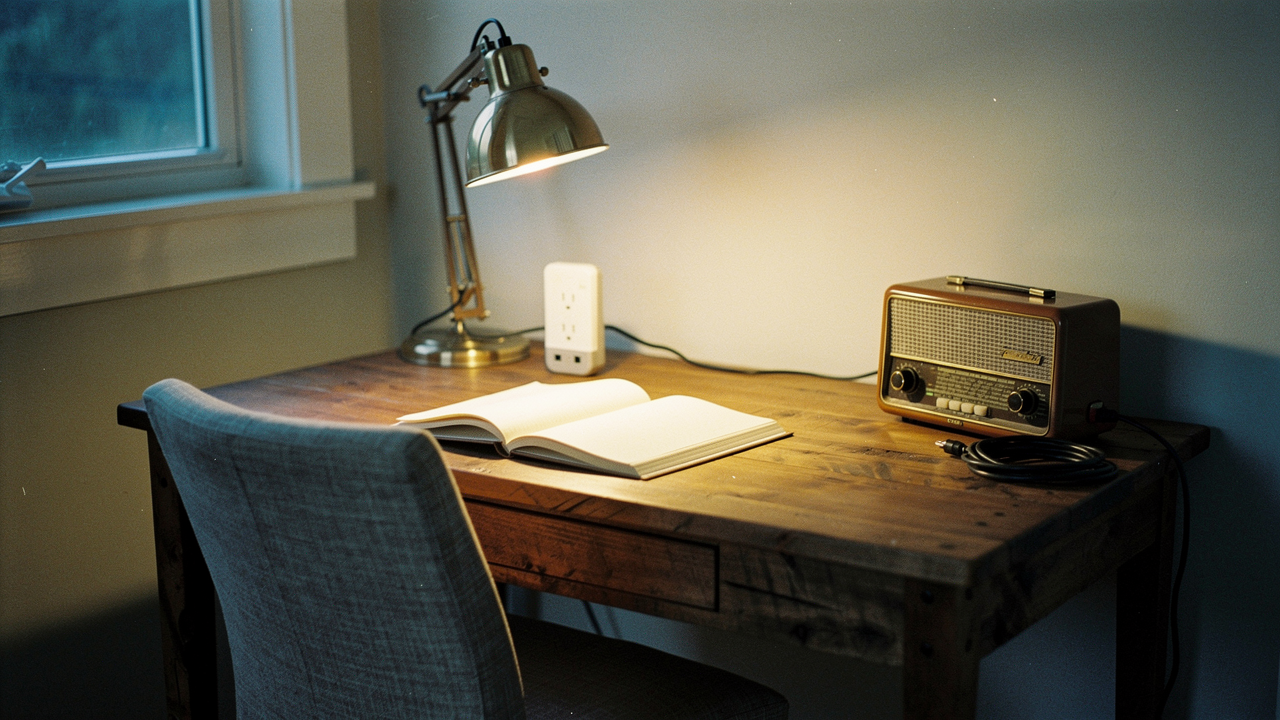
As someone who obsesses over what I call “High Lifestyle ROI,” that hit me hard. Living well isn’t just about the aesthetic of a Sunday morning sourdough bake; it’s about making sure your environment supports your life without draining your bank account (or the planet).
Enter the smart plug. In 2026, these aren’t just “gadgets” for tech nerds anymore. They are the energy-saving sentinels of a modern, intentional home. But here’s the thing: not every appliance belongs on one. In this guide, I’m going to walk you through the 2026 landscape of Matter and Thread, show you how to hunt down those vampire loads, and—most importantly—tell you exactly when you should walk away for safety’s sake.
The 2026 State of the Smart Home: Why Matter and Thread Change Everything
If you tried smart home tech a few years ago and gave up because of “app fatigue” or devices that refused to talk to each other, I hear you. It was frustrating. But 2026 has been a turning point.
The Connectivity Standards Alliance (CSA) has finally stabilized the Matter protocol, which is basically a universal language for smart devices [1]. Whether you use Alexa, Google Home, or Apple HomeKit, a Matter-enabled smart plug just works.
What surprised me most this year was the shift toward Thread. Instead of every single plug clogging up your Wi-Fi router, Thread allows your devices to create a mesh network among themselves. According to benchmarks from PCMag, this means faster response times and much higher reliability for those of us with 20+ connected items [2]. If you’re buying today, looking for that “Matter” logo is the ultimate way to future-proof your space.
The Green Flags: When You Absolutely Should Use a Smart Plug
When people ask me where to start, I always suggest looking for the “micro-frictions” in your day. Here is where smart plugs offer the highest Lifestyle ROI:
- Daily Comfort: Set your bedside lamp to a soft glow at 7:00 AM or ensure your office fan is running before you sit down for your first Zoom call.
- Security & Peace of Mind: Using “Away Mode” to randomize your lights. House-Mate Automation highlights this “mock occupancy” as one of the simplest ways to deter burglars while you’re hiking in the Hill Country for the weekend.
- The “Dumb” Coffee Maker: If you have a high-quality drip machine with a physical on/off switch, a smart plug lets you prep it the night before and wake up to the smell of fresh beans without buying a $500 “smart” brewer.
- Seasonal Magic: No more crawling under the Christmas tree or reaching behind dusty porch planters to unplug holiday lights.
Slaying the Vampire: Eliminating Phantom Loads
The real win, though, is the energy audit. Research from the Lawrence Berkeley National Laboratory shows that standby power accounts for 5% to 10% of total residential electricity use [4].
Think about your media console. Even when the TV is “off,” the game console, the soundbar, and the streaming box are all sitting there, idling, waiting for a signal. By putting that entire power strip on a smart plug and scheduling it to cut power completely from 12:00 AM to 7:00 AM, you’re stopping that leak at the source.
The Red Flags: Devices You Should Never Put on a Smart Plug
Here’s where I need to be the honest friend: smart plugs have limits. Most consumer smart plugs are UL-listed for a 15-amp maximum load [3]. If you push them past that, you aren’t just risking a blown fuse—you’re risking a fire.
Never use a smart plug with these devices:
- Space Heaters: These draw massive amounts of current. The constant cycling on and off can melt the plastic casing of a standard smart plug.
- Refrigerators or Freezers: If your Wi-Fi glitches or the plug fails, you lose hundreds of dollars in groceries. The risk far outweighs the $2/year in energy savings.
- Medical Equipment: Never, ever put a CPAP machine, oxygen concentrator, or any life-support device on an automated switch.
- Large Appliances: Washing machines, dryers, and dishwashers usually exceed that 15-amp safety threshold and often have digital “soft” buttons that won’t actually turn back on when the power is restored anyway.
The ROI Audit: Using Energy Monitoring to Save $165+ Yearly
If you’re feeling bill shock lately, you aren’t alone. NRDC reports that the average household wastes about $165 per year on idle load [5]. But you don’t have to guess where your money is going.
I recommend doing a “Rotating Audit.” Take one smart plug with energy monitoring and move it around your house every week. Plug it into the toaster oven, then the gaming PC, then the dehumidifier.
You can use this simple formula from Direct Energy to see the damage: (Appliance Wattage × Hours Used Per Day) / 1,000 = Daily kWh [4].
Once you see that your 10-year-old “backup” fridge in the garage is costing you $20 a month, the decision to replace it (or just get rid of it) becomes a lot easier.
Jordan’s Top Picks: The Best Smart Plugs for 2026
I’ve tested dozens of these in my own home, and two consistently stand out for their reliability and ease of use.
The All-Rounder: TP-Link Kasa EP25
Let’s be real: I used to spend way too much time wondering if I’d left the hair straightener on after rushing out the door. That low-level anxiety is the opposite of a “Good Life.” I started looking for a plug that was small enough to not block the second outlet but smart enough to tell me exactly how much energy I was using in real-time.
What sold me on the Kasa EP25 was how it handled my “Sunday Reset.” I have a routine where my living room lamps and air purifier all sync up to create a calm, clean environment. It’s Matter-certified, so it hasn’t dropped off my network once, which is a rare feat for Austin’s sometimes-spotty Wi-Fi.
Micro-Verdict: The most reliable, “set-it-and-forget-it” plug for anyone who wants Apple HomeKit and energy monitoring in a compact design.
The Data Scientist’s Dream: Emporia Smart Plug
I’ll admit it—I was skeptical at first about whether I really needed “granular” data for my appliances. But then my electric bill spiked in July, and I couldn’t figure out why. I picked up the Emporia because it’s famous for its deep-dive energy charts.
The journey was eye-opening. I plugged it into my old home office setup and discovered my “sleep mode” monitor was actually drawing nearly as much power as when I was using it. The Emporia app gave me beautiful, easy-to-read graphs that allowed me to set a schedule to kill the power entirely at night.
Micro-Verdict: The gold standard for energy nerds who want to visualize every cent of their electricity spend.


Setup & Troubleshooting: From Box to Automation in 5 Minutes
Most “smart” frustrations happen during the first five minutes. Here is my quick-start checklist for a stress-free setup:
- Check Your Bandwidth: Most smart plugs still require a 2.4GHz Wi-Fi band. If your phone is on 5GHz, you might have trouble pairing. Temporarily switch your phone to the 2.4GHz band during setup.
- Firmware First: The very first thing you should do after pairing is check for an update in the app. This fixes 90% of connectivity bugs.
- Mind the Standby: Remember that the smart plug itself uses a tiny bit of power to stay connected—usually about 1 to 2 watts [6]. This is negligible compared to the 50+ watts a TV might waste, but it’s good to keep in mind.
- Offline Behavior: If your internet goes down, will your lamp stay on or off? Check the settings in your app to choose the “Power-On State” so you aren’t left in the dark after a brief outage.
Persona Loadout: The Energy-Conscious Renter
You might not be able to install solar panels or a Nest thermostat, but you can still optimize your space.
- Essential: Three TP-Link Kasa EP25 plugs for the media center and bedroom lamps.
- Essential: One Emporia Smart Plug for the most suspicious appliance (usually the window AC or space heater).
- Pro Upgrade: A Matter-enabled Hub (like a HomePod Mini or Nest Hub) to bridge everything together for voice control.
Starting your “vampire hunt” doesn’t have to be overwhelming. Grab one or two plugs, put them on your most-used electronics, and just watch the data for a week. You might be surprised at how much “Good Life” you can fund just by cutting out the waste.
Drop a comment below: What’s the weirdest thing you’ve ever automated? And if you found this guide helpful, check out our 2026 Smart Lighting breakdown.
***
Suggested Disclaimers: Always consult a licensed electrician before connecting high-wattage appliances to smart plugs. This article contains affiliate links, which helps support our curated research at no extra cost to you.
References & Authoritative Sources
- Connectivity Standards Alliance (2026). Matter Protocol Specifications and Device Interoperability Guide. https://csa-iot.org/all-solutions/matter/
- PCMag (2025). The Best Smart Plugs and Power Strips for 2026. https://www.pcmag.com/picks/the-best-smart-plugs-and-power-strips
- New York Times Wirecutter (2026). The 5 Best Smart Plugs. https://www.nytimes.com/wirecutter/reviews/best-smart-switch/
- U.S. Department of Energy (2025). Estimating Appliance and Home Electronic Energy Use. https://www.energy.gov/energysaver/estimating-appliance-and-home-electronic-energy-use
- NRDC (2015/2025). Home Idle Load: Devices Wasting Huge Amounts of Electricity. https://www.nrdc.org/resources/home-idle-load-devices-wasting-huge-amounts-electricity-when-not-active-use
- Meteor Electrical (2025). Do Smart Plugs Save Energy? Standby Power Analysis. https://www.meteorelectrical.com/blog/do-smart-plugs-save-energy.html