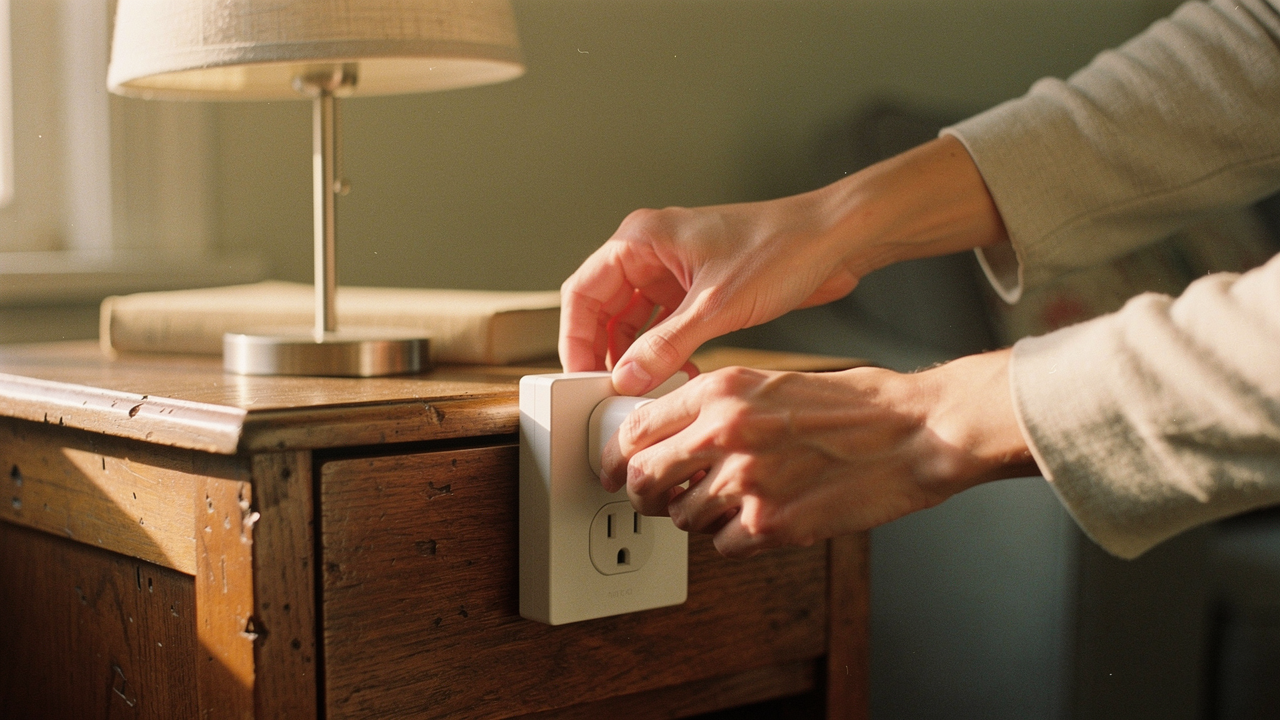
That specific moment of panic is exactly why I started looking into home optimization a decade ago. In my world, “High Lifestyle ROI” isn’t about filling your home with gadgets for the sake of it; it’s about choosing a few smart tools that give you back your peace of mind. Smart plugs are the ultimate example of this. They are affordable, incredibly versatile, and—when used correctly—the easiest way to make your daily routine feel more intentional.
In this guide, we’re going to cut through the tech jargon of 2026. We’ll talk about where these little plugs shine, where they are actually dangerous, and how to set them up so they actually work the first time.
What is a Smart Plug? (2026 Tech Essentials)
If you’re new to the smart home world, think of a smart plug as a bridge. It’s a small adapter that sits between your wall outlet and your “dumb” appliances—the things that just have a physical on/off switch. By plugging your lamp, fan, or coffee maker into a smart plug, you suddenly have the power to control that device from your phone, your voice assistant, or through a schedule you’ve created.
What makes 2026 different is a standard called Matter. If you’ve ever felt the “home automation confusion” of trying to figure out if a plug works with Alexa, Google Home, or Apple Home, Matter is the solution. It’s an interoperability standard that ensures your devices “talk” to each other regardless of the brand [4]. According to experts at PCMag, smart plugs remain the “cheapest entry point” to home automation because they require zero rewiring and provide instant results [5].
Safety First: When You Should NEVER Use a Smart Plug
Before we get to the fun automation recipes, we have to talk about the “Red Lines.” As a lifestyle curator, I’m all about aesthetics and flow, but safety is the foundation of a “Good Life.”
I learned this the hard way when I was testing a new sourdough proofing setup. I wanted to automate a small heating element to keep my starter at the perfect temperature, but I quickly realized that many smart plugs aren’t rated for heavy-duty heating. Most consumer smart plugs are rated for 10A to 15A (roughly 1,200 to 1,800 watts) [2]. Pushing them past that limit is a fire hazard, plain and simple.
The National Electrical Code (NEC) emphasizes that we should never exceed the maximum load of our household circuits, and that includes the “middle man” plug [3]. Amazon’s own safety guidance is very clear: never use smart plugs with appliances where unsupervised operation could be dangerous [5].
The ‘Do Not Plug’ List
- Space Heaters: These draw massive amounts of current and are the leading cause of smart plug meltdowns.
- Air Conditioners (over 15,000 BTU): High-capacity window units draw more than a standard 15A plug can safely handle.
- Medical Equipment: Never put life-saving devices (like CPAP machines or oxygen concentrators) on a smart plug that could lose Wi-Fi connection.
- High-Wattage Coffee Boilers: While a standard drip machine is fine, some high-end espresso machines with massive boilers can spike past the safety rating.
- Stoves and Toaster Ovens: Anything that gets red-hot should be manually operated only.
High ROI Smart Plug Uses for 2026
When a product passes my “Good Life Test,” it means it solves a real problem and sparks joy in my routine. Here is how I’m currently using smart plugs in my Austin apartment to create a more supportive environment.
One of my favorite “High ROI” wins is my morning coffee routine. I love the smell of fresh coffee the second my eyes open, but I don’t love waiting for the machine to warm up while I’m trying to do my morning yoga.
I used to fumble around in the dark every morning, waiting for my vintage-style drip machine to finally finish brewing. I tried those built-in timers, but they were a nightmare to program and never seemed to keep the right time. Then I discovered the Kasa Smart Plug. It changed everything. Now, I prep the water and grounds the night before, and the plug is scheduled to click “on” exactly five minutes before my alarm goes off.
Micro-Verdict: The ultimate morning ritual upgrade for under $20.
Beyond coffee, here are some other ways to use them:
- The “Vacation Mode”: Schedule your living room lamps to turn on and off at slightly different times each evening to make it look like someone is home.
- Outdoor String Lights: Use a weather-rated smart plug for your patio lights. No more crawling behind the bushes to plug them in when friends come over.
- Recharge Station: I have my trail-running headlamp and power banks on a plug that only turns on for three hours at night, preventing “vampire” charging once they are full.
- Seasonal Joy: Christmas trees and holiday garlands are the perfect candidates for smart plugs. You can turn the whole house “festive” with one voice command.
How to Save Money: Energy Saving Automation
We all hate that feeling of opening a utility bill that’s $40 higher than expected. Often, that “energy waste” isn’t coming from the big stuff—it’s the “vampire loads” from electronics that are “off” but still drawing power.
The Alliance to Save Energy (ASE) notes that these idle loads can account for a significant portion of your monthly bill [1]. By using a smart plug with energy monitoring, you can actually see exactly which devices are the “hogs.”
For example, I found that my entire home office setup (monitor, standing desk, speakers, and printer) was drawing nearly 15 watts even when I wasn’t working. By automating that power strip to shut off completely at 7:00 PM and wake up at 8:00 AM, I’m saving roughly 10-15% on that specific outlet’s consumption [1].
Buying Guide: Features to Insist on in 2026
If you’re asking, “Should I buy a smart plug in 2026?” the answer is a resounding yes—but only if you look for two specific features: Matter Compatibility and Energy Monitoring.
Top Recommendations for Every Persona
- The Budget Starter: Look for the TP-Link Kasa EP25. It’s reliable, slim enough that it doesn’t block the second outlet, and works with almost everything.
- The Apple Home Enthusiast: The Eve Energy plug is my top pick here. It uses “Thread” technology, which is faster and more reliable than Wi-Fi for Apple users.
- The Energy Data Geek: Any plug that offers “Runtime Reports” is a win. You’ll want to see your usage in kWh to truly understand your savings.
For my home, I needed something that could give me hard data on my energy usage because I was determined to lower my carbon footprint this year. I spent weeks researching plugs that didn’t require a separate hub and finally landed on the Eve Energy. It’s beautifully designed (minimalist win!) and the app gives me beautiful graphs of my power consumption.
Micro-Verdict: The gold standard for anyone serious about tracking their home’s energy footprint.
Step-by-Step: Setting Up Your First Smart Plug
Don’t let “home automation confusion” stop you. Most modern plugs are designed for a “plug-and-play” experience. Here is my Sunday-morning-easy checklist for getting started:
- Check your Wi-Fi: Most smart plugs still run on the 2.4GHz frequency. Make sure your phone is connected to 2.4GHz (not 5GHz) during the initial setup.
- The QR Code is King: In 2026, most Matter-enabled plugs have a tiny QR code on the side. Open your Home or Alexa app, hit “Add Device,” and scan that code. It usually takes less than 30 seconds.
- Think in ‘Triggers and Actions’: This is the CNET model for a smart home. A Trigger is “at 10:00 PM” or “when I leave the house.” The Action is “turn off the smart plug.”
- Standardize Your Names: Don’t just name it “Plug 1.” Name it “Living Room Lamp” so you don’t have to guess when you’re using voice commands.
If things get glitchy, remember the “Avtek Pattern”: Reboot the plug, reset it to factory defaults (usually by holding the power button for 10 seconds), and check your Wi-Fi signal strength [5].
Living well isn’t about having a house full of robots. It’s about using small, thoughtful tools like smart plugs to remove the friction from your day. Start small—maybe just one plug for your bedside lamp—and see how much lighter it feels when your home starts supporting your flow instead of interrupting it.
Let’s make every day a little better, together.
Electrical Safety: This guide is for informational purposes. Always check your appliance’s wattage against your smart plug’s rated capacity. When in doubt, consult a licensed electrician.
References
- Alliance to Save Energy (ASE). (2025). 10 Energy-Wasting Habits at Home and How to Fix Them. https://www.ase.org/blog/10-energy-wasting-habits-home-and-how-fix-them
- UL Standards. (2024). Electrical Safety for Smart Devices: Understanding Load Ratings. https://www.ul.com/
- National Fire Protection Association. (2023). National Electrical Code (NEC) – Household Load Management Guidelines. https://www.nfpa.org/codes-and-standards/all-codes-and-standards/list-of-codes-and-standards/detail?code=70
- Connectivity Standards Alliance (CSA). (2025). Matter 1.3 Interoperability Standards and Smart Home Adoption. https://csa-iot.org/all-solutions/matter/
- PCMag. (2026). The Best Smart Plugs and Power Strips for 2026. https://www.pcmag.com/picks/the-best-smart-plugs-and-power-strips