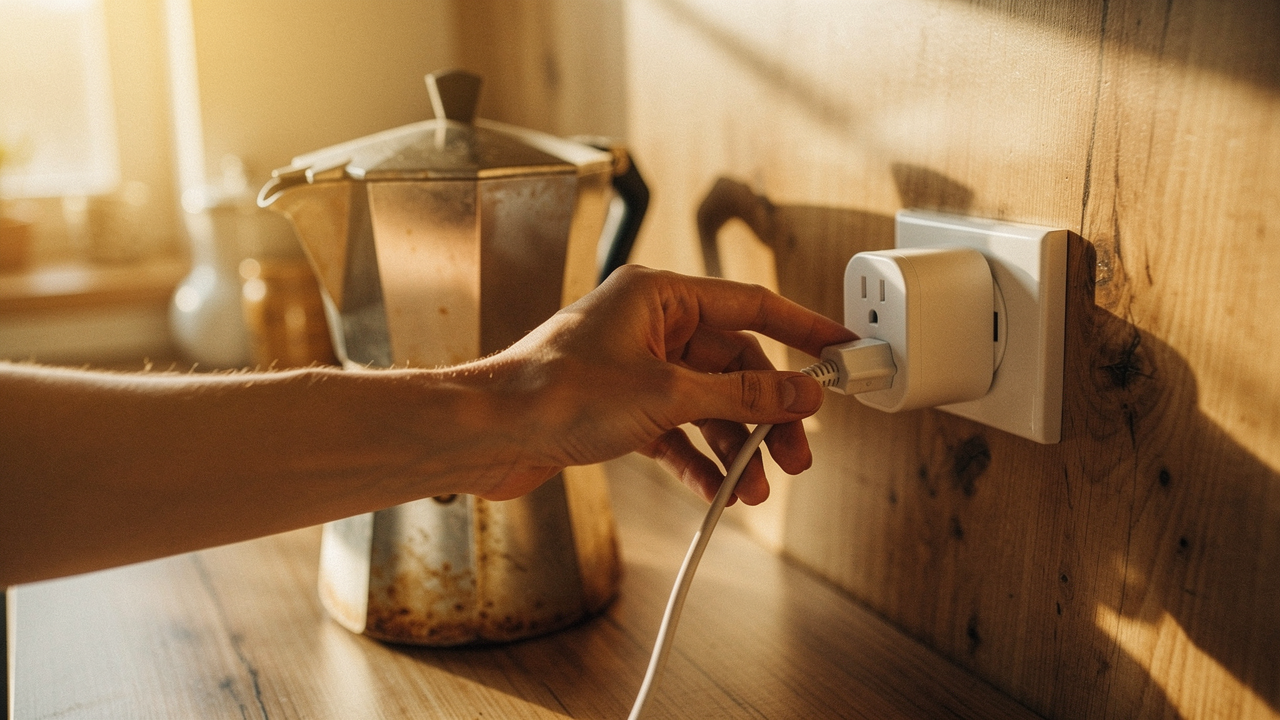
Here’s the thing: most of us are living with “vampires.” According to Green America, the average US home leaks about 50 watts of power from small appliances and electronics that are “off” but still plugged in [1]. That adds up to roughly $3 billion in wasted energy across the country every year.
As a lifestyle curator, I’m obsessed with what I call High Lifestyle ROI. I want products that do more than just look pretty—they need to solve a real problem, last for years, and spark genuine joy in your daily routine. Smart plugs are the $20 fix for a $200 problem, but only if you use them correctly. In 2026, the landscape has shifted, and it’s finally easier than ever to make your home work for you.
Smart Plugs in 2026: Why Everything Changed
If you tried smart home tech a few years ago and gave up because of the “ecosystem wars,” I hear you. It used to be a headache—buying one plug for Alexa and another for Apple Home. But 2026 is the year we finally moved past that frustration.
The Matter Revolution: One Plug to Rule Them All
What changed everything was Matter. It’s a universal language for smart devices backed by the Connectivity Standards Alliance (CSA) [2]. Now, when you buy a smart plug with the Matter logo, it doesn’t care if you use an iPhone, a Google Nest hub, or an Amazon Echo. It just works. This interoperability has finally made smart plugs a “buy once, use forever” investment rather than a tech gamble.
Thread vs. Wi-Fi: Which Should You Choose?
In my Austin home, I’ve transitioned most of my critical plugs to Thread. Think of Thread as a well-marked hiking trail: instead of every device trying to shout all the way back to your router (Wi-Fi), they talk to each other to find the fastest path. This makes your connection incredibly stable and keeps your Wi-Fi from getting “clogged” by twenty different plugs. PCMag’s latest benchmarks show that Thread-enabled plugs respond almost instantly compared to the slight lag we used to see with budget Wi-Fi models [3].
When You Should Use a Smart Plug: High-ROI Scenarios
The goal of home optimization isn’t just to have gadgets; it’s to remove friction from your life. Here are the scenarios where I’ve found smart plugs truly earn their keep.
Taming the Vampire: Electronics and Entertainment
Your gaming console, DVR, and even your “instant-on” TV are constant power draws. Meteor Electrical notes that eliminating these phantom loads can save you up to 10% on your annual bill [4]. I have my entire entertainment center on a schedule: at 11:30 PM, the power cuts completely. At 7:00 AM, it’s back on. It’s a “set it and forget it” win for your wallet.
The “Morning Flow” Routine
There is nothing quite like the smell of coffee waiting for you when you finish your morning journaling. If you have a high-quality “dumb” coffee maker (one with a physical on/off toggle), a smart plug is your best friend.
- The Essential Loadout: Automate your morning coffee so it starts 5 minutes before your alarm.
- The Essential Loadout: Schedule your air purifier to run on high while you’re at work, then drop to quiet mode when you return.
- Pro Upgrade: Use a smart plug with a lamp in your entryway triggered by your phone’s location (geofencing) so you never walk into a dark house.
Jordan’s Personal Pick: The Sourdough Proofing Chamber
I’ll admit, I’m a bit of a sourdough nerd. In the winter, my Austin kitchen gets too chilly for a starter to thrive. What finally clicked for me was using a smart plug connected to a seedling heat mat inside my cupboard. I use a simple automation to keep that tiny space at a perfect 78°F. It’s a niche use, but it’s a perfect example of how these little tools solve real, everyday problems.
The ‘No-Fly Zone’: When You Should NOT Use a Smart Plug
This is the part many guides gloss over, but it’s the most important for your safety. Smart plugs are convenient, but they aren’t magic, and they have very real limits.
The High-Wattage Trap
Most consumer smart plugs in North America are rated for a maximum of 15 amps or 1,875 watts [5]. This is fine for a lamp or a fan, but it is dangerous for high-draw appliances.
Never use a smart plug with:
- Space Heaters: These draw massive amounts of continuous power. Most manufacturer documentation, including Amazon’s Smart Plug guides, explicitly warn against this due to fire risk [6].
- Air Conditioners: The “surge” when a compressor kicks on can easily fry the internal components of a cheap smart plug.
- Kitchen Appliances: Stoves, microwaves, and dishwashers should always be plugged directly into a wall outlet.
Critical and Medical Equipment
I cannot stress this enough: do not use a smart plug for anything life-critical. If your Wi-Fi glitches or there’s a firmware update at 3:00 AM, you don’t want your CPAP machine or a medical monitor to lose power. Similarly, I avoid using them for sump pumps or routers—if the plug fails, you lose the very connectivity you need to fix the problem.
The Energy Monitoring Masterclass
If you’re staring at high electricity bills, you need data, not guesses. In 2026, the best smart plugs include energy monitoring that tells you exactly how much each device costs you in real-time.
How to Run a 7-Day Home Energy Audit
I recommend my “Moving Audit” strategy. You don’t need a smart plug for every outlet. Buy one high-quality monitoring plug and move it every seven days:
- Week 1: The “Always-On” Desktop PC.
- Week 2: The secondary fridge or freezer in the garage.
- Week 3: The guest room “vampire” electronics.
By the end of the month, you’ll know exactly where your money is going. With the average US residential cost hitting $0.17 per kWh in 2026, those little “ghost” devices can easily cost you $15–$20 a month without you realizing it [5].
Top Picks: The Best Smart Plugs for 2026
When choosing a plug, I look for the “Good Life Test” winners: Is it built to last? Does it work with everything? Does it give me the data I need?
Best Overall (Matter + Energy Monitoring)
Here’s the thing about “budget” plugs: they often stop working after a year. I struggled with “no-name” brands for years, constantly resetting them and losing my data. What finally changed the game for me was moving to a brand that prioritizes the Thread protocol.
Pain: Dealing with laggy connections and inaccurate energy data.
Journey: I spent months testing different “Matter-compatible” plugs, and many were Matter in name only. They still required proprietary apps or were slow to respond when I asked Siri to turn off the lights.
Solution: The Eve Energy is the absolute gold standard for 2026. Because it uses Thread, the response time is instantaneous. The energy monitoring is so precise it can show you the cost of your morning toast down to the cent. It’s beautiful, compact, and just works.
Micro-Verdict: The most reliable, future-proof plug for anyone serious about energy tracking.


Best Budget Choice
I’ll admit it—I was skeptical at first about finding a “cheap” plug that actually supported the Matter standard reliably. You know that feeling when you buy a four-pack of something online and three of them fail within a month?
Pain: Wanting to automate the whole house without spending $40 per outlet.
Journey: I looked for a middle ground—something from a reputable brand that didn’t break the bank but still offered Matter support for future-proofing.
Solution: The TP-Link Tapo P125M is my go-to recommendation for friends just starting out. It’s incredibly compact (it won’t block the second outlet!), supports Matter out of the box, and the setup is surprisingly smooth. While it lacks the advanced Thread mesh of the Eve, its Wi-Fi stability is top-tier for the price.
Micro-Verdict: The perfect entry point for renters who want reliable automation on a budget.
Pros and Cons: Is the ROI Worth It?
Before you go out and buy a dozen plugs, let’s be honest about the trade-offs. From an electrical health perspective, adding a smart plug is an extra “link in the chain.”
- Pro: Drastic reduction in “vampire” power waste.
- Pro: Accessibility—control hard-to-reach outlets without bending over.
- Pro: Home security—make your house look lived-in while you’re hiking in the hill country.
- Con: Internet dependency—if your router goes down, your schedules might too (unless you use Thread/Matter local control).
- Con: Upfront cost—it takes a few months for the energy savings to pay for the hardware.
- Con: Physical size—some older models still block the adjacent outlet.
Potts Electric notes that while smart plugs are generally safe, they should be replaced every 5–7 years as the internal relays can wear down over thousands of click-cycles [7].
Final Thoughts
Living well isn’t about having the most gadgets—it’s about choosing the ones that give you back your time and peace of mind. Smart plugs are one of the few pieces of tech that genuinely pay for themselves, both in dollars saved and in the “cognitive load” they remove from your daily routine.
Start small. Grab one energy-monitoring plug, find your biggest “energy hog,” and see the difference on your next bill. When your environment supports you, everything else in life just flows better.
Ready to audit your home? Grab our recommended energy-monitoring plug above and join our newsletter for more High Lifestyle ROI tips.
References
- Green America (2024). The Cost of Vampire Power in US Households. https://greenamerica.org/green-living/energy-efficient-appliances
- Connectivity Standards Alliance (2025). Matter: The Foundation for Connected Things. https://csa-iot.org/all-solutions/matter/
- PCMag (2026). The Best Smart Plugs and Power Strips: 2026 Lab Benchmarks. https://www.pcmag.com/picks/the-best-smart-plugs-and-power-strips
- Meteor Electrical (2025). Do Smart Plugs Really Save Energy? Data Analysis. https://www.meteorelectrical.com/blog/do-smart-plugs-save-energy.html
- Constellation Energy (2025). 2025-2026 Residential Electricity Price Trends and Statistics. https://www.constellation.com/energy-101/energy-education/why-is-my-electric-bill-so-high.html
- Amazon Device Support (2024). Safety and Compliance: Amazon Smart Plug. https://www.amazon.com/gp/help/customer/display.html
- Potts Electric (2024). Understanding the Pros and Cons of Smart Outlet Installation. https://www.pottselectric.com/understanding-the-pros-and-cons-of-installing-smart-plugs/
Disclaimer: This article contains affiliate links. If you purchase through these links, I may earn a small commission at no extra cost to you. Please note that I am not an electrician; always consult a licensed professional for high-wattage electrical installations and home safety concerns.