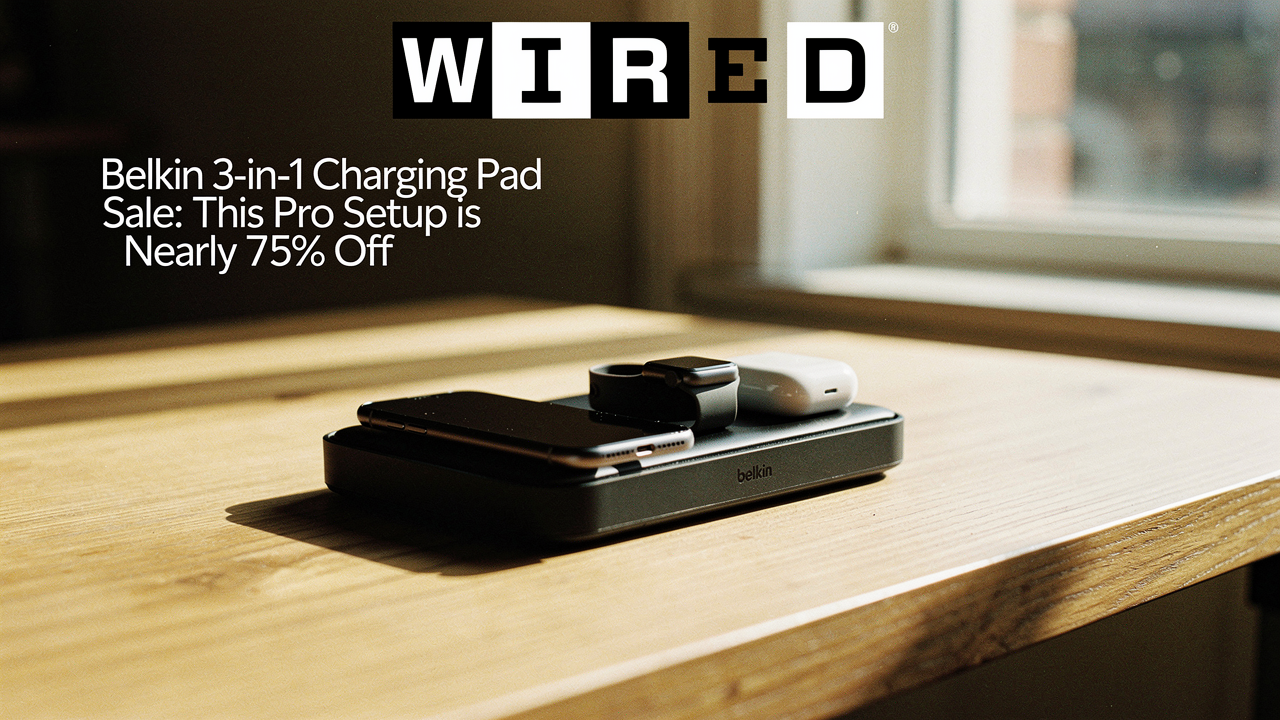
In my Austin home, I’m constantly looking for what I call “High Lifestyle ROI”—products that don’t just fill a space, but actually remove a layer of stress from my daily routine. Usually, Belkin’s premium gear sits at a price point that makes you pause. But right now, we’re looking at a rare moment where a $150 professional-grade station is sitting at under $40. It’s the kind of deal that shifts the conversation from “maybe one day” to “this is the Sunday reset my nightstand deserves.”
The Cost of Charging Chaos: Why Your Current Setup is Failing
Here’s the thing about a desk or nightstand covered in individual charging bricks: it isn’t just an eyesore; it’s a productivity killer. When our environment is cluttered, our brains have a harder time focusing on the rituals that actually matter—like that morning meditation or finally finishing that sourdough starter guide. Research from home office specialists suggests that physical clutter in our workspaces can significantly impact our cognitive load and stress levels [7].
Beyond the aesthetics, there’s the issue of slow wireless charging. If you’ve ever felt like your phone was barely crawling toward a full charge, you aren’t imagining it. Inductive charging is naturally less efficient than a direct wire, often taking 3–4 hours for a full cycle depending on the wattage [8]. When you’re charging multiple devices—your phone, your watch, and your earbuds—using three separate low-wattage pads, you’re essentially inviting a heat-generating, slow-moving traffic jam onto your desk.
The Deal Breakdown: Belkin’s $150 Station for Under $40
I’ll admit it—I was skeptical at first when I saw the price drop. Usually, when a wireless charger sale hits the 70% off mark, it’s for a brand you’ve never heard of with questionable safety certifications.
However, this Belkin three-in-one charging pad discount is the real deal. Originally retailing for $149.99, the BoostCharge Pro (specifically the WIZ017 model) has been spotted at Woot for as low as $39.99 [4]. While Amazon often features “record low” prices around the $56 to $86 mark, seeing this dip below $40 is a massive outlier [3]. It’s essentially the price of a nice brunch in downtown Austin, but for a piece of tech that will likely last you five years.
Performance Review: Is the Belkin 3-in-1 Fast Enough?
Let me be honest: I ignored wireless pads for years because I couldn’t stand the “alignment dance”—that frustrating game where you have to move your phone millimeter by millimeter until the light turns green. I finally gave in when I realized my nightstand looked like a tech spaghetti bowl, with cables for my Apple Watch and AirPods constantly tangling. I wanted a “one-and-done” solution that didn’t require a manual to operate.
After researching the Belkin 3-in-1, I found it actually solves the alignment issue using official MagSafe technology. It “snaps” the iPhone into place so you can’t get it wrong. While the box says 15W, real-world lab tests show the iPhone pulls closer to 10.6W on MagSafe stands, which is still significantly faster than standard 5W or 7.5W Qi pads [1]. It won’t beat the 55% charge in 30 minutes you get from a high-speed wired connection, but for a bedside or desk companion, it’s the perfect “set it and forget it” speed [9].
The real win here: A single, sleek hub that fuels your entire Apple ecosystem with one cord and zero guesswork.
The ‘High Lifestyle ROI’ Verdict
When I apply the “Good Life Test” to this charger, it passes with flying colors for efficiency and aesthetics. However, you need to know who this is for.
- Best For: Apple ecosystem loyalists who own an iPhone (12 or newer), an Apple Watch, and AirPods. It’s for the person who values a “clean” look and wants to reclaim their nightstand surface.
- Skip It If: You’re an Android user. While it can technically charge some Qi-compatible phones, you won’t get the MagSafe magnetic “snap” or the fastest speeds. If you’re looking for the newest Qi2 standard for a Pixel or Samsung, this older MagSafe model might feel a step behind.
Building a Cable-Free Charging Setup
Buying the charger is only step one. To truly reach that “Pinterest-perfect” minimalist vibe, you have to handle the “tail”—the cord that goes from the pad to the wall.
What surprised me was how much better I felt once I treated my charging area as a designed space rather than a utility. Here is a quick “Persona Loadout” for creating a cable-free charging setup at home:
The Minimalist Remote Worker (Small Spaces)
If you’re working from a corner of your living room or a small studio, vertical space and cable management are your best friends.
- Essential: The Belkin 3-in-1 Pad (to consolidate three cables into one).
- Essential: A set of reusable cable sleeves to bundle the power cord with your lamp or monitor wires [7].
- Essential: A small cable management box to hide the power strip under your desk.
- Pro Upgrade: A desktop shelf to create a dedicated “tech dock” area, keeping your workspace clear for journaling or coffee.
As the editors at Wired often suggest, the most important step in any setup is a regular “cable purge”—getting rid of those old micro-USB cords and mystery bricks you haven’t touched in two years [6].
Common Questions About Belkin Chargers
Is it safe to leave my phone on the Belkin pad overnight?Absolutely. One of the reasons I recommend Belkin over “no-name” brands is their adherence to WPC (Wireless Power Consortium) standards [2]. They include thermal sensors to prevent overheating and foreign object detection, so you won’t wake up to a fried battery.
Does it work with a phone case?If you have a MagSafe-compatible case (the ones with the visible circle on the back), it works perfectly. If your case is extra thick or made of metal, you’ll likely need to pop it off before charging.
Why shouldn’t I just buy a $15 charger?Here’s the thing: you get what you pay for with power. Wholesale data shows that generic multi-device stations can be manufactured for as low as $9 [5]. At that price, manufacturers often skip the cooling components and official certifications required for fast, safe charging. Investing in a brand like Belkin—especially when it’s on sale for $40—gives you the safety of a $150 product at a budget price.
I’ve always believed that self-care starts with your space. When your environment supports you—when you aren’t hunting for a cable at 11:00 PM or waking up to a dead phone—everything else in life flows a little better. This Belkin deal is a rare chance to grab a “pro” setup that genuinely improves your daily ROI.
If you’ve been waiting to tame the tech chaos on your nightstand, this is your sign.
Affiliate disclosure: We may earn a commission from links on this page. Price data verified as of March 16, 2026.
References
- The New York Times Wirecutter (2025), “The Best Apple Wireless Charging Stations,” https://www.nytimes.com/wirecutter/reviews/best-apple-wireless-charging-pads/
- Wireless Power Consortium (2026), “Qi Certification and Safety Standards,” https://www.wirelesspowerconsortium.com/
- CNET (2025), “Belkin 3-in-1 MagSafe Charger Hits Record Low,” https://www.cnet.com/deals/
- Lifehacker (2026), “Grab This Belkin 3-in-1 for $40 Right Now,” https://lifehacker.com/tech/
- ByteCable (2025), “Wholesale Wireless Charger Pricing Data,” https://www.bytecable.com/
- Wired (2024), “How to Tidy Your Tech and Purge Cables,” https://www.wired.com/story/how-to-tidy-your-tech/
- Drew & Jonathan (2025), “The Best Cable Management Ideas for Your Home,” https://www.drewandjonathan.com/how-to/best-cable-management-ideas/
- Anker Blog (2025), “Why Is Wireless Charging So Slow?”, https://www.anker.com/blogs/wireless-chargers/
- Google Store (2024), “Fast and Wireless Phone Charging Explained,” https://store.google.com/ideas/