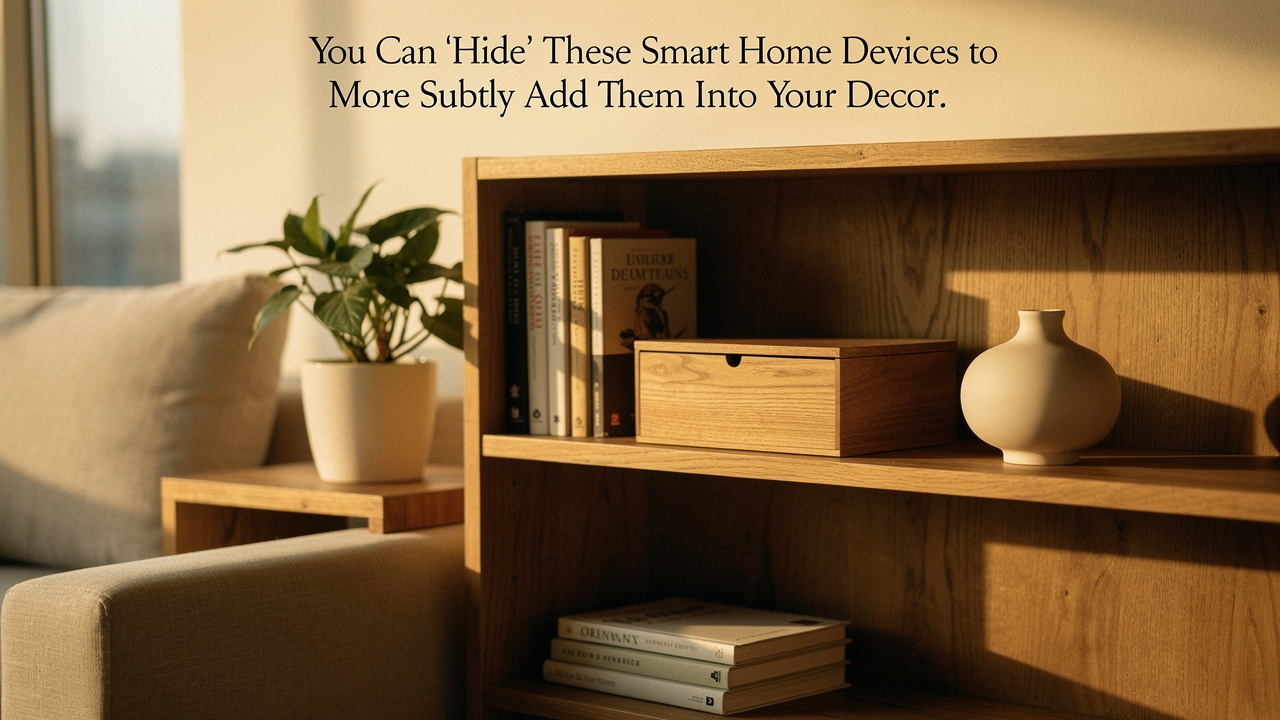
I call this the “Tech Lab” nightmare. For years, I struggled to balance my love for a smart, automated home with my need for a calm, intentional space. My philosophy at Best Goods for Good Life is all about “High Lifestyle ROI.” To me, that means technology should serve you without demanding your visual attention. Living well isn’t about having the flashiest gadgets; it’s about choosing better items that vanish into the background of your daily life.
Today, I want to share the design-first framework I use to reclaim my aesthetic. Whether you’re a renter trying to avoid drilling holes or a homeowner planning a full Sunday reset, these strategies will help you integrate tech so subtly, your guests won’t even know it’s there.
The 3-Step Strategy: Conceal, Complement, or Celebrate
Before you start shoving your smart hubs into random drawers, you need a plan. According to the American Society of Interior Designers (ASID), visual balance and focal points are the cornerstones of a restful room [1]. When tech disrupts these, your brain registers it as “clutter,” even if the room is technically clean.
I use a simple three-step strategy to decide what stays and what goes.
Conceal: For the ‘Ugly’ Essentials
This is for the workhorses. Your Wi-Fi router, the bridge for your smart lights, and those chunky power strips have zero aesthetic value. The goal here is 100% invisibility. We’re looking for ways to tuck these into “breathable” spots—think decorative baskets with open weaves or dedicated media cabinets that don’t block signals.
Complement: Blending with Materials
Some devices are too functional to hide completely (like your voice assistant or a smart speaker). In these cases, we look for items that match the room’s palette. I always look for fabric finishes, wood tones, or matte textures that mimic home decor rather than glossy “tech” plastic. If your walls are white, your devices should be too.
Celebrate: Making Tech Part of the Art
Occasionally, a piece of tech is so well-designed it deserves to be a focal point. This is where we use symmetry and intentional styling to make a device look like a piece of sculpture or art rather than a gadget.
Performance vs. Aesthetics: Why You Can’t Just Hide Everything in a Box
Here is where I have to be the “Optimization Geek” for a second. I once tucked my mesh router inside a heavy solid-oak chest because I hated looking at it. Within an hour, my smart lights stopped responding and my Netflix started buffering.
Physics doesn’t care about your Pinterest board.
According to placement guidelines from networking leaders like Eero and TP-Link, Wi-Fi signals need “line of sight” as much as possible [2]. Dense materials like metal, mirrors, and solid wood are signal killers. Furthermore, UL Solutions warns that enclosing powered electronics without proper ventilation is a major fire hazard [3]. If your device feels hot to the touch, it’s not “hidden”—it’s suffocating.
The Golden Rules of Hidden Tech:
- Airflow is non-negotiable: Always ensure at least 2 inches of clearance around hubs for heat dissipation.
- Material matters: Use wicker, fabric, or perforated metal for enclosures to let Wi-Fi signals pass through.
- Accessibility: Don’t hide something so well that you have to move a 50lb bookshelf just to hit a “reset” button.
Room-by-Room: Discreet Smart Home Placement Ideas
Every room has different “hiding spots.” Here’s how I’ve tackled the most common eyesores in my own space.
The Living Room: The ‘Gallery Wall’ and the Hidden Hub
The biggest offender in the living room is almost always the “Big Black Box”—the TV. For years, I hated how a giant screen dominated my wall, especially when it was turned off. It felt like a void in the middle of my cozy Austin apartment. I tried covering it with a literal cloth (don’t do that, it’s a hassle) before finding a way to make the screen itself contribute to the room’s soul.
The real win here: Turning your largest piece of tech into a rotating art gallery that changes with your mood.
Best For: Minimalists who want their living room to feel like a lounge, not a home theater.
The Kitchen: Countertop Decluttering
The kitchen should be for sourdough prep and morning coffee, not a graveyard of charging cables. I’ve found that the best way to hide kitchen tech is to go vertical.
- Under-cabinet mounts: Use these for smart displays (like the Echo Show) to keep them off the “splash zone” of your counters.
- Hidden Smart Plugs: Use a slim smart plug behind your coffee maker or toaster to automate them without adding a bulky adapter to your visible outlets.
- The “Charging Drawer”: If you’re a homeowner, installing a power strip inside a drawer is a game-changer for phones and tablets.
Taming the Wire Octopus: Cable Management Systems
Let me be honest: I ignored cable management for years. I thought it was just “too much work” until I realized that 90% of my “tech clutter” was actually just messy wires. You can have the most beautiful home in the world, but if there’s a tangled “octopus” of white plastic cords climbing your wall, that’s all anyone will see.
I finally sat down one Sunday with a kit of paintable raceways and cord clips, and the difference was immediate. It felt like the room finally took a deep breath.
What sold me: These kits make wires virtually disappear against your baseboards without needing a licensed electrician.
Best For: Renters who can’t go “behind the drywall” but want that clean, professional look.
A Note on Safety: If you are a homeowner and want to run cables inside your walls, make sure they are CL2 or CL3 rated according to the National Electrical Code (NEC) to prevent fire hazards [4]. Never run a standard power cord inside a wall—only low-voltage data cables or kits specifically designed for in-wall power.
Camouflage 101: Products That Don’t Look Like Tech
The “High Lifestyle ROI” move is to buy products that are pre-camouflaged. We’re seeing a huge trend in “incognito” tech that uses texture and form to trick the eye.
I’ll admit it—I was skeptical at first about “furniture-tech.” I thought it would be a “jack of all trades, master of none” situation. But after living with a lamp that doubles as a high-end speaker, I’m a total convert. It saves shelf space and looks like something I would have bought at a boutique decor shop anyway.
The game-changer: High-quality sound that emanates from a piece of decor you’d actually want on your nightstand.
Best For: Small spaces where every object needs to pull double duty.
The ‘Smart Closet’ Blueprint: Concealing Central Equipment
If you’re moving beyond just a few bulbs and into a full-home system, you’ll eventually end up with a “brain”—a collection of hubs, a modem, a router, and maybe a network drive.
Instead of scattering these around the house, I recommend the “Smart Closet” approach. By centralizing everything in a utility room or a guest closet, you remove the visual noise from your living spaces entirely.
The Tech-Savvy Persona Loadouts
Depending on your space, your “hiding” needs will change. Here is how I’d prioritize your gear:
The Minimalist Renter (Small Apartment)
- Essential: A decorative “weave” basket for your router to sit in (open top for signal!).
- Essential: Command-strip cable clips to route wires along the back of furniture legs.
- Pro Upgrade: A smart speaker that looks like a book or a piece of fabric art.
The Design-Forward Homeowner (Renovating)
- Essential: In-wall rated cable management kits for the TV.
- Essential: A ventilated media cabinet with IR-repeater-friendly glass.
- Pro Upgrade: A dedicated “Smart Rack” in a closet with its own cooling fan.
Creating a Home That Flows
At the end of the day, your home should feel like a home, not a showroom for a Silicon Valley startup. The “Good Life Test” isn’t about how many features your house has—it’s about how much joy you feel when you walk through the door.
Taking the time to tuck away a wire or choose a device with a softer finish might seem small, but the cumulative effect on your mental clarity is massive. Pick one “ugly” corner of your home this weekend and apply the “Conceal” strategy. I promise, once you see those wires disappear, you won’t want to stop.
Let’s make every day a little better, together.
***
Affiliate Disclosure: This post contains affiliate links. If you purchase through these links, I may earn a small commission at no extra cost to you. I only recommend products that pass the “Good Life Test” for quality and design.
Safety Warning: When enclosing electronics, always ensure proper ventilation to prevent overheating. Consult the National Electrical Code (NEC) or a licensed electrician before performing any in-wall wiring to ensure compliance with local fire and safety regulations.
References & Technical Sources
- ASID (2024). Principles of Interior Design: Balance and Focal Points. American Society of Interior Designers. https://www.asid.org/
- Eero Support (2025). Where should I place my eero? Best practices for signal. https://support.eero.com/
- UL Solutions (2023). Understanding Thermal Management in Consumer Electronics. https://www.ul.com/
- NFPA (2026). National Electrical Code (NEC) Section 725: Class 1, Class 2, and Class 3 Remote-Control, Signaling, and Power-Limited Circuits. https://www.nfpa.org/