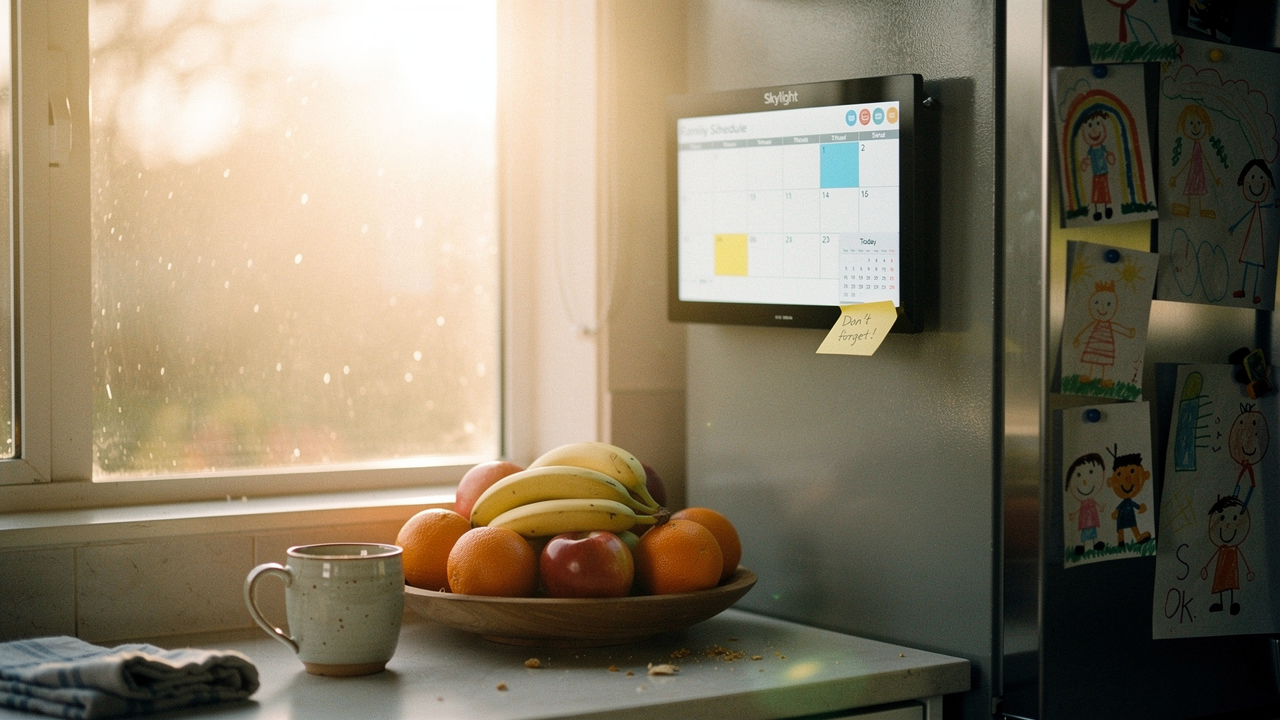
Despite the “organization,” I still managed to double-book myself for a brunch meeting and a friend’s housewarming. I felt that familiar, heavy “mental load”—the invisible weight of trying to keep a four-person household running on memory and paper scraps.
That was the moment I realized my space wasn’t supporting me; it was draining me. I needed a central household operations hub. After a year of testing the latest 2026 models in my own home, I’ve found that the right digital wall calendar isn’t just a gadget—it’s the difference between reactive chaos and intentional living.
Quick Answer: The Best Picks for 2026
If you’re in a rush, here is the “High Lifestyle ROI” verdict:
- Best Overall: Skylight Calendar (2026 Max) – The gold standard for families. It’s polished, incredibly easy for non-techy partners or kids to use, and the new 2026 “Magic Import” feature handles PDF school schedules like a dream.
- Best Value: Apolosign Digital Calendar – A stunning 15.6-inch display that rivals the big names at a lower price point. Perfect for those who want high-resolution aesthetics without the premium brand tax.
- Best for Home Offices: Skylight 15-inch – Small enough for a desk setup but powerful enough to sync your deep-work blocks and Teams meetings.
The Cost of Scheduling Disorganization: Why Paper Calendars Fail
We often think of “clutter” as just physical objects on a counter, but scheduling disorganization is a form of cognitive clutter. When your appointments are fragmented across three different apps and a physical wall calendar, your brain has to work overtime to reconcile them.
Research into environmental psychology shows that visual clutter—like a fridge covered in outdated papers—can actually increase cortisol levels and decrease our ability to focus [1]. This is what I call the “Paper Trap.” We use paper because it’s tactile, but it’s static. It doesn’t send a notification when the soccer game is moved due to rain, and it doesn’t travel with you to the grocery store.
The real win of moving to a digital hub isn’t just “tech for tech’s sake.” It’s about creating a “single source of truth.” When everyone in the house knows that if it’s on the wall, it’s happening, the constant “Mom, what time is…” or “Honey, did you remember…” questions simply vanish.
Best Digital Wall Calendars for 2026: The Top Contenders
Choosing a digital wall calendar in 2026 is a different experience than it was even two years ago. The screens are thinner, the sync is faster, and the software has finally caught up to how real families actually live.
Skylight Calendar (2026 Edition): The Polished Powerhouse
Let me be honest: I ignored this for years because I thought a dedicated tablet was “too much.” My daily reality was a mess of missed sourdough feedings and forgotten school spirit days until I finally mounted the 15-inch Skylight in our mudroom. What surprised me wasn’t the screen—it was the buy-in. Because it looks like a piece of home decor rather than a computer, my kids actually started checking their own “Chore Charts” without me saying a word.
The 2026 version has doubled down on what I call “Frictionless Import.” You know those annoying PDF newsletters from school? You can now just email them to your Skylight, and the AI extracts the dates and puts them on the calendar for you. It’s the ultimate lifestyle ROI.
Micro-Verdict: The most user-friendly way to end the “mental load” for busy families.
Apolosign Calendar: The Value-Driven Alternative
You know that feeling when you find a “dupe” that actually performs as well as the luxury brand? That was my experience with Apolosign. I was skeptical at first—the price point felt almost too good for a 15.6-inch touchscreen. I spent three weeks testing it alongside more expensive models, expecting the sync to lag or the mounting to be flimsy.
Instead, I found a display that is remarkably crisp with a matte finish that handles the afternoon Texas sun much better than glossier screens. While the software isn’t quite as “cutesy” as Skylight’s, it is incredibly reliable. If you are comfortable with a more traditional Android-style interface and want to save $100 without sacrificing hardware quality, this is the one.
The real win here: High-end display quality that doesn’t break the household budget.


Skylight vs. Apolosign: Which Central Hub Wins?
Deciding between these two usually comes down to who is using the device and how much you value a “plug-and-play” experience versus customization.
- The Busy Parent (Skylight): If you need your tech-averse partner and your 7-year-old to use this, go Skylight. The interface is locked down so they can’t accidentally “break” the settings, and the meal planning feature is integrated beautifully.
- The Tech-Savvy Minimalist (Apolosign): If you want more control over the layout and don’t mind a slightly more “techy” setup process, Apolosign offers a better hardware-to-price ratio.
- The Professional Home Office: I prefer the smaller Skylight 10-inch or 15-inch for an office. It acts as a secondary dashboard that keeps your “Deep Work” blocks visible at all times.
Comparison Table: 2026 Features
| Feature | Skylight (2026 Max) | Apolosign |
|---|---|---|
| Screen Size | 10″, 15″, 27″ | 15.6″ |
| Sync Speed | Near-Instant | Instant |
| Subscription | Optional (Plus features) | No Subscription |
| Best For | Families / Kids | Value / Office |
| AI Features | PDF Schedule Import | Basic Auto-Sync |
How to Set Up Your Automated Calendar Sync
The biggest hurdle is always the initial sync. If you don’t get this right, you’ll end up with double-booked slots and a device that no one trusts.
Here is my 3-step blueprint for a perfect setup:
- Audit Your Sources: Most of us have a “Work” (Outlook), “Personal” (Google), and maybe a “Family” (iCloud) calendar. Ensure these are all shared with one “Master” email address that you’ll use to log into the wall display.
- Toggle the Privacy: For home office displays, make sure you use the “Private” toggle for sensitive work meetings. You want the block of time visible so your family knows you’re busy, but you might not want the specific meeting title (“Q3 Budget Review”) visible to everyone walking by [2, 3].
- Network Security: Since these are always-on IoT devices, I recommend following NIST-inspired safety protocols. Use a dedicated guest Wi-Fi network for your smart displays to keep your primary home network (with your bank info and computers) separate [5].
The Home Office Upgrade: Using Digital Calendars for Productivity
If you’re a remote worker, your wall calendar shouldn’t just be for soccer practice. It’s your productivity dashboard. In 2026, we’ve seen a shift toward using these displays to combat “Zoom fatigue.”
By mounting a digital calendar 15–30 degrees below eye level—following standard ergonomic guidelines—you can glance at your day without breaking your neck or minimizing your work windows [4]. I use mine to show my “Time Blocks.” When the screen is blue, I’m in focus mode. When it’s green, I’m available for a quick kitchen chat.
Persona Loadouts for 2026
What you need depends on your “Good Life” goals:
The “CEO” Parent (Complex Households)
You’re managing three kids, two careers, and a dog.
- Essential: Skylight 27-inch Max for high visibility in the kitchen
- Essential: Color-coded calendars for every family member
- Pro Upgrade: Integration with a smart grocery list (via Skylight Plus)
The Minimalist Professional (Home Office)
You want a clean desk and a clear mind.
- Essential: Apolosign 15.6-inch mounted vertically next to your monitor
- Essential: Outlook/Teams integration for real-time meeting updates
- Pro Upgrade: Hidden cable management kit for a wireless look
Installation & Management: Turning It Into a Habit
Getting the device on the wall is only half the battle. The hardware is just the tool; the “Sunday Night Huddle” is the system.
Every Sunday at 5 PM, my family gathers around our display for 10 minutes. We check the meal plan, confirm who is driving for gymnastics, and look for any “empty” spaces where we can schedule some intentional rest.
For the physical installation, please don’t just use a single nail. These displays are heavy. Use proper drywall anchors or, ideally, find a stud. If you’re renting, look into heavy-duty Command strips specifically rated for the weight of your device, but check the official user manual first to ensure you aren’t blocking any cooling vents.
Conclusion
At the end of the day, the “Best” digital wall calendar is the one that actually gets your family on the same page. If you want a polished, family-first ecosystem that “just works,” the Skylight Calendar is worth every penny of the investment. If you’re looking for a high-resolution, high-value display for an office or a more tech-savvy home, the Apolosign is a fantastic choice.
Moving from a cluttered fridge to a digital hub was one of the highest “Lifestyle ROI” moves I’ve made in years. It’s not about the screen; it’s about the peace of mind that comes when you stop trying to remember everything and start living intentionally.
Check out my guide on the Best Smart Home Hubs to connect your calendar to your lighting and morning routines.
Disclaimer: This article contains affiliate links for Skylight and Apolosign. If you purchase through these links, I may earn a small commission at no extra cost to you. Please review the privacy settings on your device when syncing third-party calendar data (Google/Apple) to always-on displays.
References & Resources
- McMains, S., & Kastner, S. (2011). Interactions of Top-Down and Bottom-Up Mechanisms in Human Visual Cortex. Journal of Neuroscience. (On visual clutter and cognitive load).
- Google Workspace Support. (2025). Share your calendar with someone. https://support.google.com/calendar/answer/37082
- Apple Support. (2025). Share iCloud calendars on iPhone. https://support.apple.com/guide/iphone/share-icloud-calendars-iph3d77c688/ios
- OSHA. (2024). Computer Workstations eTool: Monitor Position. https://www.osha.gov/etools/computer-workstations/components/monitors
- NIST. (2023). Securing Wireless Networks. https://www.nist.gov/publications/guide-securing-legacy-ieee-80211-wireless-networks