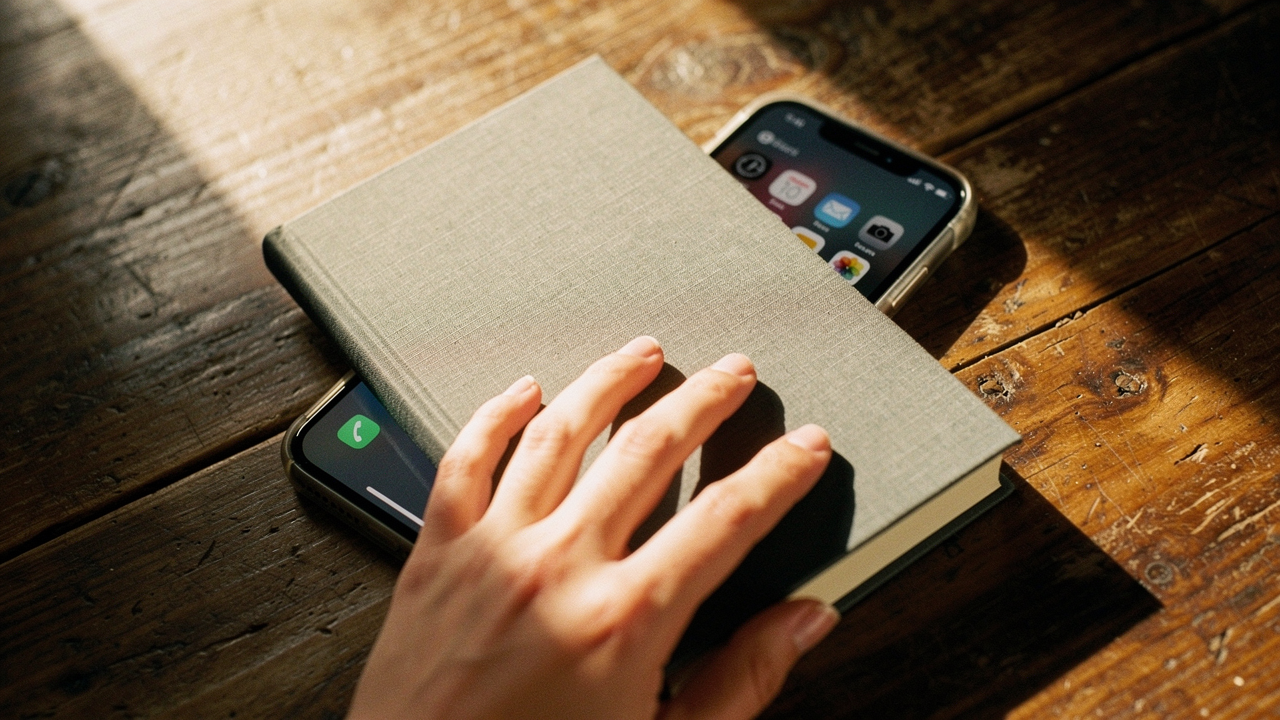
I’ve been there more times than I care to admit. As someone who curates “Best Goods for a Good Life,” I spent years trying to optimize my digital habits using the very tools built into my phone. I’d set a screen time limit, only to find myself mindlessly hitting “Ignore for 15 minutes” until my intended bedtime had long since passed. It felt like a personal failure of willpower.
What I finally realized is that we aren’t fighting a fair fight. We are up against billion-dollar engineering teams designed to keep us scrolling. To reclaim our focus, we need more than just a software pop-up; we need a physical intervention. Here is how I used the science of friction and a few high-ROI tools to finally make my digital boundaries permanent.
The Willpower Gap: Why Software Screen Time Limits Fail
Here’s the thing about software-based limits: they are essentially a polite suggestion from a device that is simultaneously trying to keep you engaged. When that little gray box appears on your iPhone or Android telling you that you’ve reached your limit, your brain is already mid-dopamine spike.
Research shows that the average American checks their phone roughly every 12 minutes—a behavior that researchers describe as increasingly “pathological” in nature [1]. According to Dr. David Greenfield, founder of the Center for Internet and Technology Addiction, these digital limits are easily bypassed because our brain’s reward system is hardwired to seek the immediate gratification that a smartphone provides [2]. When the only thing standing between you and another hit of “digital candy” is a button that says “Ignore,” the path of least resistance wins every time.
What surprised me most in my research was the concept of “Attention Residue,” coined by Sophie Leroy. Even when we successfully click away from a distraction, a part of our cognitive resources stays stuck on that previous task [3]. This means that every time we bypass a limit “just for a second,” we are essentially sabotaging our productivity for the next twenty minutes. This digital distraction isn’t just a nuisance; it’s a drain on our life’s ROI.
The Science of Friction: How Physical Barriers Change the Game
To fix my relationship with my phone, I had to stop relying on my dwindling evening willpower and start relying on behavioral design. This is where the concept of “friction” comes in. Behavioral scientists like BJ Fogg and James Clear suggest that if you want to break a habit, you must make it difficult to perform.
By introducing a physical barrier, you disrupt what Dr. Gina Cleo calls the “Cue-Routine-Reward” habit loop [4]. Usually, the cue is a buzz in your pocket, the routine is the scroll, and the reward is a hit of dopamine. When you place your phone behind a physical lock or a hardware gate, you break the routine. You are forced to pause, move your body, and consciously decide if that scroll is worth the effort.
This isn’t just about discipline; it’s about health. The World Health Organization (WHO) has highlighted the direct link between excessive sedentary behavior (often driven by screen use) and increased risks for cardiovascular issues and sleep disturbances [5]. By using friction to reduce screen time, we aren’t just gaining productivity; we are investing in our longevity.
Top Physical Barrier Tools to Enforce Your Limits
I’ve spent months testing different hardware to see what actually provides a “High Lifestyle ROI.” I wanted tools that felt intentional, not like a digital prison.
I used to keep my phone on my nightstand, convinced I needed it for my morning “yoga flow” or alarm. Naturally, that turned into 11:00 PM doom-scrolling. I tried app blockers, but I always found the bypass code. What finally changed the game for me was a small, magnetic piece of hardware that acts as a physical key for my apps. I keep the “unblocking” station in my kitchen, far from my bedroom. If I want to scroll, I have to physically get out of bed and walk across the house. Most nights, that tiny bit of friction is enough to make me just go to sleep instead.
Micro-Verdict: The ultimate “friction” tool for those who find software limits too easy to ignore.


If you’re a hybrid worker or someone who struggles with phone addiction during the workday, you might need something even more integrated. I discovered a solution that uses an NFC tag—a physical token you have to tap to gain access to your “distraction” apps. I keep my tag on my keychain, which I leave in a basket by the front door when I’m working in my home office. It’s been reported that users of this system save an average of 1 hour and 20 minutes of screen time per day.
Micro-Verdict: Best for professionals who need their phone for calls but want to gate-keep social media.
Sometimes, the “soft” friction of a magnetic key isn’t enough. On my Sunday “Reset” days, I wanted to be completely present for sourdough baking and hiking without the temptation of checking my notifications. I started using a timed lockbox. I put my phone inside, set the timer for four hours, and that’s it—it’s physically impossible to get to the phone until the time is up.
Micro-Verdict: The “nuclear option” for a true weekend digital detox.
Budget vs. Premium: Choosing Your Level of Friction
You don’t always need to buy a new gadget to create a physical barrier. Here is how I segment the options:
- The Budget Route: Use a simple “Phone Hotel” (a basket in a different room) or a literal drawer with a key. It’s free, but requires more manual discipline.
- The Tech-Integrated Route: Tools like Brick or Unpluq allow you to keep “essential” apps (Maps, Music, Texts) while physically gating the “addictive” ones (Instagram, News, TikTok).
- The Total Lockdown: Timed lockboxes like the kSafe for when you need a guaranteed break from all digital input.
Beyond the Device: Environmental Design for Digital Detox
In my Austin home, I’ve learned that my environment is the silent architect of my habits. You can have the best digital wellness tools in the world, but if your house is designed for scrolling, you will eventually cave.
The American Academy of Pediatrics (AAP) recommends designated “screen-free zones,” particularly in bedrooms and at the dining table [7]. I took this a step further by creating a “Charging Station” in my hallway. My phone never enters my bedroom or my kitchen during meal prep.
To fill the “dopamine void” that occurs when you put the phone away, I suggest having “analog substitutions” ready. For me, that’s my sourdough starter or my trail running shoes. If the phone is behind a barrier and my hobby gear is front-and-center, the choice becomes easy. The University at Albany highlights that environmental cues are often more powerful than internal motivation when it comes to preventing digital distractions [8].
The Integrated Blueprint: Setting Up Your 3-Tiered System
If you want your screen time limit to actually stick, you need a layered defense. One tool isn’t a silver bullet; a system is.
Tier 1: The Software Safety Net (Apple/Android)
Don’t abandon the built-in tools entirely. Set your “Downtime” or “Digital Wellbeing” schedules to begin 30 minutes before you intend to stop using your phone. Use this as your “yellow light” warning.
Tier 2: The Physical Barrier (The Brick)
Once your software “yellow light” hits, it’s time for the “red light.” Use your physical device (like the Brick) to lock out your distractions.
- Pro Tip: Place your “Unbrick” station in a garage, a basement, or even a high shelf that requires a step stool. The more effort it takes to reach, the better it works.
Tier 3: The Offline Productivity Stack
When you are “unplugged,” you still need to get things done. I use an offline productivity stack to keep my life moving without Wi-Fi.
- Essential: A high-quality paper planner for daily to-dos
- Essential: A dedicated note-taking app like Obsidian that works entirely offline
- Pro Upgrade: A dedicated e-reader (E-ink) that doesn’t have a web browser
Emergency Access Checklist
I often get asked, “What if there’s an emergency and my phone is locked away?” It’s a valid concern. Here is how I handle it:
- Whitelisted Contacts: Ensure your “Emergency Bypass” settings allow calls from family or your alarm system to come through even when other apps are blocked.
- The “Emergency Unbrick”: Most physical tools have a “one-time” emergency bypass. Save it for actual emergencies, not just a craving for a meme.
- Landline/Tablet: Keep a secondary, “dumb” device (like an iPad with no social apps) available for home security or emergency communication.
Common Questions About Physical Screen Time Barriers
How do I know if I have “excessive” screen time?
The Mayo Clinic suggests looking for signs like irritability when the phone is away, neglecting responsibilities, or a persistent “brain fog” [9]. If you’re checking your phone more than 50 times a day, you’re in the territory where a physical barrier will likely provide a massive lifestyle ROI.
Is this the same as phone addiction?
While “smartphone addiction” isn’t yet an official diagnosis in the DSM-5, many clinicians treat it as a behavioral addiction similar to gambling [10]. If you feel you have lost control over your usage, these physical barriers are an excellent first step, but don’t hesitate to reach out to a professional if it’s impacting your mental health.
What’s the best way to start?
Start with “The Sunset Rule.” At 8:00 PM, your phone goes behind its physical barrier. Don’t worry about the whole day yet—just reclaim your evenings.
***
Willpower is a finite resource. It gets depleted by work, stress, and decision fatigue. A physical barrier, however, is a permanent structure. It doesn’t get tired, and it doesn’t care if you’ve had a “hard day.”
Reclaiming even one hour a day from the screen is a High Lifestyle ROI move. That’s seven hours a week—nearly a full workday—given back to your hobbies, your sleep, and your people. Start with one physical friction point tonight, and watch how much more “flow” enters your life.
Join the Best Goods for Good Life newsletter for my monthly “Digital Declutter” checklist and hardware reviews. Let’s make every day a little better, together.
***
Disclaimer: This post contains affiliate links for tools I personally use to optimize my life. It is not medical advice for clinical phone addiction.
References & Scientific Sourcing
- De-Sola Gutiérrez, J., et al. (2016). “Cell-Phone Addiction: A Review.” Frontiers in Psychiatry.
- Greenfield, D. (2021). “The Science of Digital Addiction.” Center for Internet and Technology Addiction.
- Leroy, S. (2009). “Why is it so hard to do my work? The challenge of attention residue.” University of Minnesota.
- Cleo, G. (2020). “The Habit Loop and Behavioral Change.” Journal of Behavioral Medicine.
- World Health Organization. (2020). “Guidelines on physical activity and sedentary behaviour.”
- Brick User Survey Data. (2024). Internal manufacturer report on user satisfaction and distraction reduction.
- American Academy of Pediatrics. (2023). “Family Media Plan and Screen-Free Zones.”
- University at Albany. (2022). “Preventing Digital Distractions in Learning Environments.”
- Mayo Clinic. (2024). “Children and Screen Time: How to Manage Digital Habits.”
- HelpGuide.org. (2025). “Smartphone Addiction: Signs, Symptoms, and Solutions.”