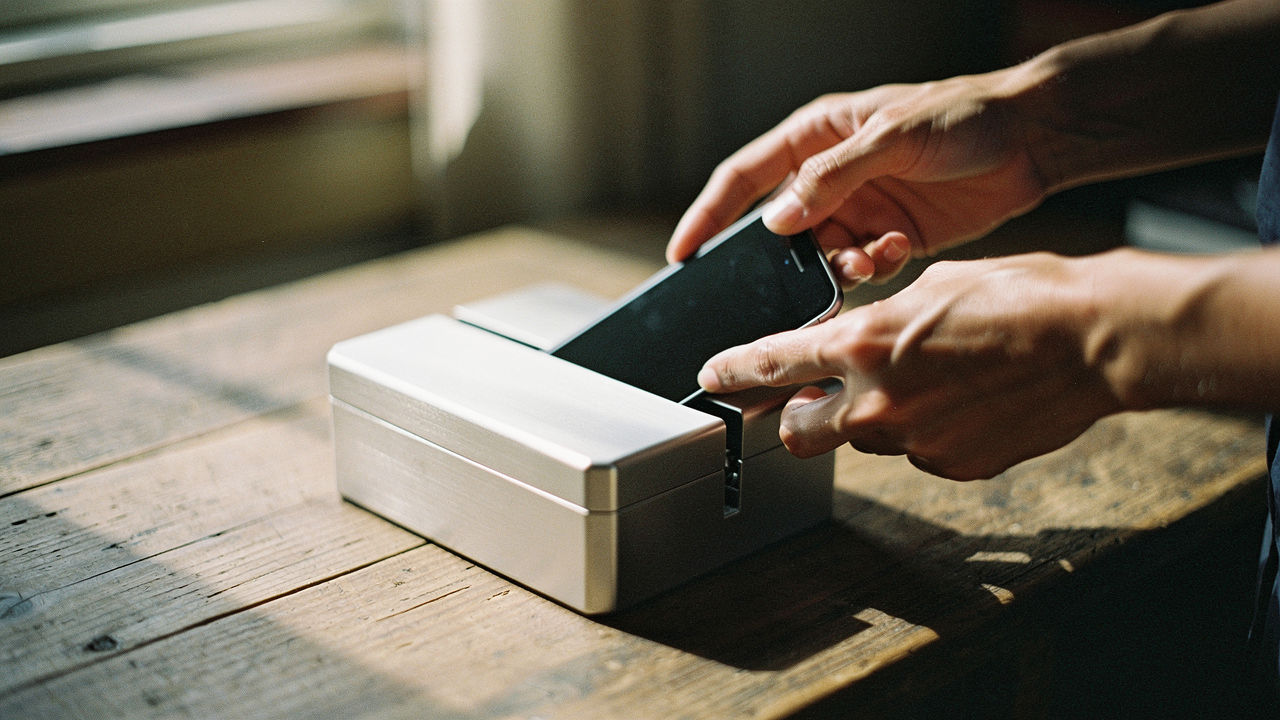
That “one more minute” trap is something I’ve fought for years. I’m a curator of the “Good Life,” yet I was letting a six-inch piece of glass steal the very moments I was trying to optimize. I tried every software trick in the book. I set the built-in “screen time limit” on my iPhone, but I’d just tap “Ignore Limit for Today” without even thinking. My thumb had developed a muscle memory for failure.
What finally changed everything for me wasn’t a new app or a boost in willpower—it was Friction Engineering. I realized that if I wanted to protect my attention, I had to stop relying on my brain and start relying on my environment. By introducing a physical barrier, I reclaimed nearly three hours of my day. Here is the system I used to move beyond willpower and finally make those limits stick.
The Willpower Gap: Why Your Current Screen Time Limit Fails
We like to think of phone addiction as a personal failing, but the truth is much more clinical. Our devices are designed to exploit our neurobiology. Every scroll provides a micro-dose of dopamine, and when we try to use software-only limits, we’re bringing a toothpick to a gunfight.
Research published in the Journal of Psychiatric Research has found a significant association between excessive screen time—defined as four or more hours per day—and increased risks of anxiety, depression, and behavioral issues [1]. For many of us, digital distraction isn’t just an annoyance; it’s a source of genuine psychological distress [2].
The problem with most “screen time limit” settings is the “Ignore” button. It’s too easy to bypass when your prefrontal cortex is tired at the end of a long workday. To combat this, the American Academy of Pediatrics (AAP) suggests that we need more than just timers; we need a comprehensive plan that includes physical boundaries [4]. If you can override your limit with a single tap, it isn’t a limit—it’s a suggestion.
Friction Engineering: The Science of the Physical Barrier
The concept of the physical barrier is rooted in behavioral science. If you want to break a habit, you have to increase the “friction” required to perform it. As experts like James Clear and Charles Duhigg often note, your environment is the invisible hand that shapes your behavior.
When you introduce a physical step between you and your apps, you interrupt the “cue-routine-reward” loop. Instead of a mindless tap, you’re forced to make a conscious choice. The Mayo Clinic has highlighted that environmental changes, such as designating screen-free zones, are far more effective for habit change than sheer discipline [3].
Hard vs. Soft Barriers: From Rubber Bands to NFC Fobs
Not all barriers are created equal. I categorize them into two groups:
- Soft Barriers: These are visual or tactile “nudges.” Think of a thick rubber band around your phone or a “phone jail” box on the kitchen counter. They remind you to stop, but they don’t actually stop you.
- Hard Barriers: These are “lock-in” solutions. These use technology like NFC (Near-Field Communication) or physical locks to ensure you cannot access specific apps unless you physically move to a different location.
Top Physical Barriers Evaluated: Brick vs. Tap Out vs. Analog Locks
I spent months testing different ways to lock myself out of my own distractions. Here’s what actually earned a spot in my Austin home.
I used to spend my evenings “researching” things I didn’t need on Pinterest, completely ignoring the book on my nightstand. I tried the “Greyscale” trick and deleted the app, but I’d just reinstall it by 9:00 PM. Then I found Brick. It’s a small, elegant plastic square that stays on my fridge. Using the app, I “Brick” my phone, which hides every distracting app I’ve selected. The only way to get them back? I have to physically walk to the kitchen and tap my phone against that square.
Micro-Verdict: The ultimate “circuit breaker” for mindless evening scrolling.
(https://getbrick.app/)For those who need an even more intentional “key” to their digital life, Tap Out offers a similar friction-based solution. The journey for me here was about my morning routine. I wanted to check my emails the moment my eyes opened. By keeping my Tap Out fob in my home office downstairs, I forced myself to finish my yoga and coffee before I could “unlock” the workday. Testimonials from the Tap Out community often mention reclaiming 3+ hours daily, and I found that to be spot on.
Micro-Verdict: Best for creating “deep work” windows that require a physical commute to break.
(https://www.tapoutclub.com/)If you aren’t ready for a tech-based solution, the Kitchen Safe (kSafe) is my favorite analog alternative. I started using this for my “Sunday Reset.” I’d put my phone in the bin, set the timer for four hours, and go work in the garden. There is no override code. There is no “ignore” button. You either wait for the timer, or you break the box. It’s the highest level of friction you can introduce.
Micro-Verdict: The gold standard for total digital detox sessions.
The Digital Arsenal: Reinforcing Barriers with Software
While physical barriers are the “heavy hitters,” they work best when supported by a smart digital stack. You want a redundant system where the software handles the schedule and the physical device handles the “emergency” overrides.
The Digital Wellbeing Stack
- For Self-Management: Use ScreenZen. It’s a donation-based app that introduces a “pause” before you open an app. I pair this with my Brick; ScreenZen makes me wait 20 seconds to open Instagram, which is usually enough time for me to realize I don’t actually want to be there.
- For Family Harmony: I recommend Qustodio. If you have kids or teens, software like this is essential for cross-platform reliability [7]. It allows you to set hard caps that don’t rely on a physical fob, which is great for school hours.
- For Deep Work: Try Freedom. It blocks websites and apps across all your devices (Mac, iPhone, iPad) simultaneously, so you can’t just switch to your laptop to bypass your phone’s physical lock.
Research in ScienceDirect suggests that the most successful users of digital wellbeing tools are those who use “persuasive design” in reverse—creating systems that make it harder to do the “bad” thing and easier to do the “good” thing [6].
The 30-Day Digital Detox Protocol
If you’re feeling completely burnt out by your screen, don’t try to go cold turkey on day one. Use this tiered approach to integrate physical barriers into your life.
Phase 1: The Micro-Detox (Days 1-7)
Pick one “Sacred Zone” in your house (like the bedroom or dining table) where phones are physically banned. Use a Bagby Pouch or a simple basket at the door.
Phase 2: The Weekend Reset (Days 8-21)
Introduce a Hard Barrier. Use a device like Brick or a lockbox for at least 4 hours each Saturday and Sunday. Notice the “twitch”—that feeling of reaching for a phone that isn’t there. This is your brain recalibrating.
Phase 3: The 30-Day Integration (Days 22-30)
Audit your results. According to WHO guidelines on sedentary behavior, reducing screen time isn’t just about mental health; it’s about physical longevity [5]. By day 30, your physical barrier should feel less like a “jail” and more like a protective shield for your time.
What surprised me most during my experiment wasn’t just the extra time—it was the quiet. When the physical barrier removed the possibility of scrolling, my brain finally stopped looking for the hit. I started noticing the light in my living room, the taste of my coffee, and the fact that I could actually finish a book in a week.
Reclaiming your attention is the highest Lifestyle ROI move you can make. Whether you use a high-tech NFC fob or just put your phone in a drawer in the other room, the goal is the same: to live a life that is chosen, not just programmed.
Download my free ‘Digital Wellbeing Stack’ checklist to start your 30-day reset.
Affiliate disclosure: This post contains links to tools I personally use and test.
Medical disclaimer: I am an optimization enthusiast, not a licensed therapist. If phone use is impacting your clinical mental health, please consult a professional.
References & Scientific Citations
- Qu et al. (2023). “Association between daily screen time and behavioral problems in US children.” Journal of Psychiatric Research.
- Neophytou et al. (2021). “Excessive Screen Time and Mental Health: A Scoping Review.” International Journal of Mental Health and Addiction.
- Mayo Clinic Health System. (2024). “Children and screen time: How to manage digital habits.”
- American Academy of Pediatrics (AAP). “Family Media Use Plan.”
- World Health Organization (WHO). (2025). “Guidelines on physical activity, sedentary behavior and sleep for children under 5 years of age.”
- ScienceDirect. (2021). “User acceptance of digital wellbeing tools: A persuasive design perspective.”
- SafetyDetectives. (2026). “The Best Parental Control Apps for 2026: Independent Review.”