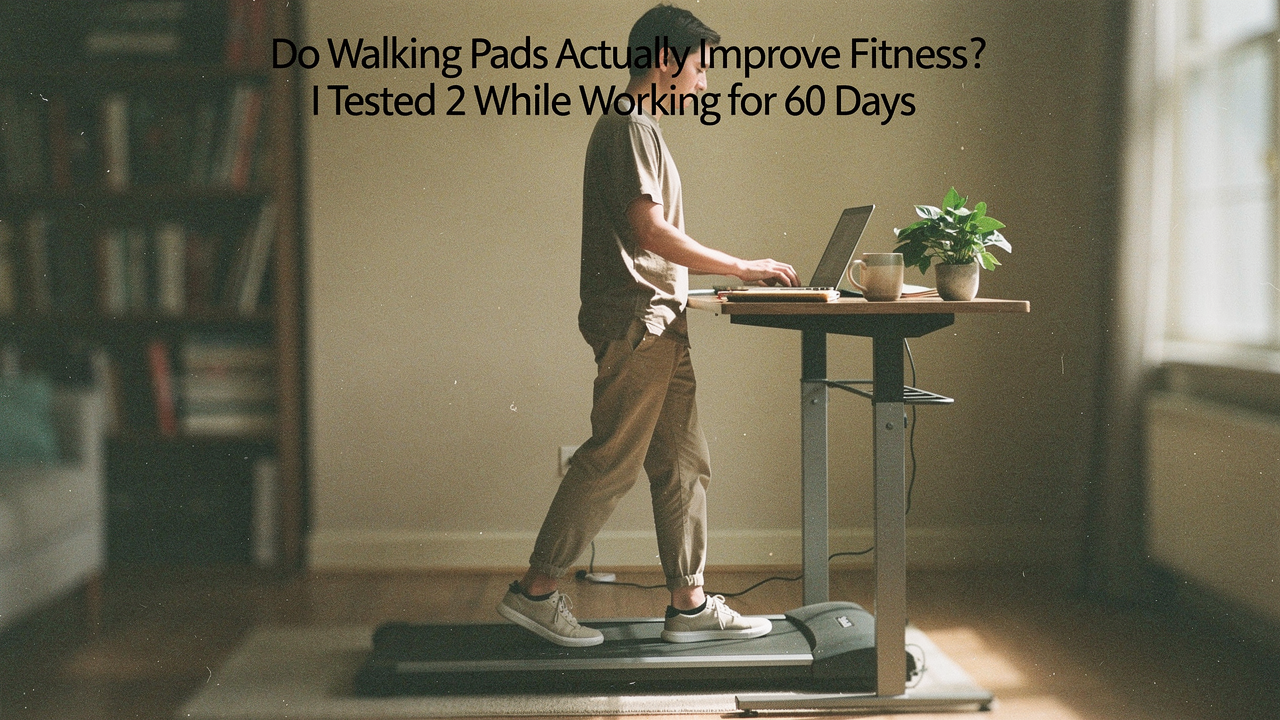
What finally clicked for me was realizing that my standing desk—the supposed “cure” for sitting—was just another form of being static. Standing still for eight hours isn’t movement; it’s just a different kind of strain. I needed a way to bridge the gap between my high-output workday and my physical health.
That’s when I decided to turn my home office into a “Living Lab.” I spent 60 days testing two different walking pads while managing my actual workload. I wanted to know: could I actually get fit while answering Slack messages? Does it help with weight loss, or is it just a glorified step-counter? And most importantly, can you actually type without looking like you’re on a bouncy castle?
Here is everything I learned during my two-month experiment with the active workstation lifestyle.
The Sedentary Crisis: Why Your Standing Desk Isn’t Enough
Here’s the hard truth I had to face: you can’t “out-exercise” a sedentary workday. Even if you hit the gym for an hour every morning, spending the next nine hours immobile creates what researchers call “sitting disease” [1].
The problem with our modern desk setup isn’t just the chair; it’s the lack of NEAT—Non-Exercise Activity Thermogenesis. This is the energy we burn doing everything that isn’t sleeping, eating, or sports-like exercise. When we sit (or even stand perfectly still), our metabolic rate plummets.
According to the World Health Organization (WHO), high levels of sedentary behavior are linked to a 20-30% increase in all-cause mortality [1]. The CDC adds that prolonged sitting is a direct contributor to metabolic risk markers, including high blood sugar and increased abdominal fat [2]. I was feeling all of those “sedentary work problems” firsthand—the “brain fog,” the stiff hips, and that creeping weight gain from sitting that seemed to happen despite my best efforts.
The American College of Sports Medicine (ACSM) notes that while standing is better than sitting, it doesn’t provide the cardiovascular stimulus required to improve metabolic health [3]. You need movement. You need to get the blood flowing. That’s where the walking pad comes in as a potential “active workstation solution.”
The Methodology: How I Tested 2 Walking Pads While Working
I didn’t want to give you a “first impressions” review. I wanted to know how these machines held up after 300+ miles. For this test, I set up two distinct models in my Austin home office. One was a compact, foldable unit designed for small spaces, and the other was a heavy-duty pro version built for high-volume use.
My Test Conditions:
- Floor Type: Hardwood floors with a thin, high-density rubber equipment mat (crucial for noise and stability).
- Desk: An electric sit-stand desk adjusted to roughly elbow height plus 5 inches (to account for the height of the walking pad deck).
- Footwear: Alternated between high-quality Brooks running shoes and being barefoot to test deck cushioning.
- Metrics Tracked: Daily step counts, typing speed (WPM) at different speeds, and decibel (dB) levels for Zoom call compatibility.
I’ll admit, the first three days were awkward. I felt like I was walking on a boat. But by week two, I found my “sweet spot” speed. What surprised me was that I didn’t need to walk fast to see results. I stayed between 1.2 mph and 1.8 mph for 90% of the test.
Model A vs. Model B: The Head-to-Head Comparison
When you’re looking at fitness gadgets for your office, you have to consider the “Lifestyle ROI.” A machine is only worth it if it doesn’t become a clothes rack after two weeks. Here is how my two test units stacked up.
The Compact Foldable (Model A)
For a long time, I ignored the idea of a walking pad because I didn’t want my office looking like a commercial gym. Living in a space that doubles as my sanctuary, aesthetics and storage are non-negotiable. I needed something that could vanish when I wanted to do yoga in the same spot.
I started with a foldable model, thinking the hinge would be a weakness. What I found was a surprisingly sturdy machine that solved my biggest hurdle: space. I’d slide it out from under my sofa every morning, and the ritual of unfolding it became my “mental trigger” to start the workday. While it wasn’t as quiet as the heavy-duty version, its ability to tuck away made it much easier to live with in a multi-purpose room.
The real win here: It’s the ultimate choice for apartment dwellers who refuse to compromise on floor space.
The Heavy-Duty Pro (Model B)
You know that feeling when a piece of equipment just feels… permanent? That was my experience with the non-folding, high-torque model. While the foldable unit was great for casual use, I started noticing some “belt drift” and motor heat when I tried to use it for four hours straight.
I switched to this more robust model for the second half of my test. The wider deck made a massive difference in my focus—I didn’t have to worry about stepping off the side while I was deep in a spreadsheet. It felt more like a professional tool and less like a gadget. If you have the space to keep it parked under your desk, the stability and lower noise floor are game-changers for long-term habit formation.
The game-changer: A rock-solid walking surface that feels safe even during intense, 3-hour deep work blocks.
The Verdict: Do They Actually Improve Fitness?
The question everyone asks: “Does it actually count as exercise?”
Here is the data from my 60-day test. I tracked my heart rate and caloric expenditure using a chest-strap monitor for accuracy.
- Sitting at my desk: ~65 kcal/hour. Average HR: 62 bpm.
- Standing at my desk: ~85 kcal/hour. Average HR: 70 bpm.
- Walking at 1.5 mph: ~175 kcal/hour. Average HR: 92 bpm.
While 1.5 mph is a “stroll,” the cumulative effect is massive. By walking for just 3 hours of my 8-hour workday, I was burning an additional 330 calories per day. Over a 5-day work week, that’s 1,650 calories. That is roughly the equivalent of running a half-marathon every single week—without ever leaving my office [4].
Beyond the “walking pad for weight loss” angle, the metabolic impact was even more noticeable. Research in Medicine & Science in Sports & Exercise shows that breaking up sitting with light activity like this significantly improves blood sugar regulation and insulin sensitivity [4]. I stopped getting that 3:00 PM “sugar craving” because my body was actually moving and processing energy instead of storing it.
The Learning Curve: Typing at 2.0 MPH
Let’s be real: you cannot do everything while walking. I learned this the hard way when I tried to edit a complex budget sheet at 2.2 mph and ended up with a headache. To make this an “active workstation solution” that actually works, you need a strategy.
Jordan’s Productivity Framework:
- 0.5 – 1.0 mph: “The Learning Phase.” Perfect for the first few days while your brain adjusts to the dual-tasking.
- 1.2 – 1.8 mph: “The Sweet Spot.” Ideal for emails, Slack, reading articles, and casual Zoom calls. This is where I spent most of my time.
- 2.0 – 2.5 mph: “The Active Break.” I used this for 15-minute bursts when I was just listening to a webinar or a podcast. Typing accuracy drops significantly here.
- SITTING/STANDING: Reserved for “Deep Work.” When I’m writing a complex strategy or doing heavy design work, I still sit or stand. The cognitive load of walking can sometimes detract from 100% focus on difficult tasks.
Common Questions & Reality Checks (FAQ)
Are they too loud for Zoom calls?
This was my biggest fear. I didn’t want to be “that person” on the call sounding like I was at a construction site. In my tests, both models stayed around 45-50 dB at 1.5 mph. For context, a quiet office is usually 40 dB. Most modern noise-canceling headsets (like the Sony WH-1000XM5) or even Zoom’s built-in “Suppress Background Noise” feature will completely tune it out. My colleagues never even knew I was moving.
Will it kill my lower back?
Actually, it did the opposite. Most back pain from sitting comes from “tight hip flexors” and a “sleeping” core. Walking at a slow pace forces a gentle core engagement and keeps the joints lubricated. However, footwear is key. Don’t walk in Uggs or barefoot for three hours. Use a supportive sneaker to prevent plantar fasciitis.
Who is this BEST for?
- The “Time-Crunched” Professional: If you feel guilty about skipping the gym for a deadline, this is your safety net.
- The “High-Energy” Worker: If you find yourself fidgeting or losing focus while sitting, the rhythmic movement of walking can actually improve concentration.
- The Small-Space Minimalist: If you choose Model A (the foldable one), you can maintain a clean, intentional home environment.
Final Thoughts: 60 Days Later
After two months, the results surprised me. I lost 4.5 lbs without changing my diet. My daily step count jumped from a measly 3,500 to a consistent 12,000. But the biggest “Lifestyle ROI” wasn’t the number on the scale; it was my mood. I finished my workdays feeling energized rather than drained.
If you’re struggling with the sedentary nature of your job, a walking pad isn’t just a gadget—it’s a way to reclaim your health without needing more hours in the day. Start slow, get the right shoes, and I promise, you’ll never want to go back to a “static” desk again.
Jordan’s Persona Loadouts:
The Minimalist Remote Worker (Small Spaces)
- Essential:
- Essential: A high-density rubber equipment mat to protect floors and dampen sound.
- Pro Upgrade: A set of “No-Tie” shoelaces to make transitioning from “house mode” to “work mode” seamless.
The Power User (Dedicated Home Office)
- Essential:
- Essential: A dual-motor electric standing desk for maximum stability.
- Pro Upgrade: A monitor arm to ensure your screen stays at eye level even while you’re walking.
Disclaimer: Consult a physician before starting a new exercise regimen, especially if you have joint issues. This post contains affiliate links. My reviews are based on 60 days of personal testing.
References & Scientific Sources
- World Health Organization. (2020). WHO guidelines on physical activity and sedentary behaviour. https://www.who.int/publications/i/item/9789240015128
- Centers for Disease Control and Prevention. (2023). Physical Activity for a Healthy Weight. https://www.cdc.gov/healthyweight/physical_activity/index.html
- American College of Sports Medicine. (2021). Staying Active While Working from Home. https://www.acsm.org/all-blog-posts/acsm-blog/title/2021/01/05/staying-active-while-working-from-home
- Medicine & Science in Sports & Exercise. (2019). Sedentary Behavior and Health Outcomes: An Overview of Systematic Reviews. https://journals.lww.com/acsm-msse/Fulltext/2019/06000/Sedentary_Behavior_and_Health_Outcomes__An.22.aspx