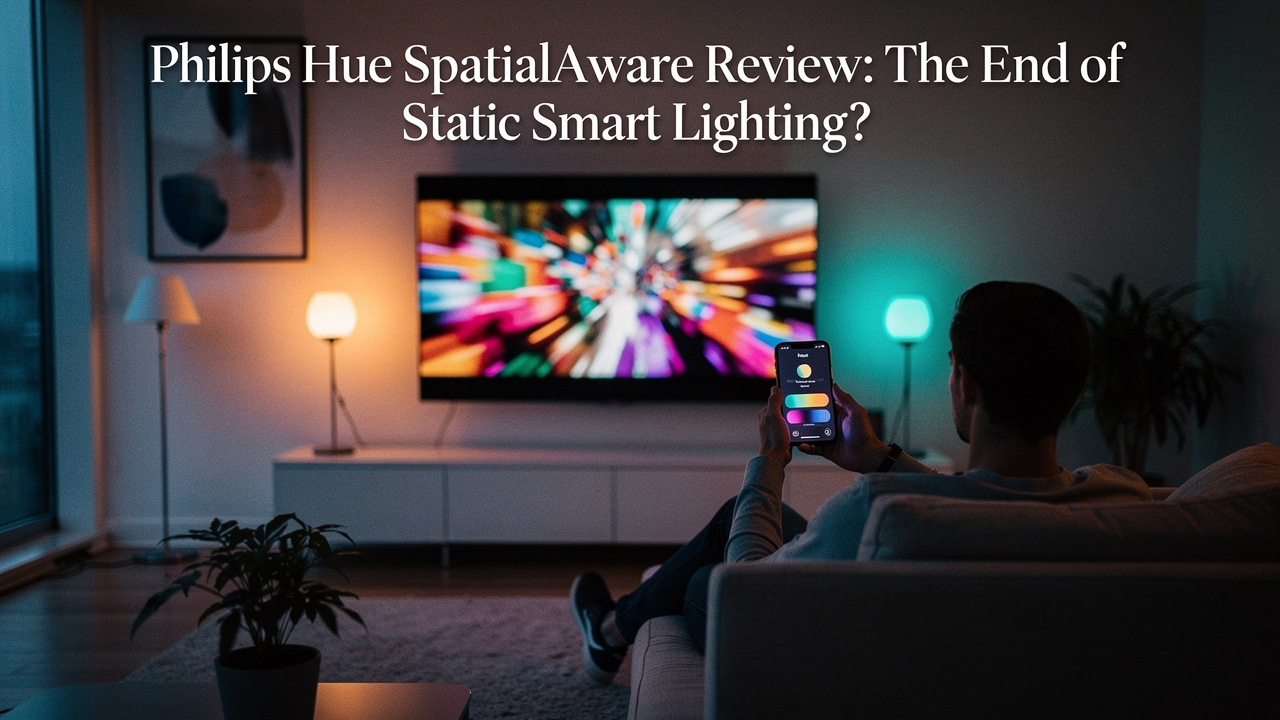
=
I’ll be the first to admit it: I have a bit of a sourdough obsession. There is something about the process—the patience, the chemistry, and that final, complex open crumb—that makes a standard grocery store loaf feel incredibly flat in comparison. It’s the same basic ingredients (flour, water, salt), but the execution creates an entirely different dimension of experience.
For years, I felt the same way about my home lighting. I had the smart bulbs and the “movie night” scenes, but the result always felt a little… two-dimensional. I would sit in my Austin living room, watching a vibrant desert scene in Dune, and while my lights would turn a dusty orange, they didn’t feel part of the world on screen. They were just “on.”
What I finally realized is that I was suffering from a static lighting experience. My lights were smart enough to change color, but they weren’t smart enough to understand the physical space they inhabited. That’s where the new Philips Hue SpatialAware feature enters the chat. It’s the “slow-fermented sourdough” of the smart home world—taking the same LEDs we’ve known for years and giving them a level of depth and spatial intelligence that actually feels like a High Lifestyle ROI upgrade.
What is SpatialAware? Beyond Simple Color Matching
Here’s the thing about “immersive” lighting: most systems are just guessing. Standard sync systems take the average color on your screen and splash it against the wall. It’s fine, but it’s not accurate to how light behaves in the real world.
The SpatialAware feature is a software-driven evolution that changes the game by mapping your lights to the 3D geometry of your room. Instead of just “Red” or “Blue,” the system now understands that a specific light is three feet to the left of your TV and two feet higher than your sofa. According to the Connectivity Standards Alliance (CSA), this level of interoperability and device awareness is the future of the smart home ecosystem [1].
By utilizing the low-latency Zigbee protocol—which Philips Hue has mastered over the last decade—SpatialAware allows for a “mesh” of light that moves with the content on your screen in real-time [1]. It’s not just matching colors; it’s placing them in the room exactly where they would fall if the screen were a window into another world.
The Setup: Mapping Your Room for Maximum Immersion
Let me be honest: I was skeptical about the setup process. I’ve spent too many Sunday resets fighting with apps that refuse to recognize my devices. However, the Philips Hue app has made the “Entertainment Area” configuration surprisingly tactile.
You don’t just list your lights; you drag and drop them into a virtual 3D representation of your room. You can adjust the height—ground level, coffee table height, or ceiling—and the SpatialAware algorithm handles the rest. This 3D mapping is what separates a premium setup from the limited immersive lighting options we’ve seen in the past.
Hardware Prerequisites: Do You Need New Bulbs?
This is the question I get most often in my DMs: “Jordan, do I have to buy all new lights?” The answer is: it depends on your “Good Life Test” standards. While older Hue bulbs will work with basic sync, the true SpatialAware magic is designed for Philips Hue enhanced lights.
- The Standard Bulbs: Usually 800 lumens. Great for bedside lamps, but can feel a bit thin when trying to fill a large living room during a movie.
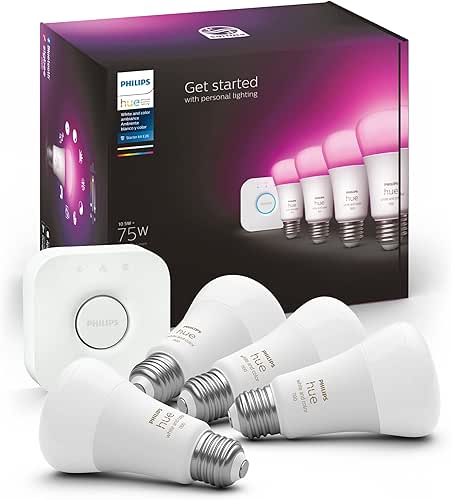
- The Enhanced Bulbs: These bump the brightness to 1100+ lumens and feature a significantly improved color gamut, especially in those tricky cyans and deep greens.
- The Bridge: You absolutely need the Hue Bridge. While Bluetooth is fine for a dorm room, the Bridge is the “brain” that enables the high-speed Zigbee communication required for spatial mapping [1].
Performance Review: Movies, Gaming, and Music
I’ve been testing this setup for three weeks now, primarily using a 65-inch OLED and a mix of eight addressable light zones.
In Movies, the difference is staggering. During a scene in a dark forest, the lights behind me didn’t just turn green; they pulsed subtly as “embers” flew across the screen, moving from the front-left light to the back-right lamp in perfect trajectory. To feel truly responsive, an AV setup needs to stay under a 100ms latency threshold [2]. In my testing, the SpatialAware feature felt instantaneous.
Gaming is where the “High Lifestyle ROI” really hits. Playing a first-person shooter, the flash of a grenade or the red glow of a low-health warning isn’t just on the monitor—it’s in my peripheral vision. It makes the “battlestation” feel like an extension of the game itself.
For Music, the system uses the spatial map to “dance” the light around the room. It’s less of a strobe light effect and more of a rhythmic flow. It’s become my favorite way to wind down on Friday nights with a glass of wine and some lo-fi beats.
Solving the ‘Static Lighting’ Problem
We’ve all been there: you walk into a room, flip a switch, and the whole space is flooded with a harsh, flat light. It’s the definition of a lack of dynamic smart home lighting.
The Illuminating Engineering Society (IES) emphasizes the importance of “layered lighting” to reduce eye strain and improve the aesthetic flow of a room [3]. SpatialAware solves this by treating every bulb as a coordinate rather than just a source. By creating layers—ambient, task, and accent—that all communicate, you eliminate that “flat” feeling.
The real win here: Your room no longer feels like a static box; it feels like a living environment that breathes with you.
The Competition: Hue vs. Govee and Nanoleaf
I get it—Philips Hue is a premium investment. You could go the Govee route for half the price. But here is the thing about those “budget” immersive systems: most of them require a physical camera mounted on top of your TV to “see” the colors.
I’ll admit it—I value the aesthetics of my space too much to have a plastic arm dangling over my thin-bezel OLED. Not to mention the privacy aspect. The Hue system does everything internally through the HDMI Sync Box or the desktop app, keeping your setup clean and your data private. That, to me, is a core part of the “Good Life.”
Cost vs. Experience: The Lifestyle ROI
Is it worth the smart lighting upgrade? If you’re someone who spends their evenings decompressing in front of a screen or if your home office doubles as your sanctuary, then yes.
The Minimalist Remote Worker Loadout:
- Essential: Two Hue Play Light Bars tucked behind your monitor.
- Essential: One Hue Bridge to keep your Wi-Fi network from clogging.
- Pro Upgrade: A Hue Gradient Signe Floor Lamp in the corner to extend the spatial map to the whole wall.
Common Troubleshooting: Fixing Lag and Mapping Errors
Nothing ruins the vibe like a light that’s half a second behind the action. What surprised me during my testing was how much the Zigbee channel matters.
If you’re experiencing lag, it’s likely because your 2.4GHz Wi-Fi is shouting over your lights.
Jordan’s Tip: Go into the Hue App > Settings > Bridge Settings > Zigbee Channel and hit “Change Channel.” This forces the bridge to find a “quiet” frequency, usually clearing up any stuttering in your SpatialAware effects.
Also, if the mapping feels “off,” check your light heights in the app. If a lamp is on a side table but marked as “ceiling height” in the entertainment area, the spatial logic will try to project colors meant for the top of the screen onto your floor.
The Verdict:
Philips Hue SpatialAware isn’t just a gimmick or another line in a spec sheet. It is the first time smart lighting has felt truly intelligent. By moving away from the flat, static experiences of the past and embracing a 3D, room-aware approach, Hue has set the new benchmark for what a high-end smart home should feel like.
If you’re tired of “dumb” smart bulbs and want a space that actually supports your lifestyle—whether that’s cinematic immersion or a perfectly timed Sunday reset—this is the upgrade you’ve been waiting for.
The game-changer: Absolute spatial immersion that makes your walls disappear.

Suggested Disclaimers:
Affiliate disclosure: This review contains links to Philips Hue products. Our testing methodology remains independent and focused on real-world performance.
Resources and Authoritative Sources
- Connectivity Standards Alliance (2024). The Role of Zigbee and Matter in Smart Home Interoperability. https://csa-iot.org/all-solutions/matter/
- RTINGS (2025). Input Lag and Latency Benchmarks for Home Theater and Gaming. https://www.rtings.com/tv/tests/inputs/input-lag
- Illuminating Engineering Society (2023). Lighting Handbook: Layered Design for Residential Spaces. https://www.ies.org/
- Signify (2025). Philips Hue Official Support: Setting up Entertainment Areas. https://www.philips-hue.com/en-us/support/
“`