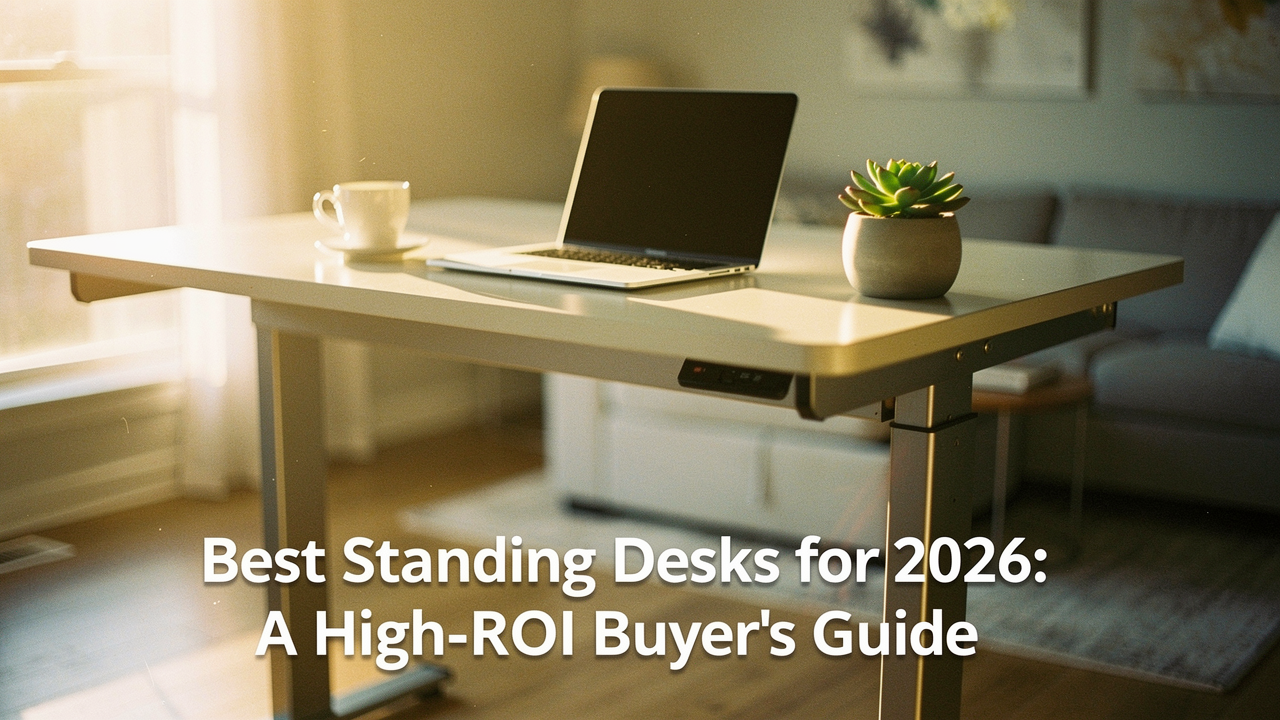
In 2026, the hybrid work landscape has finally matured, but our bodies haven’t quite caught up to the demands of the digital desk. Here at Best Goods for Good Life, I talk a lot about “High Lifestyle ROI.” To me, a standing desk isn’t just a piece of furniture; it’s a metabolic intervention. It’s an investment in your 60-year-old self. If a desk can reduce your daily fatigue by even 15%, the ROI over a decade is astronomical.
Today, I’m walking you through the science of why movement matters, how we torture-tested the latest models in our Austin studio, and which adjustable standing desks are actually worth your hard-earned money this year.
The High-ROI of Movement: Why Your Desk Matters in 2026
We’ve all heard the phrase “sitting is the new smoking,” and while that might be a bit of Texas-sized hyperbole, the core truth remains: our bodies were designed to move. When we sit for prolonged periods, our large muscle groups go quiet, our metabolism slows, and the pressure on our spinal discs increases significantly [1].
The struggle with sitting all day and back pain isn’t just about “bad posture”—it’s about static loading. Even the most expensive ergonomic chair can’t solve the problem of physical inactivity. According to research from the National Institute for Occupational Safety and Health (NIOSH), alternating between sitting and standing is one of the most effective ways to prevent musculoskeletal disorders in office environments [2].
Combating the ‘Sitting Disease’ at Home
The World Health Organization (WHO) has highlighted a clear dose-response relationship between sedentary time and cardiovascular risks [1]. Here’s the thing: you can’t “exercise away” a sedentary workday. Even if you hit the gym for an hour, eight hours of sitting still leaves you at a higher risk for metabolic issues. A standing desk for better posture is a great start, but its real power lies in the way it encourages “NEAT”—non-exercise activity thermogenesis. It’s the small shifts, the leg stretches, and the ability to keep your blood flowing while you tackle a spreadsheet.
Note: If you are experiencing chronic, sharp, or radiating back pain, please consult a medical professional. A desk is a tool for wellness, not a substitute for clinical diagnosis.
Our Testing Methodology: How We Vetted the Desks of 2026
I’ll be honest: I’m a bit of a nerd when it comes to stability. There is nothing that ruins a “deep work” flow faster than a monitor that wobbles every time you type a sentence. To find the best standing desks for 2026, my team and I turned our studio into a bit of a laboratory.
We focused on three core metrics that define the High-ROI experience:
- The Stability “Shove” Test: We extended every desk to 45 inches (a common standing height for many) and applied lateral and front-to-back pressure. We looked for “heavy or wobbly desk issues” that often plague cheaper models.
- The Decibel Check: Using a professional noise meter, we measured motor volume. We look for a “sweet spot” between 40–55 dB—quiet enough to adjust during a Zoom call without anyone noticing.
- The 2026 Tech Audit: We evaluated the responsiveness of memory presets, anti-collision sensors, and the quality of sustainable materials, like FSC-certified wood and low-VOC finishes.
The Best Standing Desks of 2026: Curated Picks
After months of testing, these are the desks that stood out. I’ve segmented these based on who I think they’ll help the most, because a coder’s needs are very different from a minimalist writer’s.
The Best Overall: Stable, Powerful, and Built to Last
Let me be honest: I ignored high-end desks for years, thinking a cheap motorized frame from a big-box store was “good enough.” But after two years of dealing with a motor that sounded like a dying blender and a surface that shook like an Austin earthquake every time I typed, I went on a quest for something better. I needed a desk that could handle my dual-monitor setup and a heavy stack of design books without breaking a sweat.
What finally clicked for me was the engineering behind the 3-stage leg design. Most budget desks use 2-stage legs, which are inherently less stable at height. When I switched to a frame built for heavy-duty stability, the “desk shimmy” vanished. This model features a dual-motor system that is remarkably quiet (around 46 dB in our tests) and a weight capacity that easily handles 355 lbs, making it the gold standard for anyone who wants a “buy it once” solution.
Micro-Verdict: The ultimate stability powerhouse for tall users and multi-monitor power users.


Best Under $500: The “High-Value” Home Office Hero
I’ve had so many friends ask me, “Jordan, do I really need to spend a thousand dollars just to stand up?” The answer used to be yes, but by 2026, the technology has trickled down. I spent three weeks testing several “budget” models, and most of them felt like card tables with motors—until I found this one.
It’s okay if you don’t need a solid walnut top or a 15-year warranty. What surprised me about this specific value pick was how much they prioritized the core mechanics. While it uses a simpler control pad, the lift is smooth, and it avoids the “jerky” starts and stops that usually lead to spilled coffee. It’s the perfect entry point for someone who wants to escape the “sitting disease” without a massive financial hurdle.
Micro-Verdict: Unbeatable bang-for-your-buck for those who want electric reliability on a budget.
(https://www.autonomous.ai/standing-desks)Best for Small Spaces: The Apartment-Friendly Aesthetic
Living in a cozy apartment near South Congress means every square inch has to earn its keep. I struggled to find a standing desk that didn’t look like it belonged in a corporate cubicle farm. I wanted something that felt like “home”—warm, compact, and quiet enough that I wouldn’t wake up my partner during a 7:00 AM brainstorm.
This compact model was the answer. It has a smaller footprint (perfect for a 42-inch nook) but doesn’t sacrifice the “high lifestyle ROI” features. The assembly took me less than 15 minutes—literally just four bolts—and the aesthetic fits perfectly with a more intentional, minimalist decor. It’s proof that you don’t need a sprawling office to have a professional-grade ergonomic setup.
Micro-Verdict: A stylish, space-saving win for apartment dwellers and minimalists.
Recommended Persona Loadouts
Choosing a desk is just the first step. Here is how I recommend kitting out your space based on your work style:
The Power User (Dual Monitors + Gear)
You need maximum real estate and zero vibration for your creative or technical work.
- Essential: A 72-inch wide surface with a 3-stage frame for maximum stability.
- Essential: Heavy-duty monitor arms to reclaim your desk surface.
- Pro Upgrade: An integrated power strip and cable management tray to hide the “tech spaghetti.”
The Minimalist Remote Worker (Small Spaces)
You work from a corner of your living room and need to keep things clean and calm.
- Essential: A 42-inch compact standing desk with a wood-grain finish.
- Essential: A felt tech pouch to tuck away cables at the end of the day.
- Pro Upgrade: A high-quality anti-fatigue mat to make standing feel like walking on clouds.
Technical Deep-Dive: Memory Presets and Future-Proofing
If you’re buying a standing desk in 2026, don’t settle for a simple “up/down” button. Height adjustable desks with memory settings are no longer a luxury—they are a necessity for habit formation.
Here’s the thing: if you have to hold a button for 20 seconds to reach your standing height, you won’t use it. You’ll stay sitting. Memory presets allow you to transition with one touch. Look for a controller that offers at least three settings: Sitting, Standing, and a “Perch” height (for use with a stool).
In terms of future-proofing, keep an eye on these 2026 standards:
- Anti-Collision Technology: This is a must-have if you have kids, pets, or an expensive office chair. It detects resistance and stops the motor instantly.
- Sustainability: High-ROI goods should be good for the planet. We prioritize brands using FSC-certified wood and GREENGUARD Gold certified laminates to ensure low VOC emissions in your home.
- UL-Listed Components: Ensure the control box and motors meet UL safety standards for electrical furniture to prevent long-term electronic failure.
The Perfect Setup: A Step-by-Step Ergonomic Guide
Buying the desk is only half the battle; the other half is using it correctly. I see so many people standing with locked knees or reaching up to their keyboards, which just replaces back pain with shoulder strain.
To get the most out of your ergonomic workstation solutions, follow these steps:
- Elbow Height: Adjust the desk so your elbows are at a 90-degree angle when typing. Your wrists should be neutral, not tilted up or down [3].
- Eye Level: The top third of your monitor should be at eye level. If you’re using a laptop, please, I beg you—get a laptop stand and an external keyboard.
- The Sit-Stand Ratio: Don’t try to stand all day on day one. Research suggests a 1:1 or 2:1 ratio is ideal. For every hour you work, try standing for 20-30 minutes [4].
Fixing the Wobble: Troubleshooting Stability
If your current desk feels like it’s on a boat, here’s a quick Austin-studio tip. First, check your floor. Uneven hardwood or plush carpet is the #1 cause of wobble. Most quality desks have leveling glides on the feet—unscrew them slightly to compensate for uneven ground. Second, check your bolts. Every six months, give them a quick tighten. The vibrations from the motor can slowly loosen them over time.
A Final Note on the “Good Life”
At the end of the day, the “best” standing desk isn’t the most expensive one—it’s the one that actually gets you out of your chair. Whether you’re working from a sprawling home office or a tiny corner of your bedroom, choosing a desk that supports your body is one of the kindest things you can do for your future self.
See you on the trail (hopefully with a back that feels great),
Jordan Miller
Affiliate Disclosure: We may earn a commission on products purchased through the links in this article. This helps us keep our Austin studio running and our testing rigorous.
Health Disclaimer: The information in this article is for educational purposes and is not a substitute for professional medical advice. Always consult a physician for chronic pain or health concerns.
References
- World Health Organization (2020). Guidelines on Physical Activity and Sedentary Behaviour. Source
- National Institute for Occupational Safety and Health (NIOSH). Ergonomics and Musculoskeletal Disorders. Source
- Occupational Safety and Health Administration (OSHA). Computer Workstations eTool: Good Working Positions. Source
- Hedge, A. (2023). Sit-Stand Workstations: Research-Informed Recommendations. Cornell University Ergonomics Web.