=
You know that feeling? You’re staring at the ceiling at 3:17 AM, your heart is racing for no apparent reason, and you’re suddenly too hot for the duvet you loved three hours ago. It’s exhausting, isolating, and honestly, a bit gaslight-y when you can’t put a finger on why it’s happening.
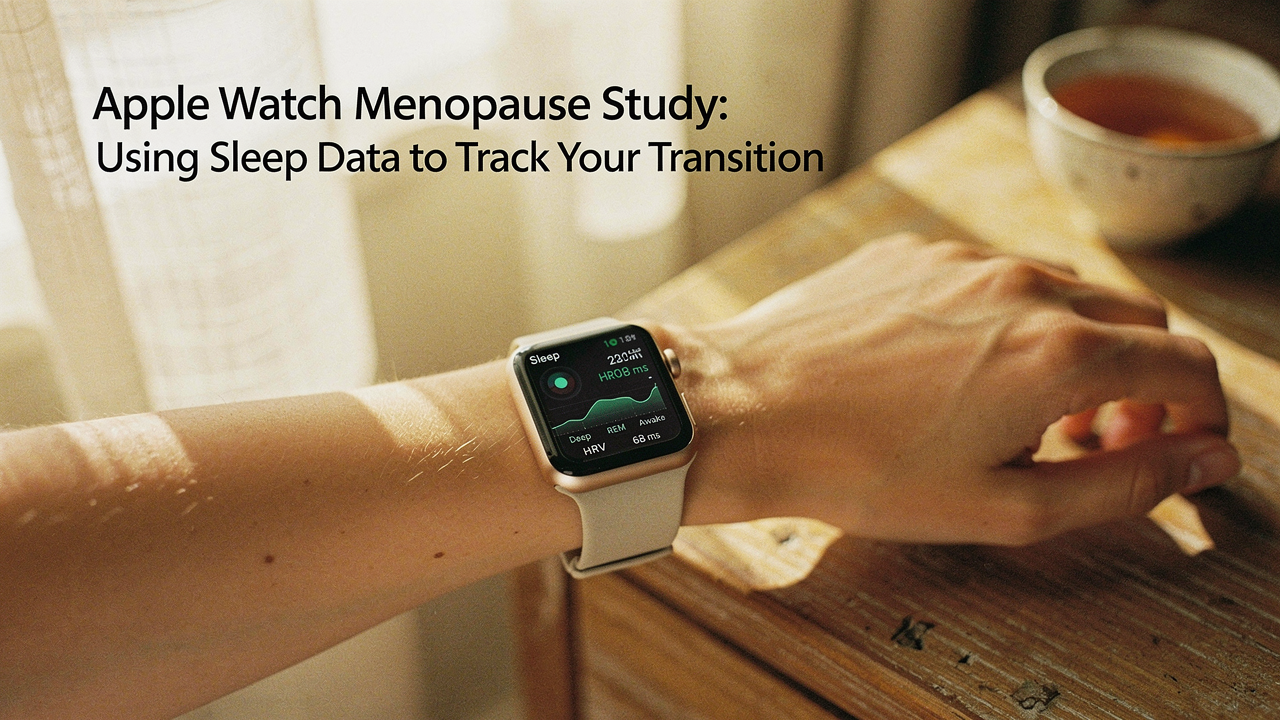
What’s truly exciting is that we’re finally moving away from the “just deal with it” era of women’s health. Harvard researchers are now using the technology sitting right on our wrists—the Apple Watch—to decode these exact patterns [1]. By bridging the gap between high-level science and our daily data, we can finally stop guessing and start understanding.
The Harvard & Apple Watch Menopause Study: Why It Matters
For decades, women’s health research was notoriously underfunded and relied on tiny groups of people sitting in a lab for a single night. But the Apple Women’s Health Study, a massive collaboration between the Harvard T.H. Chan School of Public Health, Brigham and Women’s Hospital, and Apple, has completely flipped the script [1].
Instead of 50 women in a clinic, researchers are looking at data from tens of thousands of participants across the U.S. [2]. This scale is a game-changer for menopause research because it allows scientists to see the transition in real-time, through every zip code and lifestyle. By using the Apple Research app, these teams can collect longitudinal data—meaning they follow the same women for years, not just days—to see how sleep, heart rate, and activity shift as hormones fluctuate.
What I love about this is the “High Lifestyle ROI.” We already own these devices. By participating or simply using the same tracking logic, we’re turning a piece of tech into a personal health advocate.
Decoding Menopause Transition Sleep Patterns
Here’s the thing about menopausal sleep disruption: it’s rarely “just a hot flash.” While vasomotor symptoms (the clinical term for hot flashes and night sweats) are the most common culprit, there’s a much deeper neuroendocrine shift happening.
Research from the Study of Women’s Health Across the Nation (SWAN) has shown that between 40% and 60% of women report significant sleep issues during this transition [3]. It’s not just in your head. As estrogen and progesterone levels drop, your body’s “internal thermostat” becomes less stable, and your sleep architecture actually changes. You might find you’re spending less time in deep, restorative sleep and more time in “light” stages where every floorboard creak wakes you up.
The North American Menopause Society (NAMS) notes that these disruptions are often linked to new-onset anxiety or even sleep apnea, which becomes more common as we age [4]. This is where the data becomes your best friend.
How Your Apple Watch Tracks Menopause Symptoms
Let me be honest: I ignored my sleep data for years. I thought I knew how I slept because I knew what time I went to bed. But “Time in Bed” is a vanity metric; “Sleep Continuity” is where the real story lives.
The Apple Watch uses a sophisticated mix of an accelerometer (to track movement) and a PPG heart rate sensor to estimate when you’re actually asleep and what stage you’re in. For those of us in the menopause transition, the most valuable data point isn’t necessarily a “sleep score”—it’s the record of nighttime awakenings.
Key Metrics to Monitor: Sleep Stages vs. Sleep Continuity
While it’s fun to see how much REM sleep you got, researchers are often more interested in Sleep Efficiency. If you’re in bed for 8 hours but “awake” for 90 minutes of it due to micro-arousals (even ones you don’t fully remember), your efficiency is low. In the context of menopause, these “jagged” sleep charts often correlate with nocturnal heart-rate spikes—a common proxy for a night sweat [5].
Leveraging Heart Rate Variability (HRV) for Stress Insights
HRV is essentially a measure of how “ready” your nervous system is. When you’re in the thick of hormonal flux, your HRV often drops. Tracking this over time can help you see if that 3 AM wake-up call is your body reacting to physical stress (like a hot flash) or psychological stress.
I used to wake up feeling like I’d run a marathon in my sleep—restless, irritable, and completely confused about why I felt so drained. I tried the “sleep hygiene” basics, but it felt like I was throwing spaghetti at the wall. It wasn’t until I started wearing the Apple Watch Series 10 that the patterns finally clicked. Seeing the direct correlation between my “Time Asleep” and my wrist temperature spikes gave me the “aha!” moment I needed to finally talk to my doctor about perimenopause.
Micro-Verdict: The ultimate visibility tool for turning “I’m just tired” into “Here is exactly what’s happening to my body at 3 AM.”
[Affiliate_Link_Placeholder: Apple Watch Series 10]
Step-by-Step: Setting Up Your Apple Watch for Menopause Management
If you want to use your data the way Harvard researchers do, you need to move beyond the default settings. Here is how I recommend setting up your ecosystem for the best “Life ROI”:
- Enable Sleep Schedule: Go to the Health app on your iPhone, tap ‘Browse,’ then ‘Sleep.’ Set a consistent ‘Wind Down’ time. This forces the watch to prioritize sleep tracking over notifications.
- Turn on Wrist Temperature (Series 8 or later): This is huge. It tracks your baseline temperature while you sleep. If you see consistent elevations above your baseline, it’s a clear signal to check in on your cycle or vasomotor symptoms [1].
- Log Symptoms Manually: Passive data is great, but “context is queen.” Use the ‘Cycle Tracking’ section in the Health app to log hot flashes, mood swings, or night sweats.
- Set Up HRV Alerts: While the watch doesn’t “alert” you to low HRV, checking your ‘Trends’ in the Fitness app can show if your recovery is trending downward over a 90-day period.
From Data to Dialogue: Talking to Your Doctor
What surprised me most was how much more my doctor listened when I brought data to the table. Instead of saying, “I’m not sleeping well,” I could say, “My sleep efficiency has dropped from 85% to 70% over the last three months, and my nighttime awakenings happen mostly between 3:00 and 4:00 AM.”
This shifts the conversation from “maybe try less caffeine” to a real clinical evaluation. According to American Academy of Sleep Medicine (AASM) guidelines, this is the time to screen for things like Obstructive Sleep Apnea (OSA), which can mimic or worsen menopause symptoms [6].
Your data can help you and your provider decide if you’re a candidate for:
- Menopausal Hormone Therapy (MHT): To stabilize the thermoregulatory spikes that cause those awakenings.
- CBT-I (Cognitive Behavioral Therapy for Insomnia): The gold-standard non-drug treatment for chronic insomnia, which is incredibly effective for midlife women [4].
- Lifestyle Tweaks: Sometimes, the data shows that one glass of wine at 7 PM is actually the reason your “deep sleep” disappeared that night.
Can You Participate? Joining the Harvard Study
If you’re the kind of person who wants to help make things better for the next generation of women, you can actually contribute your own data to the Harvard research.
To join the Apple Women’s Health Study:
- Download the Apple Research app: It’s a separate app from ‘Health.’
- Complete the Onboarding: You’ll go through an informed consent process—this is real science, so they are very clear about how your data is used and protected.
- Contribute Monthly: You’ll be asked to answer short surveys about your cycle and symptoms. Your Watch does the rest of the heavy lifting in the background.
The High-Lifestyle ROI Verdict
At the end of the day, living well isn’t about having the most expensive gadgets—it’s about using the ones we have to live more intentionally. We are the first generation of women who can actually “see” our hormones working in real-time through our sleep data. Don’t just wear the watch; use it to advocate for yourself. Better rest isn’t a luxury; it’s the foundation of everything else we want to achieve in this second act of life.
Suggested Persona Loadout: The Midlife Optimization Kit
- Essential: Apple Watch (Series 8, 9, 10 or Ultra) for wrist temperature and sleep tracking.
- Essential: A silk or high-quality cotton sleep mask to protect that precious melatonin.
- Pro Upgrade: A temperature-regulated mattress topper (like a ChiliPad) if your Watch data confirms frequent “hot” nights.
- Pro Upgrade: The Apple Research App (Free) to turn your data into a contribution to global science.
Disclaimers: Jordan Miller is a tech enthusiast and lifestyle curator, not a medical professional. The information in this article is for educational purposes and is not intended to diagnose, treat, or cure any condition. Always consult with your healthcare provider before starting new treatments or making significant changes to your health routine.
References & Authoritative Sources
- Harvard T.H. Chan School of Public Health. (2023). Apple Women’s Health Study: Early Findings on Menopause. https://www.hsph.harvard.edu
- Apple Inc. (2024). Apple Women’s Health Study: Digital health at scale. https://www.apple.com/healthcare/docs/Apple_Womens_Health_Study
- SWAN (Study of Women’s Health Across the Nation). (2022). Sleep and the Menopausal Transition. https://www.swanstudy.org
- North American Menopause Society (NAMS). (2023). Management of Menopause-Related Sleep Disturbances. https://www.menopause.org
- Journal of Clinical Sleep Medicine. (2024). Validation of Wearable Devices in Midlife Women. https://aasm.org
- American Academy of Sleep Medicine (AASM). (2024). Sleep Disorders in Menopause: Clinical Guidelines. https://aasm.org