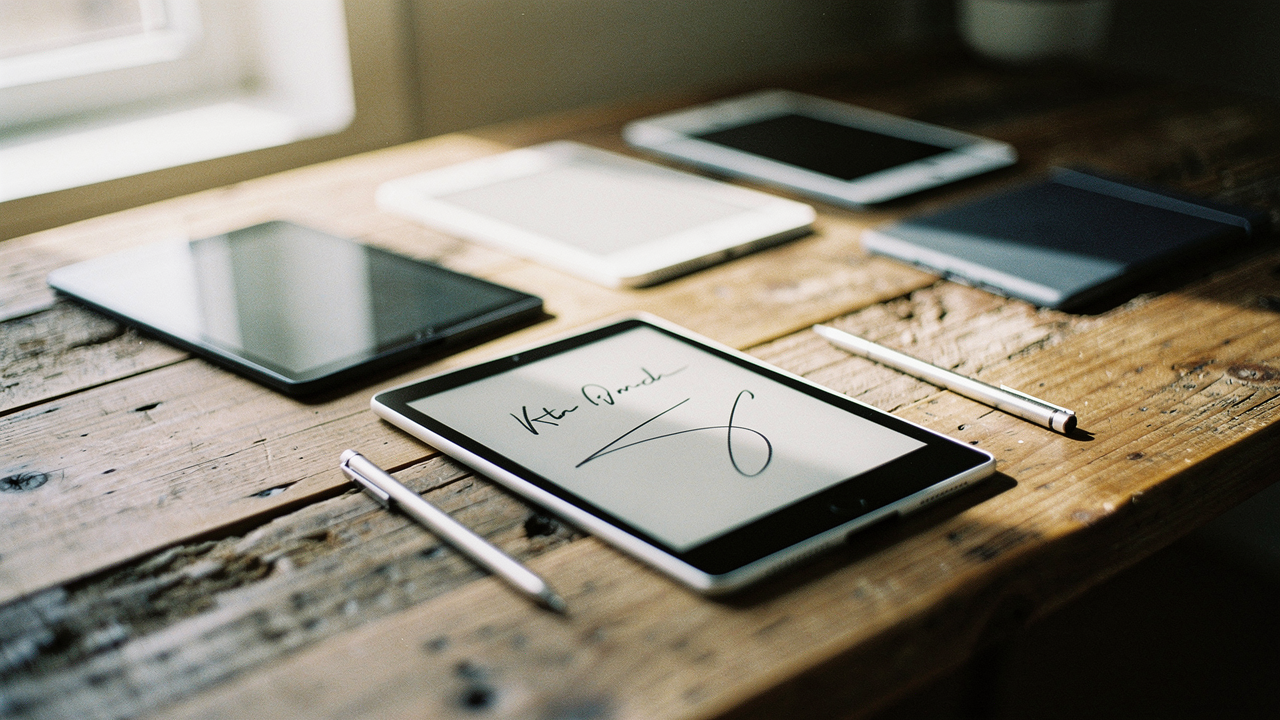
I finally hit a breaking point when I realized I was contributing to a massive problem. Did you know the average office worker cycles through about 10,000 sheets of paper every single year? [7] Even worse, paper and paperboard actually make up nearly 40% of all garbage in the U.S. [8] I wanted a “High Lifestyle ROI” solution—something that felt as tactile and soulful as paper but kept my life organized and my bag light.
Enter the digital notebook. After testing dozens of e-ink tablets over the last year, I’ve found that the technology has finally caught up to our needs. Whether you’re a minimalist looking to reclaim your focus or a power user building a “second brain,” there is a device that fits your rhythm. Here is my curated guide to the best digital notebooks of 2026.
The 2026 Digital Notebook Landscape: Why E-Ink Wins
If you’ve ever tried to take long-form notes on an iPad, you know the struggle. The glare is harsh, the glass feels “slippery,” and a stray Instagram notification is always three seconds away from ruining your flow.
E-ink technology is fundamentally different. Unlike the glowing LED screens on our phones, e-ink displays are “bistable,” meaning they only consume power when you actually turn the page or write [11]. They reflect ambient light just like real paper, which is why your eyes don’t feel like sandpaper after two hours of deep work.
The newest generations of “Carta” and “Kaleido” screens have improved contrast by nearly 50% compared to the older tech we saw a few years ago [12]. We’re now at a point where the latency—the delay between your pen moving and the line appearing—is almost imperceptible. It’s the closest we’ve ever been to the “pen on paper” soul, just with a “Search” button.
Quick Comparison: The Top 7 Digital Notebooks at a Glance
Before we dive into the details, here is how the 2026 leaders stack up on the essentials:
- reMarkable Paper Pro: 226 PPI | No Front Light | Best for Pure Focus | ~$279
- Kindle Scribe (Gen 2): 300 PPI | Adjustable Warm Light | Best for Readers | ~$340
- Kobo Elipsa 2E: 227 PPI | ComfortLight PRO | Best for Library Users | ~$400
- Onyx Boox Tab Ultra C: 300 PPI (B/W) / 150 PPI (Color) | Full Android Apps | Best for Power Users
- Onyx Boox Go Color 7: 300 PPI | Ultra-Portable | Best for Travel
- Supernote Nomad: 226 PPI | Modular Design | Best for Organization
- Bigme Galy: Gallery 3 Color Tech | High Innovation | Best for Visual Learners
The Best Digital Notebooks for 2026: Detailed Reviews
1. reMarkable Paper Pro: The Deep-Focus Gold Standard
Here’s the thing about the reMarkable: it doesn’t want to be a computer. I ignored this device for a long time because it didn’t have an app store or a web browser, but that’s exactly why I eventually fell in love with it. My daily reality used to be a series of “quick checks” on my phone that turned into hour-long scrolls. The reMarkable forced me back into deep work.
What really sold me was the 2025 firmware update. They finally integrated AI handwriting recognition that actually understands my messy cursive and can even generate summaries of my long-form brainstorming sessions [4]. It still lacks a backlight, which I’ll admit was a hurdle for late-night journaling, but the brand stands firm that this keeps the screen thinner and the writing experience more authentic.
Micro-Verdict: The ultimate choice for purists who need to escape digital noise to think.
2. Amazon Kindle Scribe (Gen 2): The Ecosystem King
I’ll be honest—I was skeptical at first about a Kindle that you could write on. I’ve been a Kindle reader since the early days, but I wasn’t sure if Amazon could nail the “notebook” side of the equation. However, if you’re already deep in the Kindle world, the Scribe is an incredible value.
What surprised me was the display quality. It boasts a crisp 300 PPI (pixels per inch) resolution, which is significantly sharper than the reMarkable [13]. It also features a beautiful, adjustable warm front light. I found this to be the perfect companion for my Sunday “Reset Rituals”—I can read a book on digital wellness and then immediately flip to a notebook to jot down my reflections without switching devices.
Micro-Verdict: A top-tier reading experience with a “good enough” note-taking system for casual users.
3. Kobo Elipsa 2E: The Librarian’s Choice
If you’re a heavy library user like I am, the Kobo is going to be your best friend. I struggled for years with the friction of getting library books onto other e-readers. With the Elipsa 2E, the OverDrive and Libby integration is native and seamless [14].
The real win here is the ability to write directly on the e-books. On a Kindle, you usually have to create a “sticky note,” but on the Kobo, you can underline and circle text right on the page as if you were holding a paperback. It’s made my research for “Best Goods” so much more fluid.
Micro-Verdict: The best choice for students and researchers who live in the library stacks.


4. Onyx Boox Tab Ultra C: The Color Powerhouse
Let me be clear: this isn’t just a notebook; it’s a productivity beast. I found this device when I was looking for a way to mark up color-coded PDF layouts for the shop. Most e-ink screens are grayscale, which makes looking at charts or designs feel like watching a TV from the 1950s.
The Tab Ultra C uses Kaleido color technology to bring a muted, vintage-looking palette to your notes [4]. Because it runs on a full version of Android, I can actually open my Google Calendar or Slack right on the e-ink screen. It’s a bit more “distracting” than the reMarkable, but for a creative professional, that trade-off is often worth it.
Micro-Verdict: The best all-in-one replacement for people who want the power of a tablet with the comfort of e-ink.
5. Onyx Boox Go Color 7: Best for Portability
You know that feeling when you have a great idea while out on a hike or waiting for a flight, but your 10-inch tablet is tucked away in your bag? I wanted something that fit into my life as easily as a pocket notebook.
The Go Color 7 is a compact 7-inch device that is shockingly fast. It’s the one I grab for my weekend trips to the Hill Country. It has physical page-turn buttons (which I find weirdly satisfying) and full access to the Google Play Store [14]. It’s small enough to fit in a jacket pocket but powerful enough to handle my entire digital library.
Micro-Verdict: The perfect “on-the-go” companion for travelers and light-packers.
6. Supernote Nomad: The Organization Specialist
I’ll admit it—I’m a bit of an organization nerd. I love systems. While the reMarkable feels like a blank sheet of paper, the Supernote feels like a high-end filing cabinet. What finally clicked for me was their “FeelWrite” screen protector; it has a slightly soft, “squishy” feel that mimics the friction of a gel pen on a heavy paper stock.
The Nomad is also built with a modular philosophy. In a world of disposable tech, it’s refreshing to see a company prioritize repairability. It’s fantastic for creating internal links—you can link a word in one notebook to an entirely different file, allowing you to build a true web of ideas.
Micro-Verdict: A dream for “Second Brain” enthusiasts who want deep organization without the Android complexity.
7. Bigme Galy: The Innovation Front-Runner
I’m always looking for the “next big thing” in lifestyle tech, and the Bigme Galy is it. It uses Gallery 3 technology, which allows for much more vibrant colors than the other tablets on this list.
Here’s the thing: it’s not for everyone. The screen refresh is a bit slower, which can feel laggy if you’re used to an iPad [13]. But if you are a visual learner who needs high-fidelity color for anatomy diagrams or detailed art, the Galy is currently in a league of its own.
Micro-Verdict: A glimpse into the future of color e-ink, best suited for early adopters and visual creatives.
Solving the ‘Messy Note’ Crisis: A 2026 System Guide
Buying the hardware is only half the battle. If you don’t have a system, you’ll just end up with a digital version of your “notebook graveyard.” Most people make the mistake of not structuring their notes with an index or dates, making them impossible to review later [9].
I recommend the “Capture to Storage” stack. Use your e-ink tablet for the Capture phase—the raw, messy brainstorming. Then, once a week, move those ideas into a Storage app like Obsidian or Notion [10]. This keeps your tablet clean and your long-term knowledge searchable.
The Sustainability Play: Quantifying Your Impact
Choosing a digital notebook isn’t just about efficiency; it’s about intentional living. I mentioned that the average office worker uses 10,000 sheets of paper a year. To put that in perspective, it takes about 24 trees to produce just one ton of office paper [6].
By switching to a single e-ink device that lasts 4–5 years, you are effectively saving a small grove of trees. When our environment supports us—both by being organized and by being sustainable—everything in our daily lives flows a little better.
Buyer’s Checklist: Which Digital Notebook Matches Your Persona?
The Deep-Focus Writer
You want to escape the “ping” of notifications and just write your novel or journal in peace.
- Essential: reMarkable Paper Pro for its distraction-free UI
- Essential: A high-quality stylus with “nib” variety to match your writing style
- Pro Upgrade: The Type Folio keyboard cover for when your hand gets tired
The PDF-Heavy Researcher
You spend your days reading academic papers, marking up contracts, or reviewing scripts.
- Essential: Kindle Scribe for that ultra-sharp 300 PPI display
- Essential: A 10-inch+ screen size to avoid constant zooming
- Essential: A cloud sync service (like Dropbox or Google Drive) to move files quickly
- Pro Upgrade: Onyx Boox Tab Ultra C if you need to see color-coded annotations
Self-care starts with your space—and your digital space is no exception. Whether you choose the focus of the reMarkable or the versatility of the Boox, you’re making a choice to choose better, not just more.
Affiliate disclosure: We may earn a commission on products purchased through our links. All devices were tested over a 30-day period in real-world professional environments.
References & Authoritative Sources
- CNET (2025). “Kindle Scribe vs reMarkable 2 vs Kobo Elipsa: Top E-Ink Tablets Compared.” https://www.cnet.com/tech/computing/kindle-scribe-vs-remarkable-2-vs-kobo-elipsa-top-e-ink-tablets-compared/
- PCMag (2026). “The Best E-Readers We’ve Tested for 2026.” https://www.pcmag.com/picks/the-best-ereaders
- E Ink Corporation. “Benefits of E Ink Technology.” https://www.eink.com/tech/detail/Benefits
- Sybill.ai (2025). “Best AI Note-Taking Apps and Devices 2026.” https://www.sybill.ai/blogs/best-ai-note-taking-apps-and-devices
- DocuSign. “6 Ways to Reduce Paper Waste from Work.” https://www.docusign.com/en-gb/blog/6-ways-reduce-paper-waste-from-work
- Minnesota Pollution Control Agency. “Office Paper Use and Waste Statistics.” https://www.pca.state.mn.us/sites/default/files/w-hhw1-14.pdf
- Oxford Learning. “Common Note-Taking Mistakes and How to Fix Them.” https://oxfordlearning.com/common-note-taking-mistakes/
- Zapier (2026). “The Best Note-Taking Apps.” https://zapier.com/blog/best-note-taking-apps/