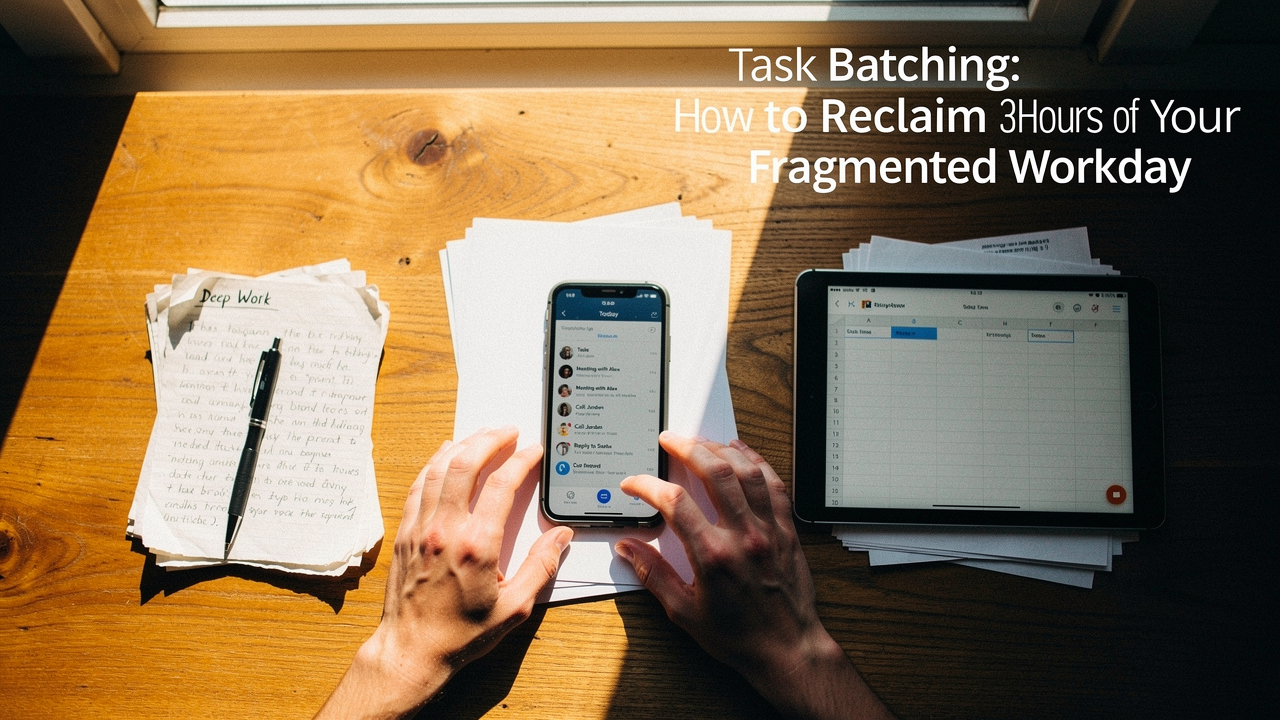
Here in Austin, my mornings usually start with a little yoga and a quiet moment with a pour-over before the digital storm hits. But for years, that calm was short-lived. I was living what researchers now call a “fragmented workday.” According to Microsoft’s Work Trend Index, the average professional is interrupted every two minutes by a notification, and we’re juggling roughly 153 Teams messages every single day [5].
It’s exhausting. We aren’t just working; we’re paying a “refocus tax” every time we switch tabs.
What I’ve learned through a decade of digital wellness is that the answer isn’t “working harder.” It’s about protecting our most valuable resource: our attention. That’s where task batching comes in. This isn’t just another productivity hack; it’s a system to reclaim up to 40% of your productive time that is currently being swallowed by chaos [2].
If you’re ready to stop feeling like a pinball in a digital machine, let’s talk about how to batch your way back to a “good life” schedule.
The Hidden Cost of the Fragmented Workday
We’ve been sold a lie that multitasking is a badge of honor. In reality, our brains aren’t wired for it. When we jump from a creative brief to a Slack message and back again, we aren’t doing two things at once; we’re rapidly switching between them.
Here is why that “quick check” of your inbox is more expensive than you think:
- The 25-Minute Refocus Rule: Research from Gloria Mark at the University of California, Irvine, found that it takes an average of 23 minutes and 15 seconds to get back to a task after being interrupted [1]. If you’re interrupted every two minutes, you are essentially living in a state of permanent cognitive lag.
- The 40% Productivity Drop: A landmark Stanford study revealed that multitasking can reduce your productivity by as much as 40% [2]. You’re essentially working with the cognitive capacity of someone who pulled an all-nighter.
- The Mental Exhaustion: Every switch requires “activation energy.” By noon, the reason you feel drained isn’t because the work was hard; it’s because you’ve forced your brain to restart its engine fifty times.
This fragmentation is why we feel busy but unproductive. We’re spinning our wheels in the mud of context switching instead of gaining traction on the road.
What is Task Batching? (And Why It’s Not Just Time Blocking)
I often hear people use “task batching” and “time blocking” interchangeably, but there’s a nuance here that changed everything for my Sunday reset routine.
Time blocking is about when you work (e.g., “I will work on Project A from 9:00 AM to 11:00 AM”).
Task batching is about what tasks you group together based on the “cognitive mode” they require. Instead of just scheduling a block of time, you group similar activities—like all your administrative tasks, all your outbound calls, or all your creative writing—into one focused session.
Think of it like laundry. You wouldn’t start the washing machine every time you have one dirty sock, right? You wait until you have a full “batch” of similar items (whites, darks) to make the process efficient.
As the experts at Asian Efficiency suggest, batching operates on “levels”—from simple admin batches to high-level “themed days” where your entire Tuesday might be dedicated to client meetings [3]. By staying in one mental gear, you eliminate the friction of shifting from “analytical brain” to “creative brain.”
The 5-Step Framework to Batch Tasks for Efficiency
If you’re ready to try this, don’t overhaul your whole life tomorrow. Start with this tool-agnostic framework I’ve used to optimize my Austin home office.
Step 1: The 48-Hour Time Audit
Before you can fix your day, you have to see where it’s leaking. For the next two days, keep a simple notepad by your keyboard. Every time you switch tasks—even for a “quick” email—make a tally mark.
What surprised me most during my first audit was how often I was “self-interrupting.” Research shows we often interrupt ourselves about 12 times in a 32-minute session, losing roughly 10% of our time to our own distractions [4]. Identifying these patterns is the first step to breaking them.
Step 2: Group by Cognitive Load
Look at your to-do list and categorize tasks into three buckets:
- Deep Work: High-concentration tasks like writing, coding, or strategic planning.
- Shallow Work/Admin: Low-brainpower tasks like expense reports, filing, or data entry.
- Communication: Emails, Slacks, and phone calls.
The goal is to never mix these. Don’t write a paragraph of a report and then check an email. Grouping by “cognitive mode” is the secret sauce of high-performance professionals.
Step 3: Size Your Batches
Not all batches are created equal.
- Communication Sprints: Try three 30-minute windows (Morning, Post-Lunch, End of Day).
- Admin Blocks: One 60-minute “power hour” for the small stuff.
- Deep Work Slabs: 90 to 120-minute blocks. This is the “sweet spot” for entering a flow state.
Step 4: Protect Your Calendar
Once you’ve decided when your batches happen, you have to signal it to the world. I’m a big fan of “Calendar Signaling”—renaming blocks to “Deep Work – Do Not Disturb” so my team knows I’m not just “available” because there’s a gap in my schedule.
Role-Specific Batching Blueprints
One size doesn’t fit all. Here is how I recommend structuring your week based on the “ROI” of your specific role.
The Maker (Writers, Designers, Developers)
If your value comes from creating things, your biggest enemy is the “fragmented hour.” Reclaim.ai found that developers switch tasks 13 times per hour, which is a disaster for complex code [6].
- The Blueprint: Dedicated “No-Meeting Mornings.” Batch all creative work between 8:00 AM and 12:00 PM. Save all emails and meetings for the afternoon when your cognitive energy naturally dips.
The Manager (Leaders, Account Managers)
Your job is communication, which makes batching tricky. But constant “ping-pong” communication kills your ability to lead strategically.
- The Blueprint: “Office Hours.” Instead of an open-door policy, batch your one-on-ones into specific days (e.g., “Meeting Tuesdays”). Use “Communication Windows” twice a day to clear Slack, rather than letting it hum in the background all day.
The Tools of the Trade
I’ve tried every app under the sun, and while a paper planner is great, certain digital tools are built specifically to support a batched lifestyle.
Here’s the thing about morning planning: if your tasks are scattered across five different apps, you’re already losing the battle. I spent years hopping between Jira, Trello, and my inbox, which felt like a constant “tab-hopping” tax.
When I started using Sunsama, the “daily ritual” changed everything. It forces you to look at your tasks from everywhere, pull them into a single day, and—most importantly—set a realistic time estimate for each batch. It even prompts you to shut down at the end of the day, which is a win for anyone struggling with work-life boundaries.
Micro-Verdict: It’s the ultimate digital “planner” that protects your boundaries and forces realistic batching.
I’ll admit, I was skeptical at first about adding another “hub” to my workflow. But if you’re someone who lives in Slack and email, the context switching is what’s actually killing your focus.
What finally clicked for me with Akiflow was the ability to turn a Slack message into a task with one shortcut and then drag it into a pre-set “Batch Block” on my calendar. It stops those “quick asks” from derailing your deep work slabs. You’re essentially centralizing your interruptions so you can deal with them on your terms.
Micro-Verdict: The shortcut to ending the “tab-hopping” tax and centralizing your fragmented tasks.
Advanced Troubleshooting: When Batching Fails
Let’s be honest: some days, the plan falls apart. If you’re in a reactive role like Customer Support or Operations, a two-hour “deep work” block might be impossible.
If your role is interrupt-driven, try “Micro-Batching.” Instead of two hours, batch in 20-minute sprints. Group five similar tickets together, power through them, and then check your messages. Even a 15-minute “mode” lock is better than constant switching.
Another common pitfall is the “Admin Trap.” Don’t batch your admin tasks during your peak energy hours. If you’re a morning person like me, save the expense reports and filing for that 3:00 PM slump when you’re craving a second round of Austin-roasted coffee anyway.
Reclaiming Your Good Life
At the end of the day, task batching isn’t about squeezing more work into your life. It’s about doing the work better and faster so you can actually leave it behind.
When you stop paying the context-switching tax, you don’t just gain hours; you gain mental clarity. You’ll find you have the energy left over for that sourdough recipe you’ve been wanting to try or that sunset hike on the Greenbelt.
My challenge to you: Pick one category—let’s say, Email—and commit to only checking it three times tomorrow in batched windows. See how it feels to have the space in between.
Drop a comment below: Which task is currently eating your day? Let’s figure out how to batch it together.
References
- Mark, G. (2008). The Cost of Interrupted Work: More Speed and Stress. University of California, Irvine. https://www.ics.uci.edu/~gmark/chi08-mark.pdf
- Stanford University (2009). Cognitive Control in Media Multitaskers. PNAS. https://www.pnas.org/doi/full/10.1073/pnas.0903620106
- Asian Efficiency (2023). Task Batching: The Secret to High Productivity. https://www.asianefficiency.com/productivity/task-batching/
- Gould, S. J. (2013). Self-interruption and the cost of task switching. ProductivityReport.org. https://productivityreport.org/2025/04/11/how-much-time-do-we-lose-task-switching/
- Microsoft (2024). Work Trend Index Annual Report. Microsoft Worklab. https://www.microsoft.com/en-us/worklab/work-trend-index
- Reclaim.ai (2024). The State of Context Switching. Reclaim.ai Blog. https://reclaim.ai/blog/context-switching