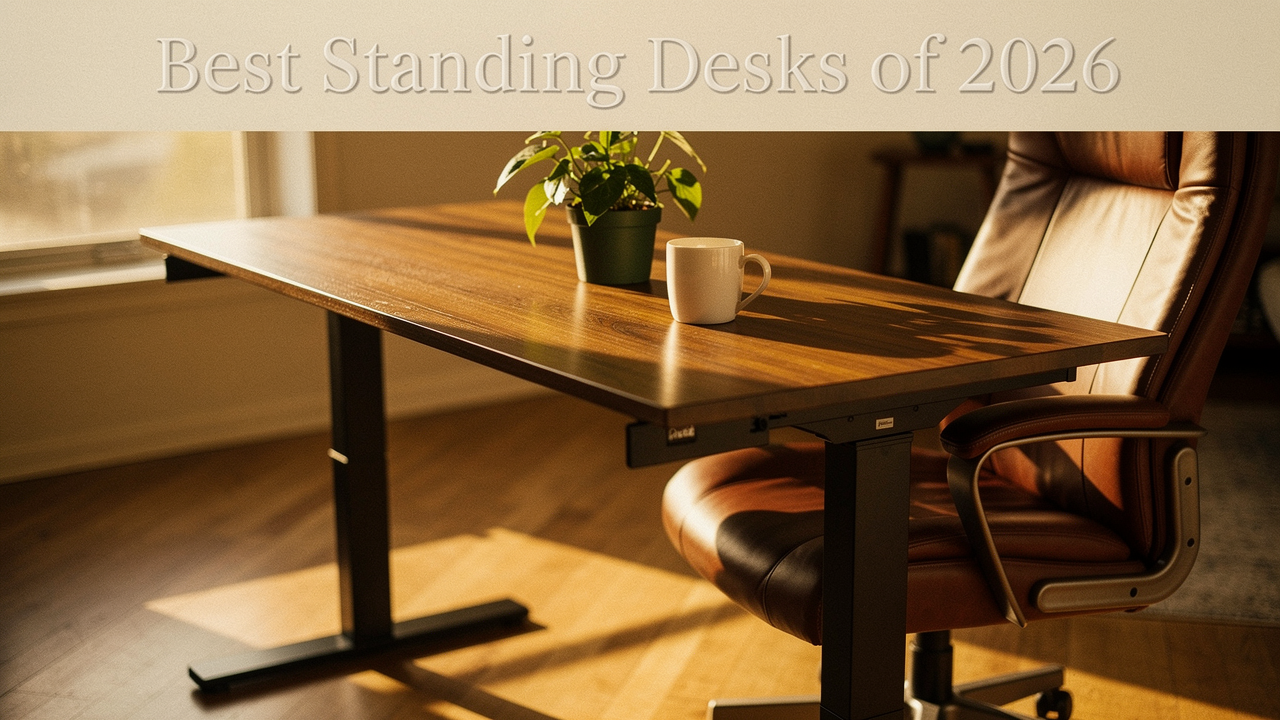
What finally clicked for me was the concept of “High Lifestyle ROI.” We often think of ROI in financial terms, but when it comes to your workspace, the return on investment is measured in how your body feels at 5:00 PM. A height-adjustable desk isn’t just furniture; it’s the foundation of a “sit-stand ecosystem” that changes your relationship with work. In fact, the longitudinal “Stand Up to Work” study found that users of height-adjustable desks reported a 47% improvement in posture and a significant reduction in upper back and neck discomfort [1].
But here’s the thing: not all desks are created equal. I’ve tested models that shook every time I typed and others that sounded like a jet engine taking off. In this guide, I’m sharing the results of my 2026 testing—focusing on stability, noise, and what actually helps with that WFH back pain.
Quick Picks: The Best Standing Desks of 2026 at a Glance
If you’re in the middle of a busy workday and just need the highlight reel, here is how the top performers stack up based on my “Good Life Test.”
- Best Overall: Uplift V3 Standing Desk — 355 lb capacity, 15-year warranty, industry-leading stability.
- Best for Heavy Setups: Flexispot E7 Pro — Massive 440 lb weight capacity for multi-monitor enthusiasts [3].
- Best Aesthetic: Ergonofis Sway — Handcrafted solid wood tops for a premium, organic look.
- Best Budget: Venace V1 — A reliable sub-$200 entry point for small spaces [9].
Our Methodology: How We Test for “Wobble” and Noise
I’m a bit of an optimization geek, so I don’t just “try” these desks. I put them through a specific set of tests in my studio.
First, I measure the “Wobble Factor.” Using a digital level and a standard 45-inch height (where most people stand), I measure the millimetric deflection when I type and when I intentionally nudge the desk. If my monitor looks like it’s in an earthquake, it doesn’t make the list.
Second, I use a decibel meter to track Motor Noise. No one wants to interrupt a Zoom call just because they need to stretch their legs. Finally, I look at the Assembly Experience. If a desk requires an engineering degree and six hours of your Sunday to put together, it’s not supporting a “Good Life.”
The Science of Standing: Why Your Desk Choice Matters
Let’s be honest: I ignored my posture for years until my body literally forced me to pay attention. Poor posture at work isn’t just about “slouching”—it’s about the biomechanical reality of disc compression. When we sit in a flexed position for hours, we increase the pressure on our intervertebral discs, which the National Spine Health Foundation notes can lead to long-term degeneration and sciatica [10].
Here’s what I learned from digging into the research: standing isn’t a “cure,” but movement is. The real win comes from the ability to transition seamlessly. When you’re at a height-adjustable desk, you can maintain a “neutral wrist position” as recommended by OSHA, keeping your elbows at a 90-degree angle whether you’re sitting or standing [8]. This simple shift reduces the strain on your traps and lower back, letting your muscles stay engaged without becoming fatigued.
Detailed Reviews: The Top Height Adjustable Desks for 2026
Uplift V3 Standing Desk — Best Overall
I remember the first time I set up an old-school standing desk. Every time I hit the “Enter” key, my coffee would ripple. It was incredibly distracting. When I moved to the Uplift V3, that frustration finally vanished. I spent months researching frame stability before landing on this one, and the dual-motor system is remarkably smooth.
What I love about the V3 is that it’s built to last a decade, not just a season. With a 355-pound lifting capacity and a frame that meets BIFMA standards for durability, it feels like a professional-grade piece of equipment. I opted for the bamboo top—it adds a warmth to my Austin office that makes Monday mornings feel a little less daunting.
Micro-Verdict: The gold standard for anyone who wants zero wobble and a warranty that actually protects your investment for 15 years.
Flexispot E7 Pro — Best for Heavy Setups
Here’s the thing about “heavy” setups: once you add two 32-inch monitors, a mounted camera, a microphone arm, and maybe a heavy desktop PC, most budget desks start to groan. I’ve seen motors burn out because they were pushed to their limits. I decided to test the Flexispot E7 Pro specifically because of its 440-pound rating [3].
During my testing, what surprised me was how quiet it remained even when loaded up with gear. It handles the weight with a calm confidence that cheaper models lack. It also features a semi-integrated cable management system, which is a lifesaver if you hate the “spaghetti wire” look under your desk.
Micro-Verdict: The heavy-duty workhorse that stays silent and stable even with a triple-monitor loadout.
Ergonofis Sway — The Aesthetic Choice
Let’s talk about aesthetics. I’m a firm believer that your environment dictates your flow. If your desk looks like a piece of clinical lab equipment, it’s hard to feel creative. I found the Ergonofis Sway when I was looking for something that felt more like a piece of furniture than a “tech product.”
It’s handcrafted in Canada with solid wood tops (the birch is stunning). It’s the kind of desk that sparks joy every time you walk into the room. While it’s a premium investment, the “High Lifestyle ROI” here is the sheer beauty and the tactile feel of real wood under your hands while you work.
Micro-Verdict: An heirloom-quality desk for the minimalist who refuses to sacrifice style for ergonomics.
The Best Budget Standing Desks: When is it Worth Saving?
I’ll admit it—I was skeptical about budget desks at first. Wirecutter and other major reviewers often reject low-end models because they can be dangerously unstable at max height [12]. However, I know that spending $800 on a desk isn’t a reality for everyone starting their WFH journey.
The key is finding the “quality jump.” Research from industry experts like BTOD suggests that the $650 mark is where you usually see a massive leap in electronics reliability [2]. But if you are just starting out, there are decent entry points.
Venace V1 — The Sub-$200 Winner
I helped a friend set this up in her small studio apartment recently. We had a tight budget and even tighter space. The Venace V1 is a “no-frills” solution, but for the price, it’s surprisingly capable. It has a smaller weight capacity (176 lbs), so it’s not for the heavy-gear users [9].
You will notice a bit more side-to-side movement than you would on the Uplift, but if you’re using a single laptop and a lightweight monitor, it does the job. It even includes an anti-collision sensor and a child lock, which are rare at this price point.
Micro-Verdict: The most reliable way to stop sitting all day without breaking the bank.
Actionable Setup: Building Your Ergonomic Workstation
Buying the desk is only half the battle. If you set it at the wrong height, you’re just swapping back pain for neck pain. Here is my 5-step blueprint for a perfect setup:
- Step 1: The 90-Degree Rule. Adjust your desk height so that your elbows are at a 90-degree angle and your wrists are neutral. Your forearms should be roughly parallel to the floor [7].
- Step 2: Eye-Level Monitor. The top third of your screen should be at eye level. If you’re looking down, you’re straining your neck. I always recommend a monitor arm for this.
- Step 3: The 20-8-2 Protocol. Based on Mayo Clinic guidance, aim for 20 minutes of sitting, 8 minutes of standing, and 2 minutes of moving/stretching [11].
- Step 4: Support Your Feet. If you’re standing on hardwood or tile, an anti-fatigue mat is non-negotiable. It saves your knees and ankles from the “concrete floor” effect.
- Step 5: Ground Your Feet. When sitting, ensure your feet are flat on the floor. If you’re shorter, use a footrest to prevent your legs from dangling, which can cut off circulation.
Persona Loadouts: How to Choose Your Setup
The Minimalist Remote Worker (Small Spaces)
You work from a corner of your living room and need a setup that disappears when the day is done.
- Essential: A compact 42-inch standing desk (like the Uplift V3 small footprint).
- Essential: A high-quality tech pouch to keep cables hidden.
- Pro Upgrade: A foldable laptop stand to ensure ergonomics on any table.
The Power User (Home Office)
You spend 10+ hours a day here and have a lot of hardware.
- Essential: Flexispot E7 Pro for its high weight capacity.
- Essential: Dual monitor arms to clear up desk real estate.
- Essential: An industrial-grade power strip mounted to the underside of the desk.
Common Questions & Trouble-Shooting
“I’m tall (6’3”+). Will these desks be stable enough?”
This is where the “wobble test” really matters. Tall users should look for desks with “inverted” leg designs or four-leg models. The Uplift V3 performs exceptionally well at higher extensions because of its reinforced “wedge” design.
“My feet hurt after standing for only 20 minutes. What am I doing wrong?”
You’re likely standing for too long, too soon. Think of it like a new workout. Start with 10-minute bouts. Also, check your footwear. Standing barefoot or in flat socks on a hard floor can lead to plantar fasciitis. An anti-fatigue mat is your best friend here.
“How do I manage all the cables so they don’t pull when the desk goes up?”
This is the most common mistake! Always use a “cable spine” or leave enough slack in your wires at the lowest setting so they don’t unplug or snap when you move to standing height.
At the end of the day, choosing a desk is about choosing your future health. Whether you go for the handcrafted luxury of the Sway or the rock-solid reliability of the Uplift, making the shift to a sit-stand lifestyle is one of the best “High Lifestyle ROI” moves you can make.
Let’s make every workday a little better, together.
Affiliate disclosure: We may earn a commission from products purchased through links. Medical disclaimer: I am an optimization geek, not a doctor; consult a professional for chronic back pain.
Scientific References & Authority Sources
- International Journal of Workplace Health Management, 2018. “Stand Up to Work: A Longitudinal Study on Adjustable Workstations.”
- BTOD (Beyond the Office Door), 2026. “The Standing Desk Quality Leap: Mid-Range vs. Budget.”
- Flexispot Technical Documentation, 2026. “E7 Pro Weight Capacity and Motor Reliability Data.”
- NIOSH / CDC. “Workplace Ergonomics and Musculoskeletal Disorders.” https://www.cdc.gov/niosh/topics/ergonomics/
- Harvard Health Publishing. “The Hazards of Sitting.” https://www.health.harvard.edu/pain/the-hazards-of-sitting
- PMC7399954, 2020. “Sedentary Work in Desk-Dominated Environments.”
- Logitech Ergo Series. “Setting up an ergonomic workspace.” https://www.logitech.com/en-us/discover/a/workstation-setup
- OSHA Computer Workstations eTool. “Good Working Positions.” https://www.osha.gov/etools/computer-workstations/positions
- Venace Lifestyle & Space, 2026. “Budget Standing Desk Comparisons: V1 Specs.” https://vvenace.com/blogs/lifestyle-space/10-best-budget-standing-desks-under-250-in-2026
- National Spine Health Foundation. “Spine Posture and Workplace Ergonomics.” https://spinehealth.org/article/spine-posture-workplace-ergonomics
- Hospital for Special Surgery (HSS). “Back Pain When Sitting.” https://www.hss.edu/health-library/move-better/back-pain-when-sitting
- The New York Times Wirecutter, 2026. “The Best Standing Desks.” https://www.nytimes.com/wirecutter/reviews/best-standing-desk