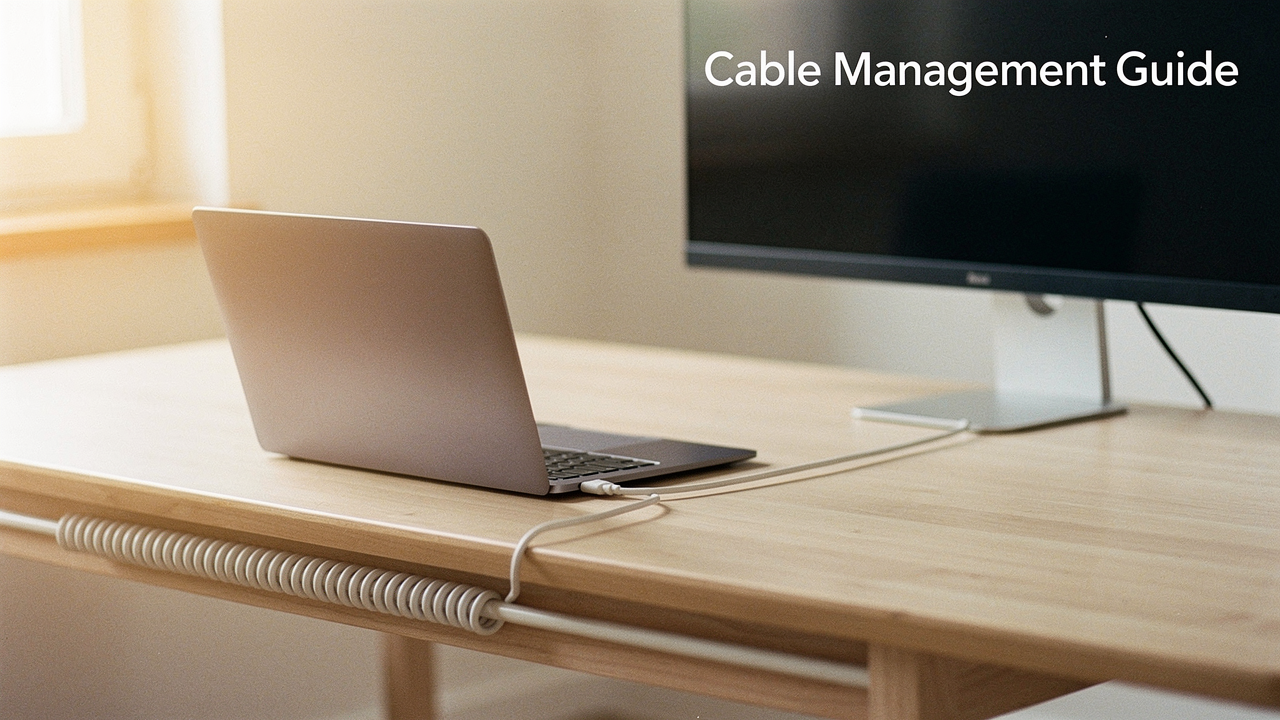
That clutter wasn’t just an eyesore; it was a mental weight. Every time my foot brushed against that nest of wires, I felt a spike of low-grade anxiety. As someone who obsesses over “High Lifestyle ROI,” I realized that a cluttered workspace is the ultimate tax on productivity. You can’t find your flow when your environment is screaming for an intervention.
Let’s be honest: most of us ignore wire clutter until something goes wrong—like accidentally unplugging your router during a Zoom call. But after spending a decade optimizing home spaces, I’ve found that true desk organization isn’t about hiding the mess; it’s about building a master system that works for you. Today, we’re going beyond the surface-level “hacks” to build a blueprint for a frictionless, beautiful workspace.
The Psychology of the ‘Wire Nest’: Why Cable Clutter Kills Focus
Here’s the thing about a cluttered workspace: it’s not just about aesthetics. Research from the American Psychological Association (APA) suggests that our physical environments significantly impact our ability to focus and process information [1]. When your desk is a sea of tangled wires, your brain is constantly processing that visual noise as a task that needs to be finished. It’s a literal “cognitive tax.”
The National Institute for Occupational Safety and Health (NIOSH) also points out that a disorganized workstation can lead to physical discomfort and increased stress [2]. Think about it—how many times have you reached for a charger only to spend five minutes untangling it? That’s five minutes of your “Deep Work” gone. By mastering cable management, we aren’t just cleaning; we’re reclaiming our mental bandwidth and ensuring our workspace supports our well-being rather than draining it.
Step 1: The Great Reset (The Audit)
Before you buy a single clip or tray, you have to face the music. Most desk cable mess happens because we add devices one by one without a plan. To fix this, you need a “Great Reset.”
Unplug everything. Yes, everything.
Following professional organizing frameworks like those from the National Association of Productivity & Organizing Professionals (NAPO), you need to categorize and limit your gear [3]. Lay every cable out on the floor and ask yourself: “Do I actually use this?” I found three micro-USB cables that didn’t even have a matching device anymore.
While you’re down there, take a page from the Consumer Product Safety Commission (CPSC) and inspect your wires [4]. Check for frayed insulation or “vampire” cables that are plugged in but doing nothing. If it’s damaged, toss it. If it’s redundant, store it. We only want the essentials back on the desk.
Step 2: Designing Your Routing Blueprint
Once you have your “essential” pile, it’s time to play architect. Desk cable routing is the difference between a pro setup and a temporary fix. You need to map the journey of each wire from the outlet to the device.
If your desk faces a wall, you have the advantage of using the wall to hide your wire clutter. If you have a “floating” desk in the middle of the room, you’ll need a more integrated solution that runs cables down the legs.
According to BICSI standards—the folks who handle massive IT infrastructure—the goal is to ensure signal integrity and ease of access [5]. This means avoiding tight 90-degree bends that can damage the internal wiring over time. Hexcal’s routing guides suggest identifying your “hubs” (like power strips or docking stations) and “endpoints” (your monitor or laptop) before you start sticking things to the underside of your desk.
The Essential Toolkit: Best Solutions for Every Budget
I’ve tried the $5 “quick fixes” and the $300 premium systems. What I’ve learned is that the “best” solution depends entirely on your desk type and whether you’re a renter who needs to keep those security deposits safe.
Budget & Renter-Friendly: No-Drill Hooks and Velcro
I’ll be the first to admit I used to use plastic zip ties for everything. But then I had to move a monitor, and I realized I had to cut every single tie just to shift one wire. It was a nightmare. That’s when I discovered the magic of hook-and-loop straps.
You know that feeling when you finally find a solution that’s both cheap and infinitely better than the “standard” way? That was me with reusable cable ties. I started using them to bundle my laptop and monitor cords together along the leg of my desk. Because they aren’t permanent, I can add or remove a cable in ten seconds without searching for scissors.
Micro-Verdict: The ultimate low-cost win for people who change their setup often.
Best For Renters and Minimalists
- Essential: Command Medium Cord Clips for running wires along the desk edge without drilling
- Essential: Reusable Velcro straps to replace permanent zip ties
- Pro Upgrade: Weighted desktop cable holders to stop chargers from sliding onto the floor
The Mid-Range Workhorse: Under-Desk Trays and Sleeves
If you have a standard home office desk and a drill, an under-desk tray is the “High ROI” choice. For years, I struggled with my power strip sitting on the floor, gathering dust and looking like an eyesore. I tried hiding it behind a plant, but that just made watering the plant a high-stakes game of “Don’t Electrocute Yourself.”
What finally clicked was mounting a mesh or metal tray to the underside of the desk. I found that a mesh sleeve combined with a sturdy tray allowed me to tuck all the “brick” adapters out of sight. It lifted the mess off the floor, making it ten times easier to run my robot vacuum on Sundays.
Micro-Verdict: The most effective way to achieve a “zero-cable” floor look.
Best for Standard Home Offices
- Essential: A wide metal or mesh under-desk tray for power strip storage
- Essential: Neoprene cable sleeves to bundle the “trunk” of wires going up to the monitor
- Essential: Adhesive cable raceways for vertical routing down desk legs
Premium Integrated Systems: The Tech Enthusiast’s Choice
Let’s talk about the “luxury” tier. I used to think spending more than $100 on cord organizers was overkill—until I saw a high-end integrated system in action. I was helping a friend set up a creative studio, and we went with a premium under-desk fabric sling.
It’s a different experience. Products like the Humanscale NeatTech use high-quality materials that actually look like furniture rather than industrial hardware. They comply with UL safety standards for enclosed power strips, ensuring everything stays cool and ventilated [6]. When you spend most of your life at your desk, these are the details that spark joy.
Micro-Verdict: A sophisticated, “hidden-in-plain-sight” solution for the aesthetic-obsessed.
Best for High-End Setups
- Essential: Integrated cable management desks with built-in troughs
- Essential: Monitor arms with internal routing channels
- Pro Upgrade: Fabric under-desk slings for a softer, premium look
The Standing Desk Challenge: Managing Motion
Standing desks are a game-changer for digital wellness, but they are the natural enemy of clean cables. I learned this the hard way when I raised my desk for the first time and watched in slow motion as my desktop speakers were yanked right off the surface because the cord was too short.
How to manage cables on a standing desk requires one word: Slack. You need to ensure your “umbilical cord” (the main bundle of wires going to the wall) has enough length to reach the highest setting without tension. Desky recommends leaving at least 15-20cm of extra slack to prevent strain on your ports [7]. OSHA also notes that tension on power cords is a significant safety hazard, potentially leading to fires or damaged equipment [8].
DIY Hacks: Repurposing Household Items
I’ll admit it—I love a good “Aha!” moment with everyday items. If you aren’t ready to invest in a full system, you can solve most tangled wires issues with what’s in your kitchen drawer.
I used to use binder clips clamped to the edge of my desk to hold my phone and laptop chargers. It works perfectly to stop cables from slipping behind the furniture. If you’re feeling more ambitious, Dremel has plans for building a custom wooden cable management box that can hide your entire power strip [9]. Just a quick safety note: if you build your own box, make sure you drill ventilation holes. Power adapters generate heat, and you don’t want your “organization project” to become a fire hazard.
Quick DIY Toolkit
- Binder Clips: Use on desk edges to keep charging heads accessible.
- Foam Pipe Insulation: A cheap way to bundle multiple cords behind a TV or nightstand.
- Toilet Paper Rolls: Perfect for storing “extra” cables in a drawer without them tangling.
Long-Term Maintenance: The 5-Minute Monthly Reset
The biggest mistake people make is thinking desk organization is a one-time event. You’ll buy a new mouse, or a new webcam, and suddenly the “spaghetti” starts growing back.
I’ve integrated a “Cable Check” into my Sunday reset routine. Every month, I take five minutes to:
- Ensure all adhesive clips are still holding strong.
- Remove any chargers for devices I’m no longer using.
- Wipe down the cable trays (they are massive dust magnets!).
By treating your workspace like a living system, you prevent the mess from ever reaching that “nightmare” stage again.
Living well isn’t about having a perfect, sterile office—it’s about creating a space that supports your best work without getting in the way. When you clear the wire clutter, you aren’t just cleaning a desk; you’re clearing your mind for what really matters.
Download my “Desk Cable Map” template below to plan your routing blueprint, and don’t forget to tag @BestGoodsForGoodLife when you share your transformation. Let’s make your workspace a place where you actually want to spend time.
Disclaimers:
This post contains affiliate links. As an Austin-based gear geek, I only recommend tools I’ve personally tested or researched extensively for “High Lifestyle ROI.” Please ensure all electrical work and cable enclosures follow local fire safety codes.
References & Authoritative Sources
- American Psychological Association (2023). The Psychology of Physical Environments and Focus. https://www.apa.org
- NIOSH (2022). Ergonomics and Workspace Organization Guidelines. https://www.cdc.gov/niosh/
- NAPO (2024). Professional Organizing Frameworks: Categorize and Limit. https://www.napo.net
- Consumer Product Safety Commission (2024). Home Electrical Safety Checklist. https://www.cpsc.gov
- BICSI (2023). ICT Infrastructure Standards for Cable Routing. https://www.bicsi.org
- Underwriters Laboratories (2024). Safety Standards for Power Accessories. https://www.ul.com
- Desky (2025). How to Organize Cables Under Your Desk. https://desky.com/blogs/news/how-to-organise-cables-under-desk
- OSHA (2024). Electrical Safety and Trip Hazards in the Workplace. https://www.osha.gov
- Dremel (2024). DIY Cable Management Box Project Plan. https://www.dremel.com/us/en/projects/project-plans/how-to-set-up-your-home-office-with-a-diy-cable-management-box