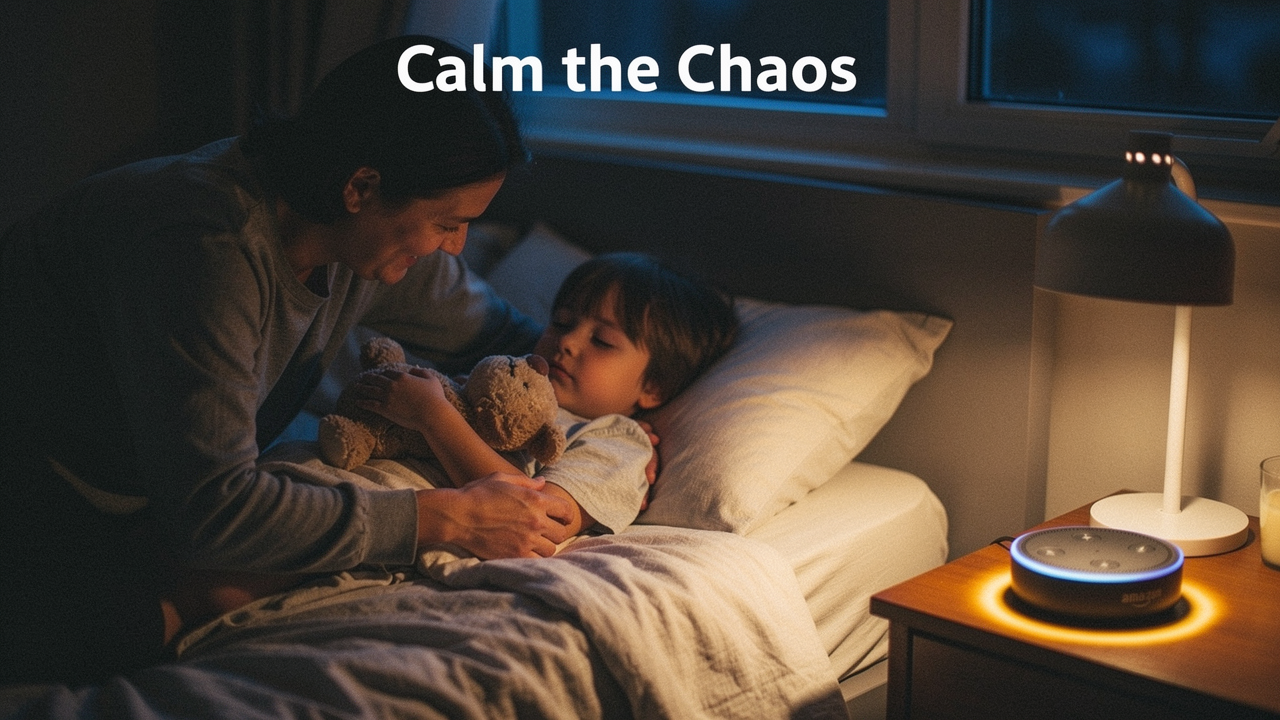
In my world of “Best Goods for Good Life,” I talk a lot about High Lifestyle ROI. It’s the idea that a small investment—whether it’s a better sourdough starter or a smart device—should pay back massive dividends in your daily peace. For years, I viewed the Amazon Echo as just a way to check the weather. What finally clicked for me was realizing it’s actually a parenting co-pilot. When used intentionally, it doesn’t just play music; it automates the transitions that usually lead to meltdowns.
According to the Mayo Clinic, preschoolers need a solid 10 to 13 hours of sleep every single day [2]. When we miss that window, we aren’t just dealing with a cranky kid; we’re impacting their learning and development. Today, I want to show you how to turn that little speaker on your nightstand into a tool that reclaims your evening and helps your kids get the rest they actually need.
The Bedtime Battle: Why the Struggle is Real (and Common)
If you feel like you’re failing because your toddler is currently doing a gymnastics routine on their mattress instead of sleeping, let me reassure you: you aren’t alone. Research from Nationwide Children’s Hospital shows that bedtime problems are most prevalent between the ages of 3 and 6 [1]. This is a developmental peak for testing boundaries and experiencing nighttime fears.
The reality of parenting daily challenges is that bedtime is a transition, and kids hate transitions. They want to stay in the light, with the people they love, doing things that are fun. When we suddenly say, “Okay, lights out,” it’s a shock to their system. This is where “bedtime struggles” turn into full-blown battles.
One clinical solution often recommended is “bedtime fading”—slowly adjusting the time a child goes to bed to match when they are actually tired, then gradually pulling it earlier as the routine sticks. But even with the best techniques, the mental load of being the “enforcer” is draining. That’s why we’re going to let Alexa take some of that weight.
Amazon Echo as Your Parenting Co-Pilot
Here’s the thing about being a parent: we spend all day being the “bad guy.” We say no to the extra snack, no to the third episode of that show, and no to jumping off the sofa. By 8:00 PM, I’m done being the enforcer.
Using an Amazon Echo allows you to externalize those boundaries. When “Alexa” says it’s time to start winding down, it isn’t Mom or Dad being a killjoy—it’s just the schedule. This aligns beautifully with the principles of the Triple P (Positive Parenting Program), which emphasizes that consistency and clear limits are the foundation of healthy behavior [4].
Of course, tech isn’t a replacement for you. Focus on the Family reminds us that the goal of a routine is also bonding [5]. Alexa handles the “timer” and the “white noise” so you can focus on the cuddles and the conversation. It’s about using technology to clear the path for more human connection.
Setting Up the Command Center: Safety & Privacy First
Before we put a microphone in a child’s room, we have to talk about privacy. I’m very protective of my home environment, and you should be too. To make your Echo “kid-safe,” there are a few non-negotiable steps:
- Enable Amazon Kids: Open the Alexa app, go to your device settings, and toggle on “Amazon Kids.” This filters out explicit songs and ensures Alexa’s responses are age-appropriate.
- Set “Do Not Disturb” (DND): You don’t want a random notification or a “drop-in” from Grandma at 11 PM. Schedule DND in the app to run from 7:30 PM to 7:00 AM.
- The Physical Mute: Every Echo has a physical button to disconnect the microphone. I tell my kids, “When the light is red, Alexa is sleeping and can’t hear us.” It’s a great visual boundary.
- Cord Management: This is a safety must. Ensure cords are tucked behind furniture and out of reach of curious hands.
The 60-Minute ‘Calm Down’ Blueprint: A Sample Alexa Routine
What surprised me most when I started optimizing my home was how much kids crave a predictable “rhythm.” The American Academy of Pediatrics (AAP) suggests that screen-free time before bed is crucial for melatonin production [6]. Here is a “High ROI” routine you can program into your Alexa app today:
- 7:00 PM – The Five-Minute Warning: Alexa makes an announcement: “Five minutes until screen-time ends. Let’s start picking up our toys!” (This prevents the shock of a sudden “off” switch).
- 7:05 PM – Environment Shift: Alexa automatically dims the smart lights to 30% and starts playing a “Relaxing Piano” playlist. The house literally feels different.
- 7:30 PM – The Hygiene Soundtrack: Use a routine to play an upbeat (but not hyper) song for teeth brushing. When the song ends, brushing is done.
- 8:00 PM – The Audio Transition: Once they are tucked in, Alexa triggers a “Bedtime Story” or “Sleep Studio” sounds to help them drift off without needing you to stay in the room for an hour.
Top 3 Alexa Skills to End the Nightly Power Struggle
The “one more story” trap is real. I used to read until my voice was raspy, only for my daughter to ask for just one more chapter. I felt guilty saying no, but I was also desperately needing my own “me time” to reset for the next day. I started looking for a way to provide high-quality stories that didn’t require me to be the narrator for 45 minutes straight.
That’s when I found the Bedtime Stories skill by Volley. It was a game-changer because the stories are actually well-produced and calming, not over-stimulating. You can choose different genres, and the voice modulation is designed to be soothing. It felt like I was delegating the “performance” part of bedtime so I could focus on the “snuggling” part.
The real win here: A treasure trove of calming narratives that takes the performance pressure off parents.


If you’re worried about the hardware itself, I’ll admit I was skeptical of putting a standard Echo in a kid’s room. I didn’t want them accidentally ordering 50 pounds of glitter or listening to “Baby Shark” on repeat at 3 AM. I eventually upgraded to the Echo Dot Kids, which comes with a year of Amazon Kids+. What sold me was the Parent Dashboard; I can see exactly what they’re listening to and set strict “time-off” limits.
The game-changer: The ultimate filtered gatekeeper for your child’s auditory environment.
You know that feeling when your child wakes up at 5:15 AM, stands over your bed, and whispers, “Is it morning?” It’s the stuff of parenting nightmares. I tried those expensive “ok to wake” clocks, but they were either too bright or incredibly hard to program. What finally worked was integrating an Echo Glow into our Alexa routine. I programmed it to stay a soft, dim red all night, turning to a “morning green” at 7:00 AM. It gave my kids a visual anchor that didn’t require them to read a clock.
Bottom line: A visual anchor that helps kids understand time without needing to read a clock.
Troubleshooting: When Tech Meets a Toddler
No system is perfect, and kids are incredibly creative at finding “loopholes.” If your child starts treating Alexa like a toy rather than a sleep aid, here are my optimization hacks:
- “Alexa, stop listening”: If they are constantly asking Alexa jokes instead of sleeping, use the physical mute button after the story starts.
- Volume Limiting: You can set a maximum volume in the Alexa app so they can’t crank the white noise to “concert levels” in the middle of the night.
- Placement is Everything: Keep the Echo on a high shelf. It’s a tool, not a toy. If it’s on the nightstand, it’s too tempting to poke.
Dealing with “kids bedtime issues” can lead to chronic parenting stress, which the Lindner Center of HOPE notes can harm our own mental health if left unchecked [3]. Remember, the Echo is just a tool to help you stay calm. If the tech fails or the toddler wins one night, it’s okay. Reset, and try again tomorrow.
Building a bedtime routine is a lot like my sourdough starter—you can’t just ignore it for a week and expect it to work perfectly. It requires a little bit of daily attention and consistency. But once that rhythm is established? The ROI is incredible. You get your evenings back, your kids get the rest their growing brains need, and everyone wakes up a little bit more “Austin sunshine” and a little less “storm cloud.”
What’s your favorite “Alexa” command that actually makes your life easier? Drop it in the comments below—I’m always looking for new ways to optimize the “Good Life”!
Disclaimers: This article contains affiliate links for Amazon Echo products. As an Amazon Associate, I earn from qualifying purchases. This guide is intended for informational purposes and does not replace professional pediatric sleep advice or medical consultation.
Sources & Further Reading
- Nationwide Children’s Hospital. (2025). Bedtime Problems in Children. https://www.nationwidechildrens.org/specialties/sleep-disorder-center/bedtime-problems
- Mayo Clinic Staff. (2025). Helping your preschooler get a good night’s sleep. https://www.mayoclinic.org/healthy-lifestyle/childrens-health/in-depth/child-sleep/art-20044338
- Lindner Center of HOPE. (2025). Understanding and Managing Parenting Stress. https://lindnercenterofhope.org/details/parenting-stress
- Triple P – Positive Parenting Program. (2025). Bedtime Routines and Consistency. https://www.triplep-parenting.com/us/hot-parenting-topics/bedtime-routines
- Focus on the Family. (2025). The Power of Nighttime Routines. https://www.focusonthefamily.com/parenting/nighttime-routines
- American Academy of Pediatrics. (2025). Media and Children Communication Toolkit. https://www.aap.org