=
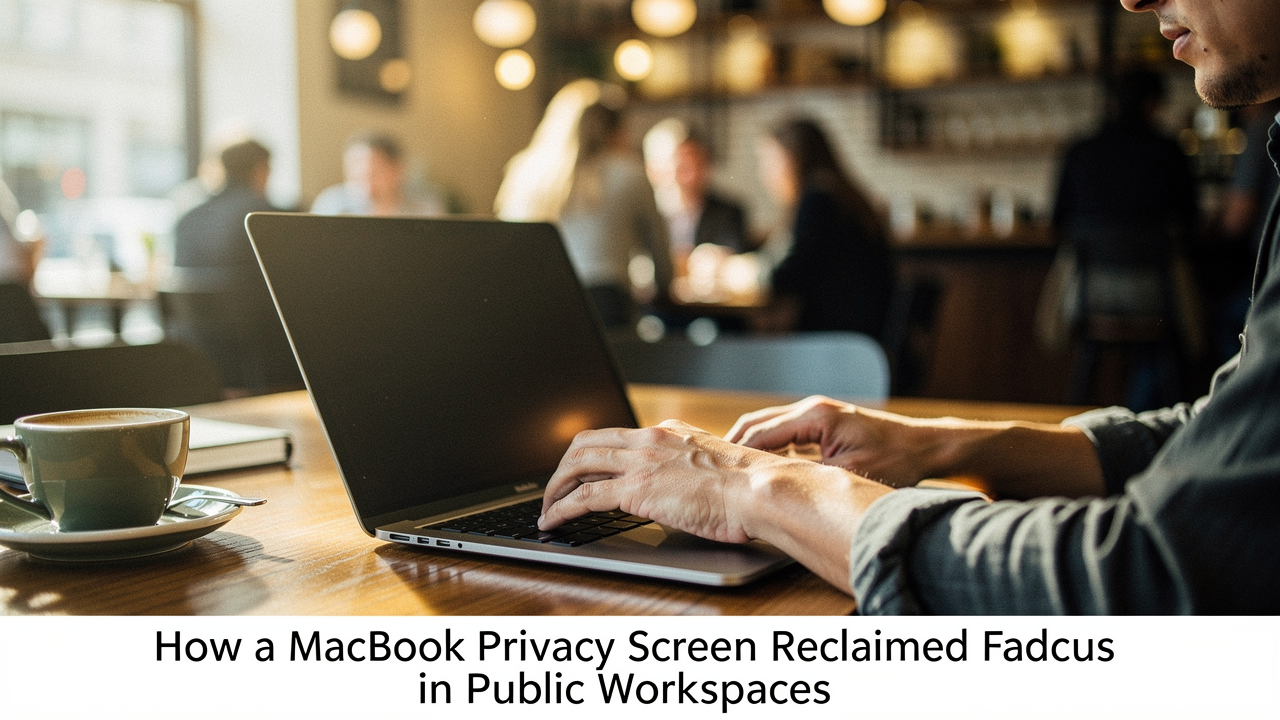
I realized then that my “public office” wasn’t just exposing my data; it was draining my productivity. This is exactly what I mean when I talk about High Lifestyle ROI. We often think of self-care as a face mask or a yoga class, but sometimes, the best thing you can do for your mental well-being is to optimize your environment so it actually supports you.
Adding a privacy screen to my setup wasn’t just about security—it was about reclaiming the mental space to do deep work, anywhere. If you’ve ever felt that “shoulder-surfing” itch, here is everything I’ve learned about turning your MacBook into a private sanctuary.
The Invisible Threat: Why ‘Visual Hacking’ is More Than Just Paranoia
It’s easy to tell yourself that nobody cares what’s on your screen. But here’s the thing: visual hacking isn’t always a malicious spy in a trench coat. Often, it’s just casual curiosity that leads to a data leak. Whether it’s a passenger on a plane seeing your payroll spreadsheet or a stranger in a coffee shop catching a glimpse of a private Slack thread, the risk is real.
According to studies by the Ponemon Institute, a staggering 87% of visual hacking attempts are successful when no privacy protections are in place [1]. When you realize that over 50% of mobile professionals now work in public locations like cafés or airports at least weekly, the vulnerability is massive [2].
For me, the “pain” wasn’t just the theoretical risk of a data breach. It was the “behavioral tax” I was paying. I was avoiding certain tasks in public—like checking finances or drafting sensitive emails—because I didn’t feel “safe.” That meant my most flexible hours were being wasted on busy work.
The Tech Behind the Filter: How Micro-Louver Privacy Works
I’ll admit, I was skeptical. How can a piece of plastic make a screen invisible from the side but crystal clear from the front? It felt like magic until I looked into the “micro-louver” technology pioneered by companies like 3M [3].
Think of a privacy screen like tiny vertical blinds. When you look at blinds head-on, you can see right through to the window. But as you move to the side, the slats overlap and block the view. These filters use thousands of microscopic “louvers” per inch. From your perspective (head-on), the light passes through cleanly. But for the person sitting 30 degrees to your left or right, the screen appears completely black or deeply tinted.
Most high-quality MacBook privacy screens are engineered with a 60-degree total viewing angle (30 degrees on either side). This means that while you enjoy your Retina display, your neighbor only sees a dark, inactive monitor.
First Impressions: Magnetic vs. Adhesive Mounting
When I started hunting for the perfect filter for my MacBook Air M2, I quickly realized there are two main camps: the “stuck-on” crowd and the “snap-on” crowd.
Here’s my honest take: unless you never, ever plan on taking the filter off, magnetic is the only way to go for Mac owners. MacBooks are designed with such tight tolerances that traditional adhesive strips can feel clunky, and they often leave a residue that hurts my soul (and the resale value).
I’ll admit, I was worried about the magnets. Would they be strong enough? Would they mess with the sleep/wake sensor? What I found was that the magnets on a quality screen align perfectly with the MacBook’s top bezel. It snaps on with a satisfying click and stays put, even if I’m moving from a table to a couch. The best part? I can peel it off in a second when I’m back in my home office and want that full, unadulterated 500-nit brightness for photo editing.
The Performance Test: Brightness, Clarity, and Glare
Let’s talk about the trade-offs, because I’m all about being real with you. A privacy screen is, by definition, putting a physical barrier between your eyes and those beautiful pixels.
In my testing, I noticed a brightness reduction of about 20% to 25%. On a bright Austin afternoon, I definitely had to bump my MacBook’s brightness up two or three clicks higher than usual. For most people, this is a non-issue. However, if you are a professional color grader or someone who needs 100% color accuracy for design work, you’ll want to pop the screen off during those specific tasks.
The unexpected win, though, was the anti-glare property. Most privacy filters are reversible: one side is glossy (for better clarity) and the other is matte. Using the matte side near a sunny café window was a revelation. It cut the harsh reflections by nearly 50%, which meant way less eye strain by the end of my two-hour “deep work” block.
How This Filter Changed My Public Workflow
The shift in my routine was almost immediate. Before the filter, I was a “corner dweller.” I would circle a coffee shop like a hawk, waiting for a seat with my back to a wall. Now? I’ll sit right in the middle of a communal table.
What surprised me most was the psychological effect, something researchers call “social facilitation” or the “audience effect.” When we feel watched, our brain dedicates a portion of its processing power to “performing” or being self-conscious. By “cloaking” my screen, I effectively turned off that background process. I found I could drop into a flow state much faster because the barrier created a sense of a private office in a public space.
The Checklist: Choosing the Best Screen for Your Persona
Not all screens are created equal. If you see a “deal” on a generic marketplace that seems too good to be true, it probably is—often, those cheap versions are just dark plastic that blurs your text without actually blocking side views.
To help you choose, I’ve put together these “Persona Loadouts” based on the gear that actually survives my “Good Life Test.”
The Minimalist Remote Worker (Small Spaces)
You value a clean aesthetic and don’t want to carry a bulky tech bag. You need something that integrates perfectly with the MacBook’s slim profile.
- Essential: A magnetic privacy screen (13″ or 15″ specific to your Air/Pro model)
- Essential: A microfiber storage sleeve to protect the filter when it’s not on your laptop
- Pro Upgrade: A slim tech pouch for your charger and a reusable screen cloth
The Power User & Frequent Traveler
You’re on planes, in airport lounges, and jumping between meetings. Durability and ease of use are your top priorities.
- Essential: A “4-way” privacy filter (blocks view from top/bottom as well as sides—perfect for tight airplane seating)
- Essential: A hardshell MacBook case that is compatible with magnetic screen attachments
- Pro Upgrade: A portable laptop stand to keep your ergonomic game strong while you work on the go
Common Questions (FAQ)
Can I close my MacBook with the privacy screen on?
This is the most common concern I hear. With the magnetic filters, there is a tiny (less than 1mm) gap when the lid is closed. In my experience with the M2 and M3 models, the MacBook still goes to sleep perfectly, and the hinge isn’t under any undue stress. However, I usually take mine off and put it in its sleeve before sliding my laptop into a tight backpack just to be safe.
Does it work with Face ID and the Notch?
Most modern privacy screens for the newer MacBook Pro and Air models have a precise cutout for the “notch.” In my testing, Face ID and the camera worked exactly as they did without the filter. Just make sure you buy a version specifically designed for the “Liquid Retina” displays with the notch.
How do I clean a privacy screen without damaging the coating?
Whatever you do, don’t use Windex! The micro-louver coating is sensitive. I find that a dry microfiber cloth is usually enough. For stubborn fingerprints, a tiny bit of water or a specialized electronic screen cleaner is fine—just apply it to the cloth first, never directly to the screen.
The Bottom Line
Is a MacBook privacy screen for everyone? If you only use your laptop at your kitchen table, probably not. But if you’re a mobile professional, a student, or just someone who values their digital boundaries, it is one of the highest-ROI purchases you can make.
The cost—usually between $40 and $60—is a small price to pay for the ability to work anywhere without looking over your shoulder. It’s about more than just hiding your screen; it’s about giving yourself the permission to focus.
Expert note: Remember, a privacy screen is a physical layer of security. It’s great for stopping “shoulder surfing,” but it doesn’t replace digital habits like using a VPN on public Wi-Fi or having a strong, unique password.
Stay focused, stay private, and keep making your space work for you.
Affiliate Disclosure: This review contains products I use and genuinely love. I may earn a small commission if you choose to purchase through my links, at no extra cost to you. This helps support the time I spend testing and researching for “Best Goods for Good Life.”
References & Authoritative Sources
- Ponemon Institute (2016). The Global Visual Hacking Experiment. [Source: 3M/Ponemon]
- Industry Survey on Mobile Professional Trends (2023). The Rise of the Public Office.
- 3M Science of Privacy. Technical Whitepaper on Micro-Louver Technology. [Source: 3m.com]
- Apple Support. MacBook Air & Pro Specifications (Brightness and Coating Guidelines). [Source: apple.com]