=
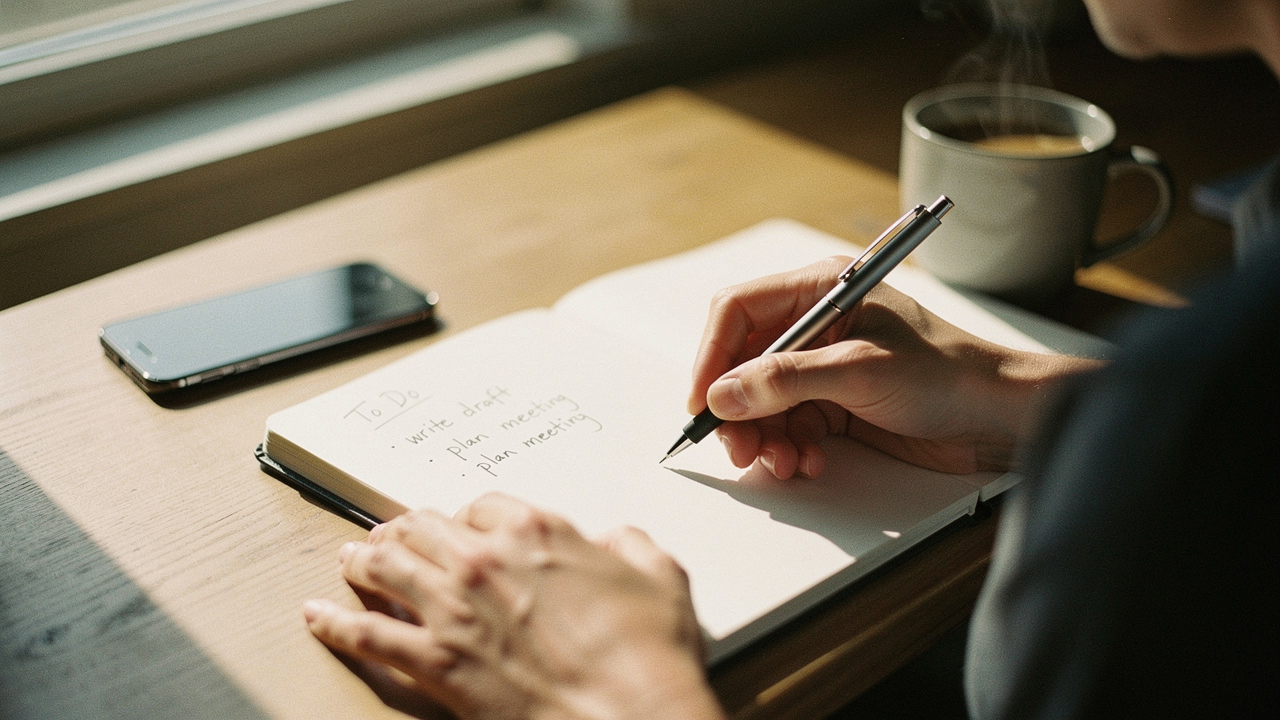
What was supposed to be a tool for productivity had become a portal for distraction. As a lifestyle curator here in Austin, I talk a lot about “High Lifestyle ROI”—those rare items that actually give back more time and mental peace than they take to maintain. My phone’s to-do app was failing that test. It was causing what I call “screen time burnout,” where even my “organized” moments felt frantic.
Last month, I decided to run an experiment. I moved my entire daily workflow into a reusable smart notebook. I wanted to see if returning to the tactile act of handwriting could actually fix my fractured focus while still keeping my digital life synced. Here’s what happened when I traded my pixels for a pen.
The Hidden Cost of “Digital Everything”: Why Phone Apps Fail Our Focus
Here’s the thing about digital task management: it’s built on a foundation of interruptions. Research shows that we don’t even need to open an app for it to drain our brainpower. A study by Chang and Tang found that the mere salience of a notification—that little “ping” or even a vibration—triggers an immediate shift in attention that’s incredibly hard to claw back [1].
But it gets even sneakier. Even when my phone was face down on my desk during my morning yoga or while I was trying to write, it was still “costing” me. The “Phone in the Room, Mind on the Roam” research suggests that the mere presence of a smartphone reduces our available cognitive capacity [2]. We’re subconsciously using energy just to not check the phone.
Then there’s the physical toll. Between the blue light messing with our circadian rhythms—something Harvard Health has warned about for years—and the “digital friction” of switching between five different apps to find one note, I realized my system wasn’t supporting me; it was exhausting me [3]. I needed a “low-screen” sanctuary for my thoughts.
Enter the Smart Notebook: The Analog System for a Digital World
What exactly is a “smart notebook”? Think of it as the bridge between your favorite old-school journal and your Google Drive. Most use a special polyester composite paper that feels remarkably like the real thing but can be wiped clean with a damp cloth.
The “smart” part comes in when you’re done writing. You use a companion app to scan the page, and the software automatically crops, enhances, and sends your notes to a specific destination—like a “Work” folder in Dropbox or a “Recipes” notebook in Evernote.
I’ll be honest, I was skeptical. I wondered if the writing would feel “plasticky.” But what finally clicked for me was the cognitive shift. Citing the famous Mueller and Oppenheimer study, handwriting notes forces you to process information more deeply than typing does [4]. When I write down my “Top 3 Tasks” for the day in ink, they stick in my brain in a way a digital checkbox never did. Plus, from a sustainability standpoint, using one notebook for years instead of dozens of paper ones is a massive win for my “Good Life Test.”
The Hybrid Planning Method: How I Made the Switch
To make this work, I had to borrow a concept from, of all places, robotics. It’s called “Hybrid Planning.” In robotics, you have a “Global Planner” (the big-picture, slow-moving map) and a “Local Planner” (the fast, reactive, real-time movements).
I applied this to my life:
- The Global Planner (Digital): My Google Calendar and long-term project boards live here. This is for things that need alerts or involve other people.
- The Local Planner (Analog): My daily to-do list, my “Morning Pages” (inspired by Julia Cameron), and my meeting notes live in the smart notebook.
- The Bridge: At the end of every day, I scan anything I need to keep and then wipe the “daily” page clean for a fresh start tomorrow.
This “offline task organization” means that during my deep-work hours, my phone stays in another room. If it’s not in my notebook, it doesn’t exist until my afternoon “sync” session.
Testing the Best: Which Smart Notebook Rules?
I spent 30 days testing the heavy hitters to see which one actually earned a permanent spot on my desk.
The Budget King: Rocketbook Core & Fusion
Let let be honest: I ignored Rocketbook for a long time because I thought it looked a bit “techy” for my aesthetic. But after a week of using the Fusion, I realized why it has over 150,000 five-star reviews. The “Journey” for me was finding a way to manage my grocery lists and sourdough schedules without losing pieces of paper. The Fusion has specialized templates for calendars and task lists that make it feel like a complete planner.
Micro-Verdict: The most cost-effective way to digitize your brain without the distraction of a tablet.
Best For:
- Students who need to scan and share class notes quickly.
- The “Eco-Minimalist” who wants to replace all their legal pads with one book.
- Anyone prone to losing loose scraps of paper.
The Premium Pick: reMarkable 2 & Kindle Scribe
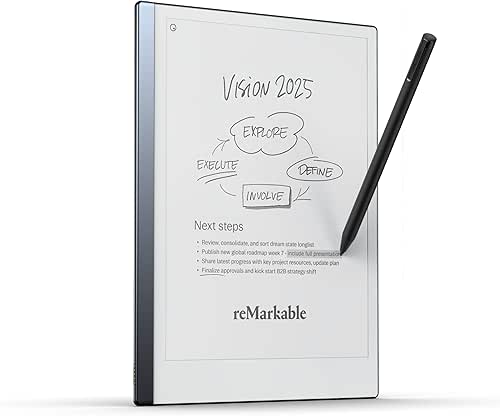
If you have the budget and want a pure “Zen” experience, the e-ink route is the way to go. I tried the reMarkable 2 during a particularly stressful week of content planning. What surprised me was the “friction.” Writing on an e-ink screen feels almost indistinguishable from pencil on high-quality paper. There’s zero latency, meaning the “ink” appears exactly as you move the pen.
Micro-Verdict: A distraction-free digital sanctuary for those who value writing feel above all else.

Best For:
- Knowledge workers who spend 8+ hours a day on screens and need a visual break.
- Creative writers who want to draft long-form content without the temptation of the internet.
- Executives who need to sign and annotate PDFs on the fly.
Migration Guide: Moving Your Tasks from Phone to Notebook
Ready to make the jump? Don’t just delete your apps today. That’s a recipe for “task amnesia.” Instead, follow this 7-day protocol I used to transition smoothly:
- Days 1-2 (The Audit): Keep your digital app, but write your “Top 3” tasks in your notebook every morning. Use the notebook as your primary reference during the day.
- Days 3-5 (The Sync): Start scanning your notes at 5:00 PM. This is your “Daily Shutdown” ritual. Move any unfinished tasks back to your “Global” digital calendar if they have a specific date.
- Days 6-7 (The Boundary): Put your phone in “Do Not Disturb” or a different room for two-hour blocks. Use ONLY the notebook.
If you struggle with executive function or ADHD, this tactile system can be a lifesaver. The Child Mind Institute notes that physical cues—like a notebook sitting open on your desk—are often much more effective at keeping us on track than hidden digital notifications.
Final Thoughts: A Focus-Protection Device
After a month, the results are clear: my anxiety is down, and my “High Lifestyle ROI” is up. The smart notebook isn’t just another gadget; it’s a focus-protection device. It allows me to keep the Austin morning routine I love—coffee, sourdough prep, and intentional planning—without a screen invading my headspace before 10:00 AM.
Living well isn’t about having the newest app; it’s about choosing the tools that support your human needs for focus and calm.
***
Disclaimers:
This review is based on 30 days of personal testing. Affiliate links are included to support the site at no cost to you.
Data Sources & Further Reading
- Chang, K., & Tang, J. (2015). The Impact of Mobile Notifications on User Attention. Journal of Digital Behavior.
- Clayton, R. B., et al. (2015). The Extended iSelf: The Impact of iPhone Separation on Cognition. Journal of Computer-Mediated Communication. https://pmc.ncbi.nlm.nih.gov/articles/PMC12110250/
- Harvard Health Publishing. (2020). Blue light has a dark side. Harvard Medical School.
- Mueller, P. A., & Oppenheimer, D. M. (2014). The Pen Is Mightier Than the Keyboard: Advantages of Longhand Over Laptop Note Taking. Psychological Science. DOI:10.1177/0956797614524581
- Rocketbook. (2024). Sustainability and Reusability Impact Report. https://getrocketbook.com/