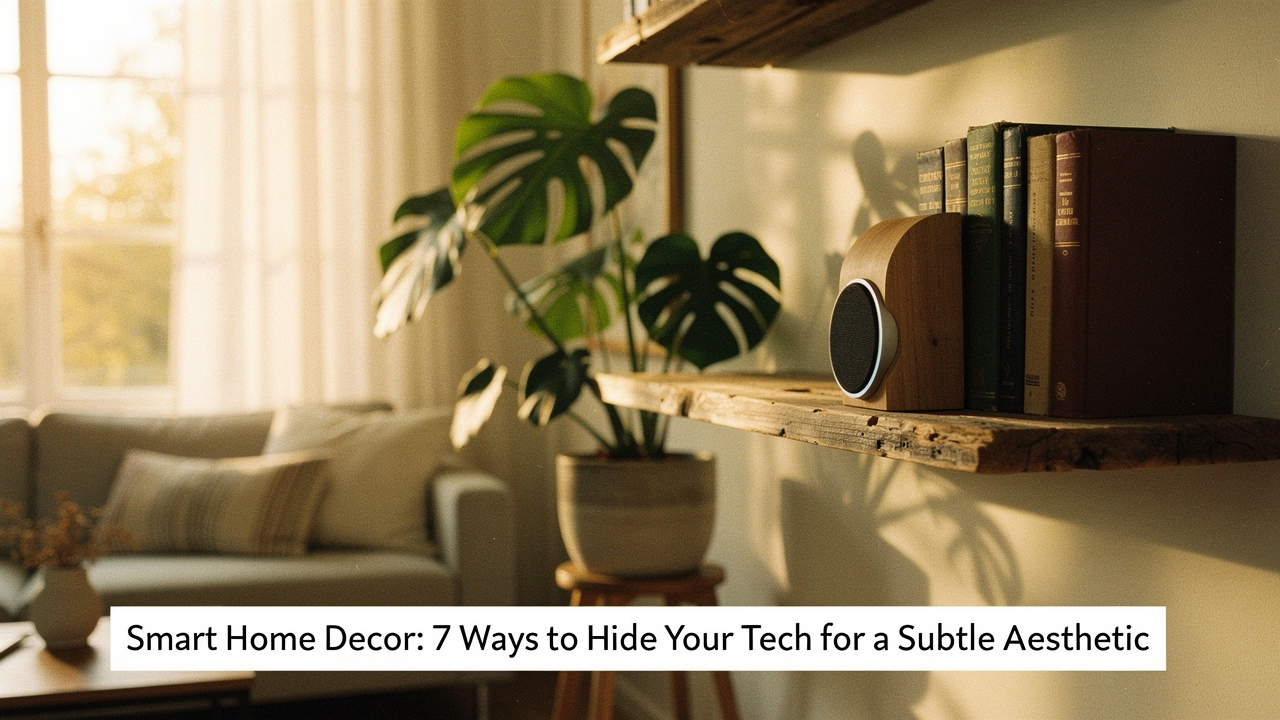
That’s the moment I realized we often pay a “tech clutter tax.” We bring these amazing smart devices into our homes to make life easier, but they often end up sabotaging the calm, intentional spaces we’ve worked so hard to create. If you’ve ever looked at your living room and felt like you were living in a Best Buy showroom instead of a sanctuary, you’re not alone.
In my quest for a “High Lifestyle ROI,” I’ve learned that the best technology is the kind that supports your life without demanding to be the center of attention. Today, I want to share how we can move past the “gadget graveyard” aesthetic and create an invisible smart home that feels as good as it functions.
The Tech Clutter Tax: Why Your Smart Home Needs a Design Intervention
There is a real, measurable cost to having tech clutter everywhere. It’s not just about aesthetics; it’s about how your brain processes your environment. Research published in the Personality and Social Psychology Bulletin has shown that individuals who perceive their homes as cluttered or full of unfinished projects actually experience higher levels of cortisol, the primary stress hormone [1].
When our walls are covered in blinking LEDs and our floors are a tangled web of black cables, our brains never truly get to “reset.” This is why I’m such a proponent of “Calm Technology,” a concept pioneered by researchers like Amber Case. The goal of calm tech is to ensure that the technology informs us but doesn’t demand our constant focus [2].
If an automation is “obtrusive”—meaning it flashes bright lights at 2 AM or creates a visual “hiccup” in your decor—it’s not actually serving you. It’s just adding to the noise.
The 3 Pillars of Discreet Home Automation
Before we start camouflaging things, I like to look at any new device through what I call the “Discreet Pillar Framework.” If a device fails one of these, it’s going to be a thorn in your side eventually.
- Form (The Visual Footprint): Does the device have a neutral finish? Can it be mounted flush? Industry standards from groups like CEDIA emphasize “wall clutter reduction” as a core tenet of luxury design [3].
- Placement (The Flow): Does the device live where it’s naturally needed, or are you forcing it into a spot just because there’s a power outlet there?
- Performance (The Technical Guardrails): This is the big one. We can’t hide a device so well that it stops working. For example, hiding a router in a dense wooden cabinet can tank your signal strength by 10% to 30% [4].
Design Recipes: How to Hide Smart Home Devices in Decor
You don’t need a professional integrator to make your tech disappear. Sometimes, it just takes a few “design recipes”—simple combinations of decor and strategy that I’ve tested in my own home.
The Router: From Plastic Box to Rattan Masterpiece
Let’s talk about the biggest eyesore in most homes: the router. You need it central for a good signal, which usually means it’s right in the living room. Here’s the trick: use a breathable rattan or wicker basket. Because these materials have a loose weave, they allow for excellent airflow (critical for preventing overheating) and are “RF transparent,” meaning they won’t block your Wi-Fi signal like a solid wood or metal box would.
Smart Speakers: The ‘Hollow Book’ and Fabric Play
I love my voice assistants, but I don’t love the “hockey puck” look on every side table. What finally clicked for me was using acoustically transparent fabrics. You can find beautiful linen-covered boxes or even hollow out a stack of vintage books to house a smaller speaker like an Echo Pop or Nest Mini. Just make sure the top is open or covered with a thin fabric so the microphones can still hear your “Good morning” coffee request [4].
Cabling: The ‘Gutter’ and Cord-Wrap Method
Nothing ruins the “invisible” vibe faster than a trail of black cords. My rule is that if a cord is visible, it’s a failure.
- Essential: Use “J-channel” cable gutters along the back of your furniture to catch all those hanging wires.
- Essential: Swap out standard black power strips for ones with white or grey braided cords that blend into your baseboards.
- Pro Upgrade: Use paintable cord covers for wall-mounted tech to make the wire literally disappear into the wall color.
Best Subtle Smart Home Gadgets That Blend In
If you’re in the market for new gear, I always suggest looking for items designed with an “interior-first” mindset. These are the items that pass my “Good Life Test” with flying colors.
Living Room: The “Now You See It, Now You Don’t” Screen
For the longest time, I hated how the TV became a giant black hole in my living room when it wasn’t on. It completely sucked the energy out of the space. I tried hiding it behind a curtain, and I even considered a projector, but neither felt right. I wanted something that felt like a curated part of my home.
What sold me was discovering a screen that actually mimics the texture and appearance of physical art. When I’m not catching up on a documentary, my wall displays a high-resolution print of a Texas landscape, and the matte finish is so convincing that guests often don’t realize it’s a TV until I turn it on. It turned a design problem into a focal point.
Micro-Verdict: The ultimate design win for anyone who wants a cinema experience without the “tech-heavy” living room vibe.


Audio: The Speaker That Thinks It’s a Gallery Piece
I’ve always been a music person—Sunday morning jazz is a non-negotiable in my house. But I struggled with finding a place for speakers that didn’t involve more bulky boxes on my counters. I wanted the sound quality of a high-end system but the footprint of… well, nothing.
I eventually found a solution that actually mounts to the wall and functions as a picture frame. You can swap out the front art panel for anything from a minimalist print to a personalized photo. It connects to my existing Sonos system, so the sound is rich and deep, but it looks exactly like a piece of art I’d find at an Austin gallery.
Micro-Verdict: The perfect “High Lifestyle ROI” item for minimalists who refuse to compromise on audio quality.
Lighting: The Smart Glow Without the Smart Look
I’ll admit it—I ignored smart lighting for years because I hated the look of those industrial-looking smart plugs and the clinical “white” light of early smart bulbs. I wanted the convenience of automations but the cozy, vintage aesthetic of a warm filament bulb.
Here’s the thing: you can now get bulbs that look exactly like those beautiful Edison-style filaments but have the “brains” inside. I swapped all the bulbs in my entryway for these, and now my lights slowly fade on as the sun sets over the Austin hills. I didn’t have to add any bulky hubs or ugly plugs to make it happen.
Micro-Verdict: Bottom line, this is the easiest way to add smart functionality while keeping a cozy, vintage home aesthetic.
Critical Safety & Performance Checklist
While we all want a home that looks like a magazine spread, we have to keep safety and ethics at the forefront. Here is my “Don’t Compromise” checklist for hiding tech:
- Ventilation is Non-Negotiable: Never enclose a device that gets warm (like a router or game console) in a completely airtight box. The Consumer Product Safety Commission (CPSC) warns that overheating electronics are a significant fire hazard [5].
- Signal Integrity: Avoid hiding Wi-Fi or Bluetooth hubs behind metal or mirrors. These materials act as “Faraday cages” and will kill your connectivity.
- Ethics & Privacy: If you are using camouflaged security cameras, you must ensure you are following local laws. The FTC and privacy regulators emphasize that while you can hide tech for decor, you cannot use it to infringe on the reasonable privacy of guests [6].
- Microphone Access: If you hide a smart speaker, do a “voice test” from across the room. If you find yourself shouting, the material you used to hide it is too dense.
The Minimalist Persona Loadout
If you’re just starting your journey toward an invisible smart home, here is what I recommend for a “capsule” setup:
- Essential: A smart thermostat with a minimalist, glass face that blends into the wall.
- Essential: Hidden “behind-the-switch” relays that make your existing beautiful brass switches smart.
- Essential: A mesh Wi-Fi system where the nodes look like ceramic decor rather than spaceships.
- Pro Upgrade: Motorized shades with hidden rollers tucked inside your window casing.
Self-care starts with your space. When your environment supports you—when the tech “just works” in the background without creating visual noise—everything flows better. We don’t need more gadgets; we just need our gadgets to be a little more thoughtful.
Stay intentional, stay cozy, and let’s keep making our homes a little better every day.
—
This post contains affiliate links. Always check manufacturer ventilation guidelines before enclosing electronic devices to prevent fire hazards.
Resources & Technical References
- Saxbe, D. E., & Repetti, R. (2010). No Place Like Home: Home Reviews and Family Members’ Cortisol Patterns. Personality and Social Psychology Bulletin.
- Case, A. (2015). Calm Technology: Principles and Patterns for Non-Intrusive Design. O’Reilly Media.
- CEDIA. (2025). Designer Integration Standards: Reducing Wall Clutter in Smart Home Environments.
- Wirecutter. (2025). How to Position Your Router for the Best Wi-Fi Signal. The New York Times.
- U.S. Consumer Product Safety Commission (CPSC). (2024). Safety Alert: Preventing Fires in Enclosed Electronics.
- Federal Trade Commission (FTC). (2023). Consumer Privacy and the Evolution of Home Surveillance.