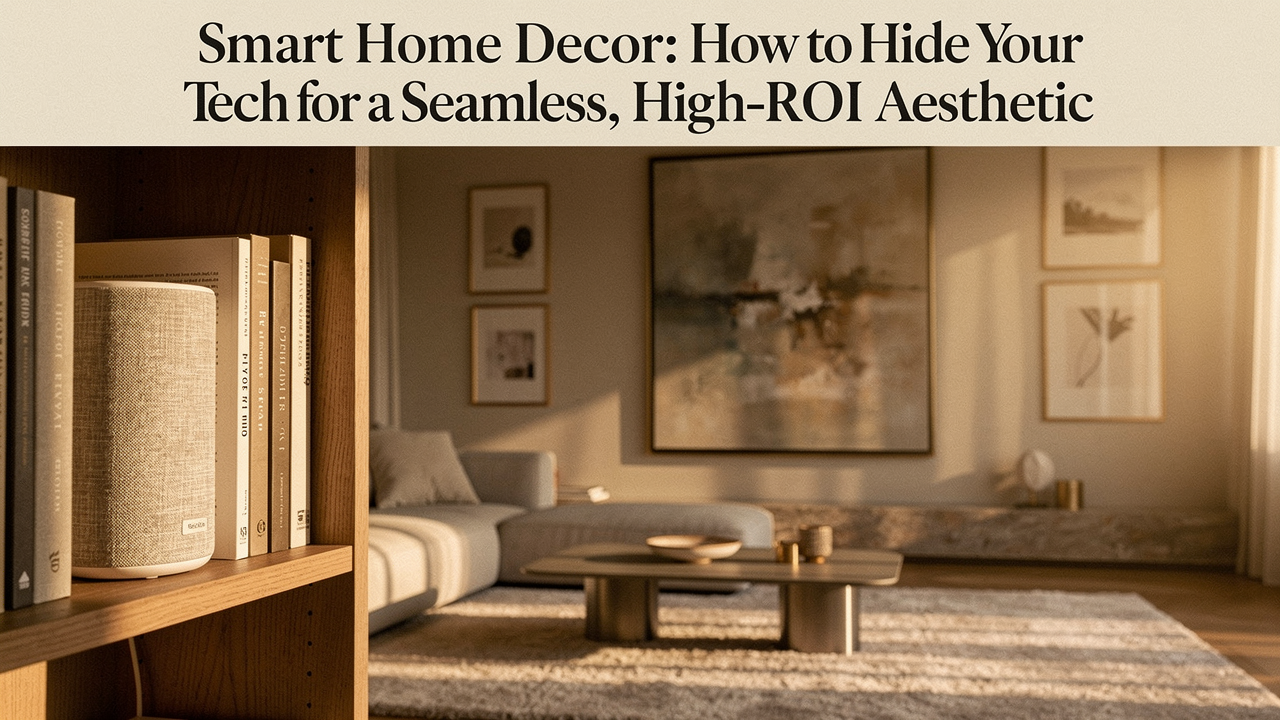
I call this “Wall Acne.”
It’s the moment where our desire for a connected, convenient life clashes violently with our need for a calm, intentional home. As someone who’s spent a decade obsessed with “High Lifestyle ROI”—choosing products that actually make your life better without costing you your peace of mind—I’ve realized that smart tech is often the biggest offender.
What finally clicked for me was this: technology should serve the home’s energy, not dictate it. We aren’t just trying to “stuff things in a drawer”; we’re designing a system where automation feels like magic—present when you need it, and invisible when you don’t. Today, I want to share the design-first framework I use to reclaim my space from the tech overload.
Quick Answer: The Best Way to Hide Smart Home Tech
To achieve a seamless look, use the “Hide, Camouflage, or Integrate” framework. Hide bulky hubs and routers in ventilated decorative boxes or cabinets. Camouflage devices like speakers by matching their color to your walls or using fabric covers. Integrate by choosing “aesthetic tech” like the Samsung Frame TV or lamp-speakers that double as furniture. Always prioritize ventilation to prevent overheating and avoid metal enclosures that block Wi-Fi signals.
The Problem: Why ‘Wall Acne’ and Tech Clutter Kill Your Home’s ROI
Let’s be honest: a cluttered home automation look isn’t just an eyesore; it’s a mental drain. When we see a jumble of wires or a bulky smart plug jutting four inches out of a wall, our brains register it as “unfinished business.”
According to principles from the American Society of Interior Designers (ASID), a room needs a clear visual hierarchy—a focal point that draws the eye [1]. When smart tech is ruining decor, it creates competing focal points. Instead of looking at your art, guests (and you!) are looking at the blinking plastic box on the shelf.
Environmental psychology research suggests that visual clutter can actually increase cortisol levels, making it harder to truly “reset” in your own home [2]. If you’ve spent thousands on a renovation or a Sunday reset, you deserve a space that supports your well-being. Ad-hoc device additions—adding one hub here and one sensor there—is how the clutter creeps in. To fix it, we have to stop thinking about gadgets and start thinking about integration.
The Design-First Framework: Hide, Camouflage, or Integrate?
In my Austin home, I follow a three-tier approach. I ask myself: Does this device need to be seen to work? If the answer is no, it goes into hiding. If it needs to be “out,” it gets camouflaged or replaced with something beautiful. This is what professional integrators call discreet home automation [3].
Strategy 1: Total Concealment (The ‘Invisible’ Build)
This is for the heavy hitters: the mesh Wi-Fi nodes, the bridge hubs (like Philips Hue or Lutron), and the power strips. If it doesn’t have a screen or a “tap” interface, it doesn’t belong on your tabletop.
- Cabinetry: Use a media console with infrared (IR)-friendly mesh doors.
- Architectural: In-wall or in-ceiling speakers that can be painted to match the drywall.
- The “Brain” Closet: Centralizing all your hubs in one ventilated closet and running wires through the walls.
Strategy 2: Strategic Camouflage (The ‘Plain Sight’ Method)
Sometimes you can’t move the device. Maybe your smart speaker needs to be in the kitchen for timers, or a camera needs a specific angle.
- Color Matching: If you have dark moody walls, don’t buy white plastic sensors. Go for black or charcoal.
- Skins and Wraps: Using custom wood-grain or stone-texture skins for your Nest or Ecobee.
- Hollowed-Out Books: A classic for a reason. A vintage book cover is the perfect “garage” for a small bridge or hub.
Strategy 3: Seamless Integration (The ‘Aesthetic Tech’ Choice)
This is my favorite “High ROI” move. It’s choosing products that were designed by people who actually care about interior design. This is tech that masquerades as art or furniture.
Room-by-Room Solutions for a Subtle Smart Home
Each room has a different “vibe” and different tech needs. Here is how I’ve optimized my favorite spaces.
The Living Room: Taming the Entertainment Hub
I used to hate how a giant black rectangle would dominate my living room wall when the TV was off. It felt like a void that sucked all the life out of the room. I tried hiding it behind barn doors, but that just felt bulky. Then I discovered a better way to handle hidden smart devices.
I’ll admit, I was skeptical that a TV could actually look like art until I saw it in person. The matte display is the key—it doesn’t have that “techy” reflection. You can even swap the bezels to match your wood tones.
What sold me: It turns a massive eyesore into a rotating art gallery that fits my Sunday morning aesthetic.
The Kitchen: Discreet Utility
In the kitchen, I’m usually elbows-deep in sourdough starter or prepping for a Friday night dinner. I need my voice assistant for timers and music, but I don’t want it sitting on my marble counters.
- The Jar Hack: Place your smart speaker inside a decorative ceramic jar (without a lid) to soften the look while keeping the microphone clear.
- Under-Cabinet Lighting: Using LED strips tucked behind the lip of the cabinetry so you see the glow, not the bulbs.
- Flush-Mount Plugs: Replace standard outlets with pop-out versions that stay flat against the backsplash when not in use.
The Bedroom: Technology that Retires
The bedroom should be a sanctuary. I’m a huge advocate for “technology that retires”—meaning it doesn’t emit blue light or look like a spaceship at 11:00 PM.
Here’s the thing about bedside tables: they’re usually the most cluttered spot in the house. Between the lamp, the phone charger, and a smart speaker, there’s no room for your book or a glass of water. I searched for months for a solution that didn’t involve three different power cords.
The real win here: High-fidelity sound and warm lighting from a single cord, wrapped in a beautiful fabric finish.
Persona Loadout: The Minimalist Home Optimizer
If you’re looking to streamline your setup right now, here is the “Persona Loadout” for a clean, design-forward home:
- Essential: A set of cable management boxes to hide power strips.
- Essential: Color-matched “skins” for your smart thermostat.
- Essential: Under-desk mounting brackets to get hubs off the floor.
- Pro Upgrade: A dedicated media closet with a cooling fan for centralized tech.
The ‘Un-Hideables’: Safe Ways to Mask Routers and Hubs
When we talk about how to hide smart home devices in decor, we have to talk about physics. I’ve seen people put their Wi-Fi routers inside solid metal decorative tins. Please, don’t do this!
The Wi-Fi Alliance reminds us that materials like metal, mirrors, and dense concrete are the enemies of signal strength [4]. If you enclose your router in metal, you’re essentially building a Faraday cage around your internet.
Additionally, we have to talk about heat. Most bulky smart home devices—especially routers and mesh nodes—rely on passive cooling. Underwriters Laboratories (UL) safety standards warn that enclosing electronics without proper airflow is a fire risk [5].
The Safe Solution: Use a wooden lattice box, a woven basket, or a fabric-fronted cabinet. These materials allow the Wi-Fi signal to pass through and provide enough “breathing room” to prevent overheating.
Ethics and Privacy: The Fine Line of Hidden Cameras
When we talk about hidden smart devices, we have to address the elephant in the room: privacy. While having a discreet camera in your living room might look better, it carries ethical weight, especially for guests or domestic workers.
The Electronic Frontier Foundation (EFF) emphasizes that “discreet” should not mean “deceptive” [6]. In many jurisdictions, there is a legal “Expectation of Privacy” in certain areas like guest rooms or bathrooms.
My Rule of Thumb:
- Never hide cameras in private guest spaces.
- If you use discreet cameras in common areas, include a small note in your “Welcome Guide” for visitors.
- Prioritize cameras with physical privacy shutters that you can close when you’re home.
Step-by-Step DIY: Creating Your Own ‘Hidden’ Device Enclosure
Want a quick project for the weekend? Here is how I hide my smart bridge (like a Philips Hue or Starlink bridge) using a simple decorative box.
- The Prep: Find a decorative wooden or paper-mache box that fits your decor. Ensure it’s at least 2 inches larger than the device on all sides.
- Ventilation: Using a 1-inch drill bit, create a “pattern” of holes on the back or bottom of the box. This is crucial for airflow.
- The Cord Notch: Use a small saw or a sturdy pair of scissors to cut a notch in the back corner for the power cord to exit.
- The Optimization Hack: Before you close the lid, use an app like Wi-Fi SweetSpots. Check your signal strength with the box open, then with it closed. If the speed drops more than 10%, your box material is too dense!
- Placement: Place the box on a bookshelf, perhaps stacking a real book on top to complete the look.
Building a Home, Not a Lab
At the end of the day, the goal of smart home decor isn’t to pretend technology doesn’t exist. It’s to ensure that your home feels like you, not a tech laboratory. The “High ROI” isn’t just in the convenience of the lights turning on; it’s in the feeling of walking into a room that feels calm, intentional, and beautiful.
Start with one room. Clear the “wall acne,” tuck away the cords, and choose one piece of tech that actually adds to your aesthetic. You’ll be surprised how much better the “Good Life” feels when you aren’t staring at a blinking green light.
Download our ‘Smart Home Aesthetic Audit’ checklist to find the biggest clutter offenders in your home today!
Disclaimers & References
Disclaimer: This post contains affiliate links. If you make a purchase through these links, I may earn a small commission at no extra cost to you. Always follow manufacturer guidelines for device ventilation and electrical safety.
References
- American Society of Interior Designers (ASID). (2024). Design Principles: Visual Hierarchy and Balance in Residential Spaces. ASID Professional Resource Guide.
- Saxbe, D. E., & Repetti, R. (2010). No Place Like Home: Home Environmental Mess and Cortisol Responses. Personality and Social Psychology Bulletin. https://journals.sagepub.com/doi/10.1177/0146167209352890
- CEDIA. (2025). The Standard for Discreet Home Technology Integration. Custom Electronic Design & Installation Association.
- Wi-Fi Alliance. (2023). Signal Interference: How Building Materials Impact Wireless Performance. Technical Whitepaper.
- UL Solutions. (2024). Standard for Safety of Information Technology Equipment: Thermal Management. https://www.ul.com/
- Electronic Frontier Foundation (EFF). (2025). Privacy in the Smart Home: A Guide to Domestic Surveillance Ethics. https://www.eff.org/